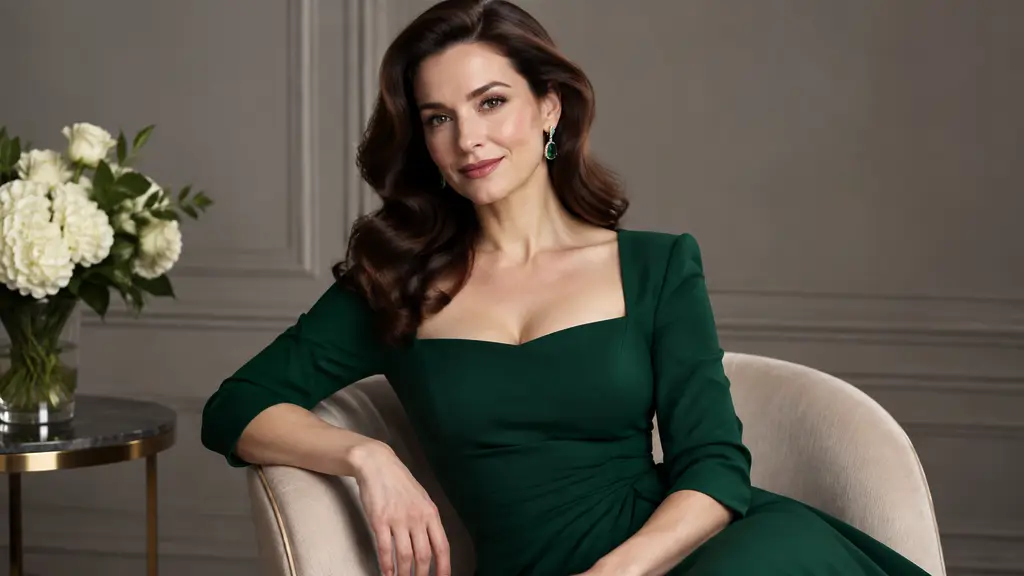
PROMPT
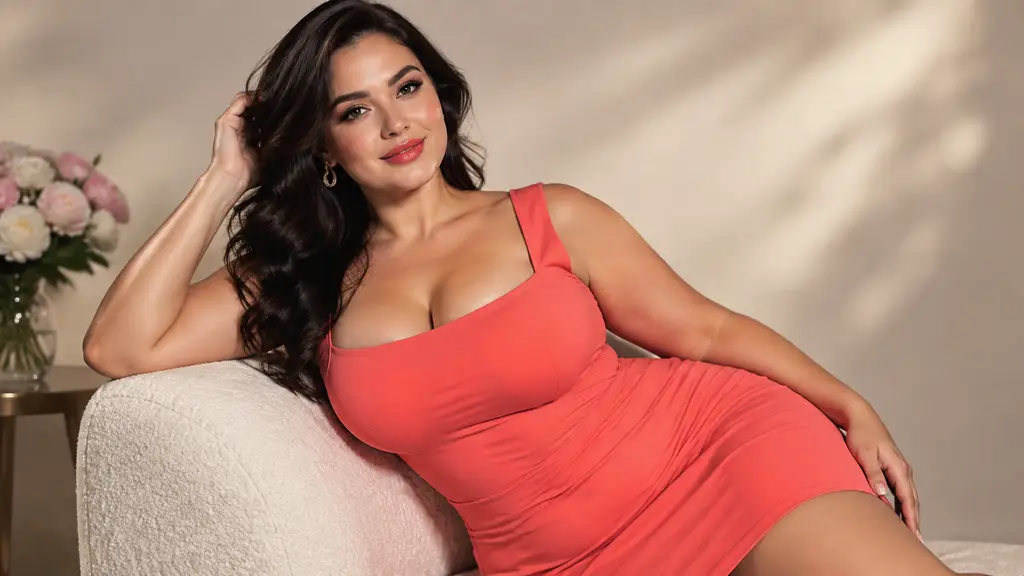
RemixReplace her outfit with the red satin evening dress in Image 1; keep pose, face and lounge lighting
Payment upgrade in progress — Email support@yomioo.com with your registered email for free credits to try first


Upload a short clip and a photo of the outfit you want. The AI dresses the person in your video in the new look—evening gowns, swimwear, streetwear or cosplay—while the pose, walk, face and camera move stay exactly as filmed. Adults only, no nudity.
Dancing, walking, posing or talking to camera—any clip works as long as the person is clearly in frame. Gowns, swimwear or everyday looks: every move from the original is kept.

Dancing, walking, posing or talking to camera—any clip works as long as the person is clearly in frame. Gowns, swimwear or everyday looks: every move from the original is kept.
Upload one to eight outfit references—product shots, lookbook photos or a costume. Name them Image 1, Image 2 when you want a specific look.

Upload one to eight outfit references—product shots, lookbook photos or a costume. Name them Image 1, Image 2 when you want a specific look.
Generate several outfits from the same clip and pick the best one—no reshoots, no wardrobe changes.

Generate several outfits from the same clip and pick the best one—no reshoots, no wardrobe changes.
One clip, unlimited looks. Built on Genjutsu Object Swap by Higgsfield.
Pose, walk, dance and camera move come from your original clip.
Only the outfit changes; identity and hairstyle stay the same.
Evening gowns, swimwear, party dresses, suits or streetwear.
Turn a regular clip into a character costume video.
Mix tops, bottoms and accessories in one generation.
References alone work; add a line to target one garment.
Draft cheaply, then render your favorite in 720p.
Adults only, no nudity, only footage you have rights to.
Add one short video with the person clearly in frame.
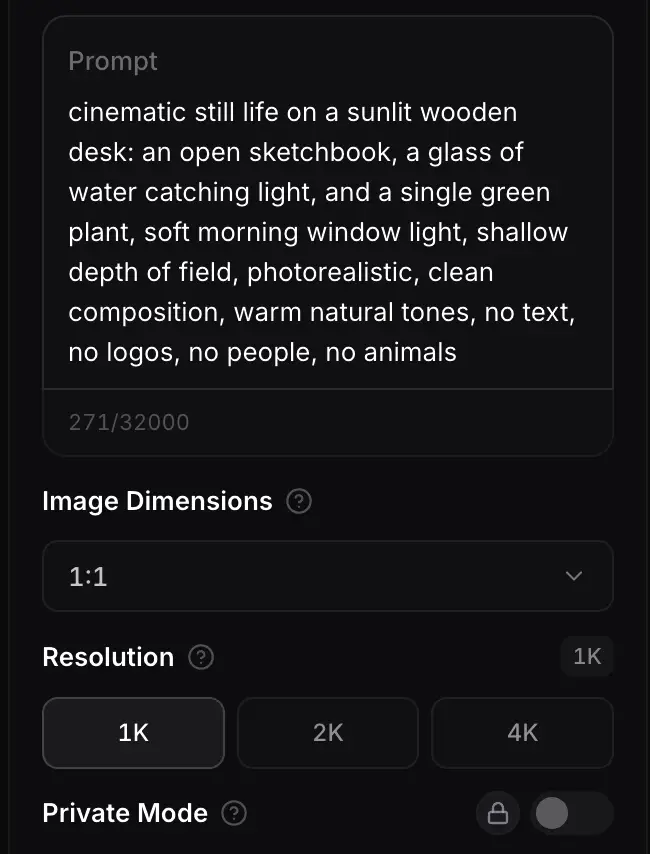
Upload outfit photos and, if needed, a short instruction.
Choose 480p or 720p and get your new look in minutes.
Genjutsu Object Swap replaces the outfit and keeps the rest of the shot. Use Genjutsu Motion Transfer when you want to replace the whole character instead.

Swap outfits, products or props in a real video from reference photos while motion, camera and background stay.
Generate
Put the person from your photo into a source video so they copy every move, dance and gesture.
GenerateCreators, stores and cosplayers use it to get many looks out of one performance.

Film once in front of the ring light and post a new look every day.

Show this week's pieces on the same model without a new shoot.

Turn one performance into several character costumes.

Try sequins, satin or metallics under the same lights.
Looking for more fashion girl ideas? Explore styles and remixes in the AI Sexy Girl hub.
Explore AI Sexy Girl
Get more generations, faster creation, and priority access to new features.
First-time creators exploring AI image tools
$0/ month
Daily hobbyists and enthusiasts
$10.9$11.9/ month
Everyday creators who need more output
$25.9$31.9/ month
Ambitious projects and heavy image & video workflows
$84.9$129.9/ month
Model names and capabilities on this page refer to third-party AI systems available through YOMIOO. Official specs and policies live with each provider; YOMIOO terms cover how we operate the workspace.
Availability and behavior depend on the models offered in-product. Always check the linked docs before commercial or sensitive use.