PROMPT
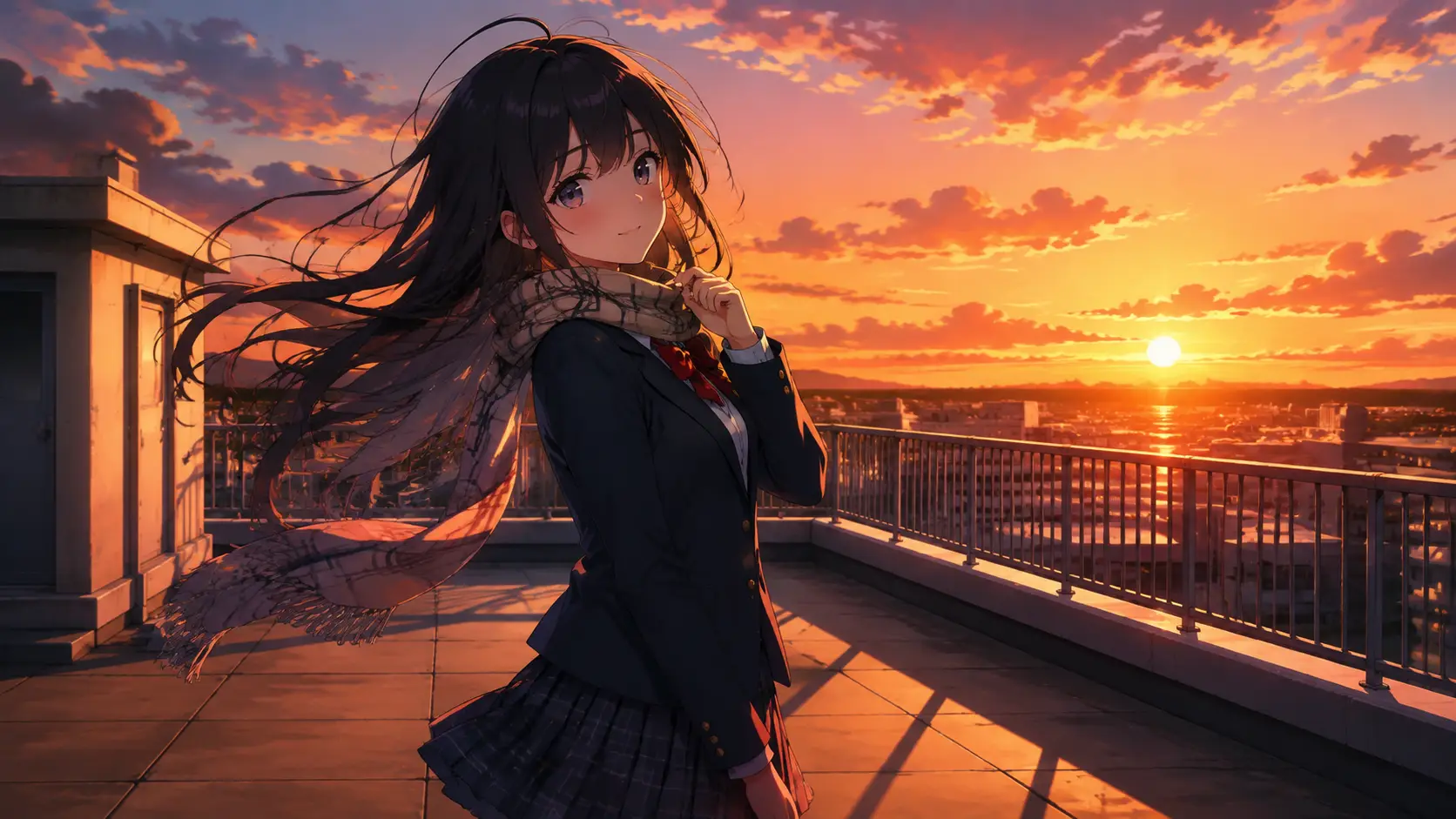
Anime schoolgirl in a navy blazer and pleated skirt on a windy rooftop at sunset, hair and scarf drift, soft blink, gentle camera push, warm golden light, vertical 9:16, cel-shaded anime style, fully clothed, no text
Payment upgrade in progress — Email support@yomioo.com with your registered email for free credits to try first

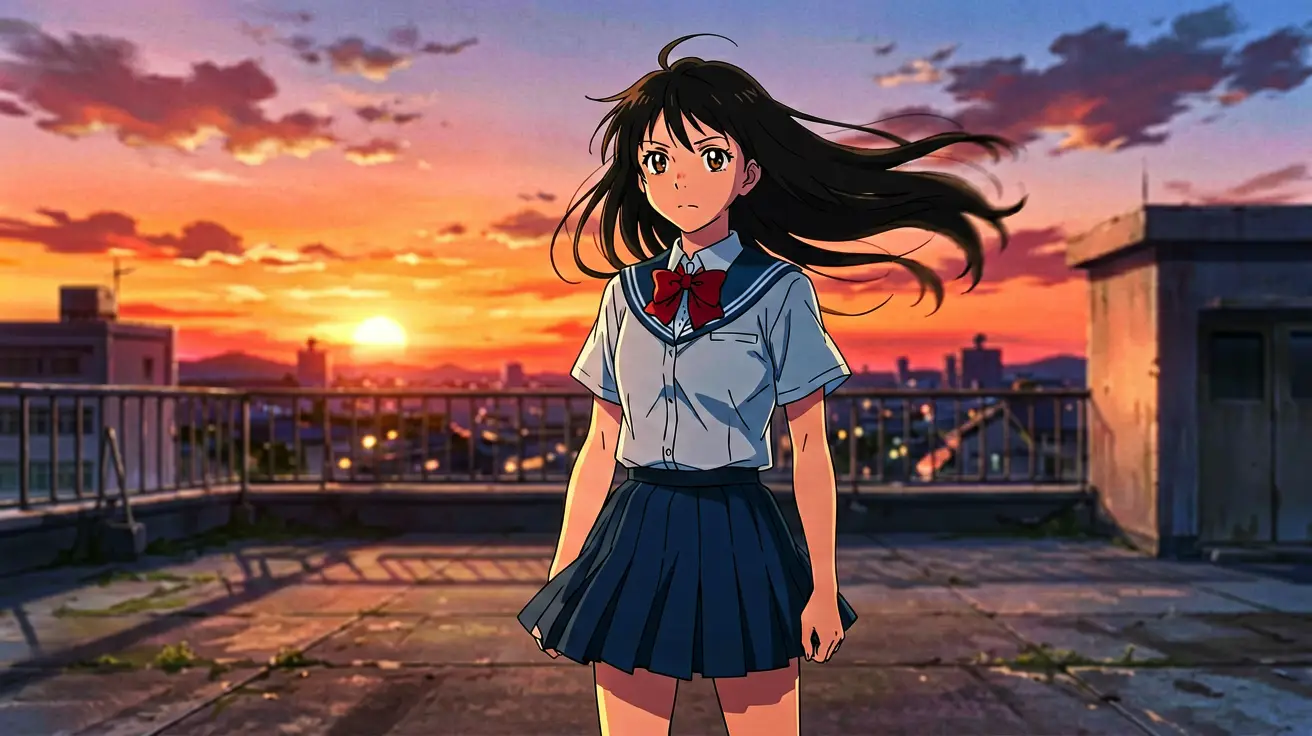
Turn anime character ideas into short, phone-ready clips. Start from text or a reference image, then shape motion, camera, and mood with models like Kling 3.0, Sora 2, Veo 3.1, and Seedance 2.0—fully clothed characters and safe, social-friendly scenes.
When hair color, outfit, and silhouette already matter, upload reference art first. Use the AI anime video generator to change action and camera without restarting the design. Image-to-video keeps identity steady while you explore new beats.
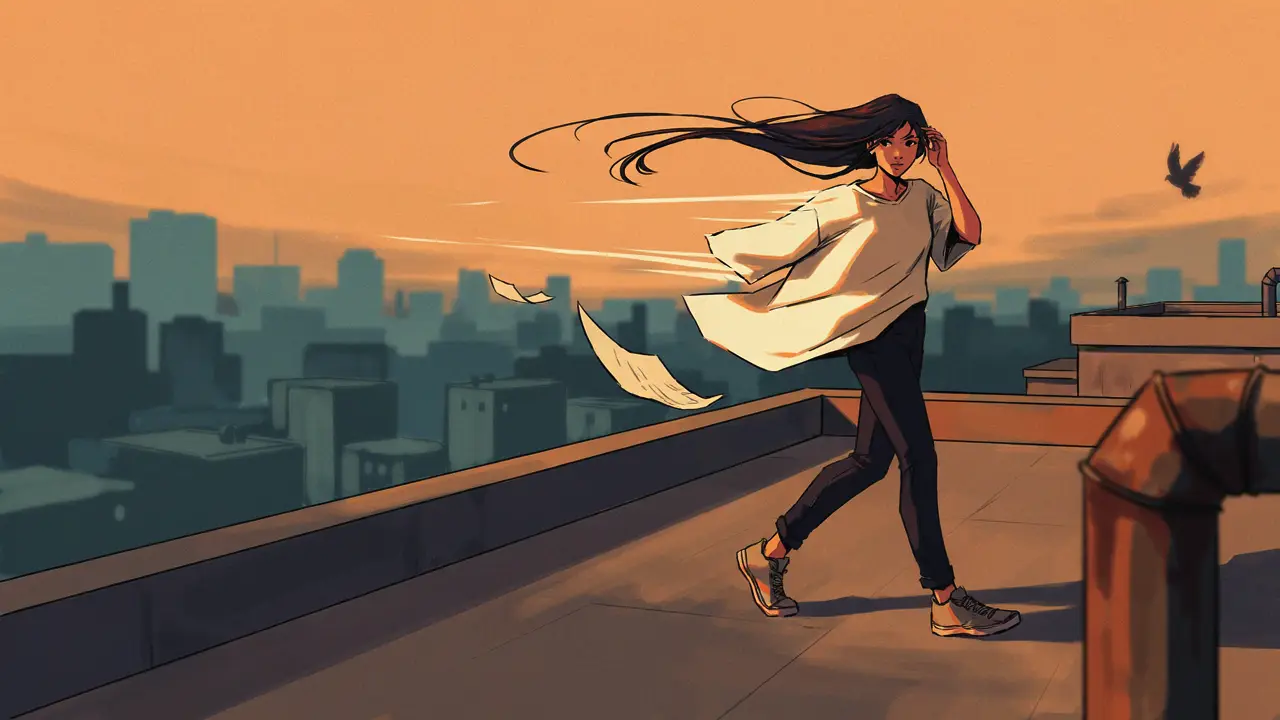
When hair color, outfit, and silhouette already matter, upload reference art first. Use the AI anime video generator to change action and camera without restarting the design. Image-to-video keeps identity steady while you explore new beats.
Decide who stands where and what the camera sees before you animate. Give every character a role, leave room to move, and avoid overlapping gestures. Clear blocking makes duo scenes and emotional beats easy to read.
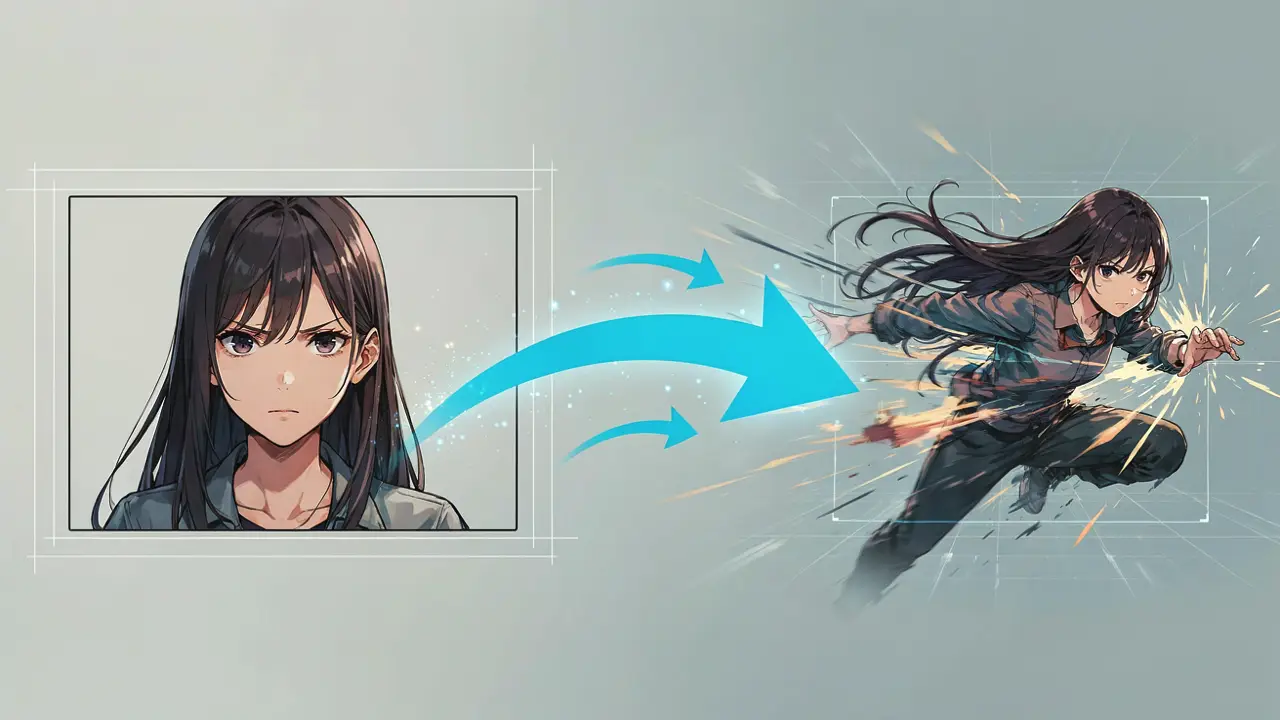
Decide who stands where and what the camera sees before you animate. Give every character a role, leave room to move, and avoid overlapping gestures. Clear blocking makes duo scenes and emotional beats easy to read.
A blink, hair sway, or fabric shift often says more than a complicated gesture. Add one camera move, then weather or light as a second layer. Choose 9:16 for Reels and Shorts or 16:9 when the environment needs width.
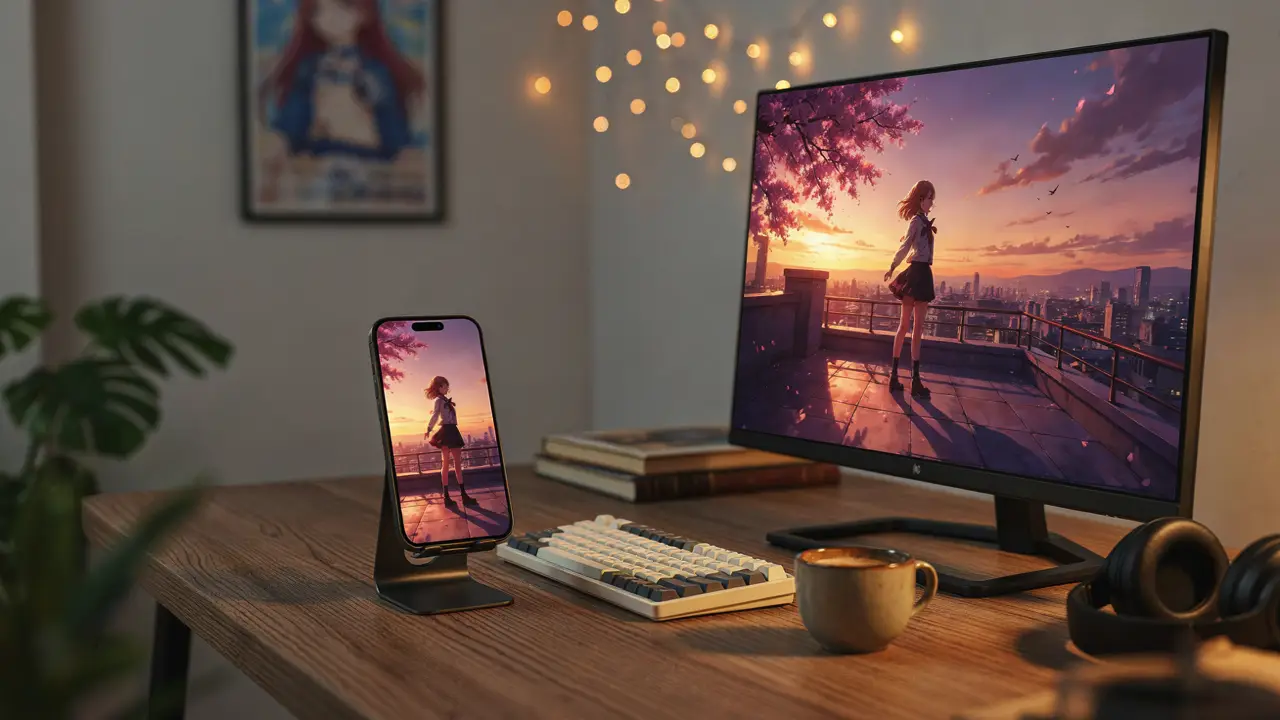
A blink, hair sway, or fabric shift often says more than a complicated gesture. Add one camera move, then weather or light as a second layer. Choose 9:16 for Reels and Shorts or 16:9 when the environment needs width.
Direct short anime scenes without jumping between tools. Keep character design stable while you explore motion, camera, atmosphere, and vertical social formats.
Describe character, outfit, scene, and mood, then generate a focused anime clip from a single readable prompt.
Upload character art so face, hair, and outfit stay locked. Use the prompt mainly for action, camera, and atmosphere.
Give every character a role and a side of the frame. Clear spacing keeps multi-character anime scenes easier to read.
Start with blinks, hair drift, and subtle gestures. Small motion sells personality before you add bigger action.
Add rain, cherry petals, steam, or drifting light so the frame feels alive while the cast stays clear.
Choose 9:16 for phone-first social clips or 16:9 when the environment and camera need horizontal room.
Compare Kling 3.0, Sora 2, Veo 3.1, Seedance 2.0, and more in the same workspace without rebuilding your prompt.
Explore cel-shaded, soft illustration, shonen action, slice-of-life, and cinematic anime directions from one brief.
Ship intros, reactions, and vertical story beats that feel designed for Shorts, Reels, and TikTok feeds.
Keep what worked, change only the weak part—identity, framing, or timing—and generate the next version cleanly.
Direct safe, fully clothed anime character scenes for portfolios, AMV tests, and family-friendly storytelling.
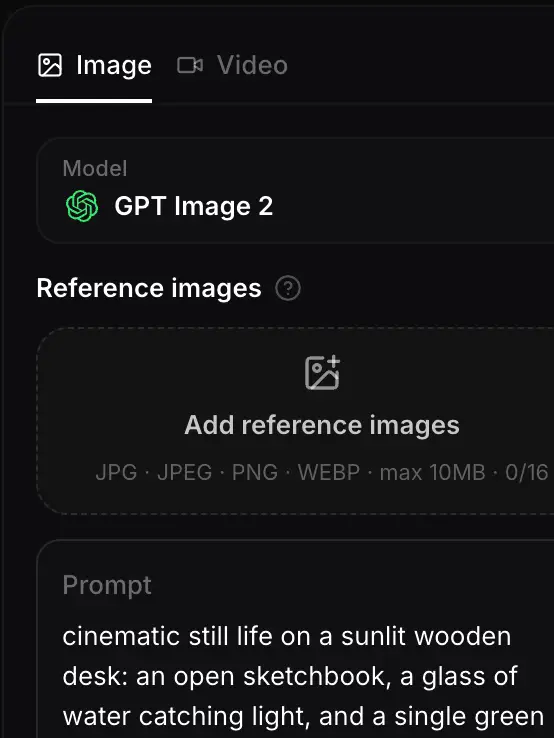
Lock what must stay consistent—face, hair, outfit, palette—then describe one clear beat. Upload reference art when identity already matters.
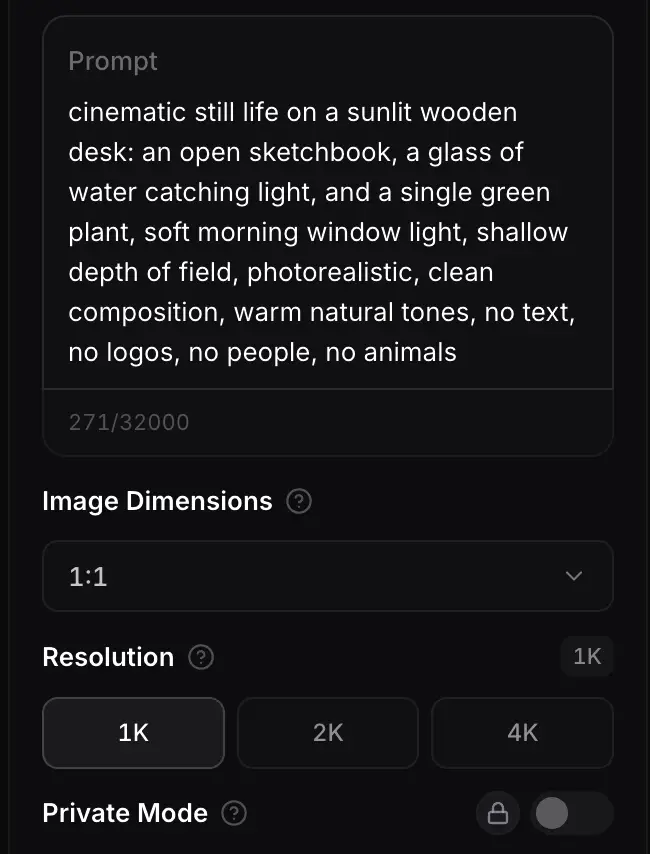
Place who stands where, pick 9:16 or 16:9, choose a model, and layer motion: character first, then one camera move, then light or weather.
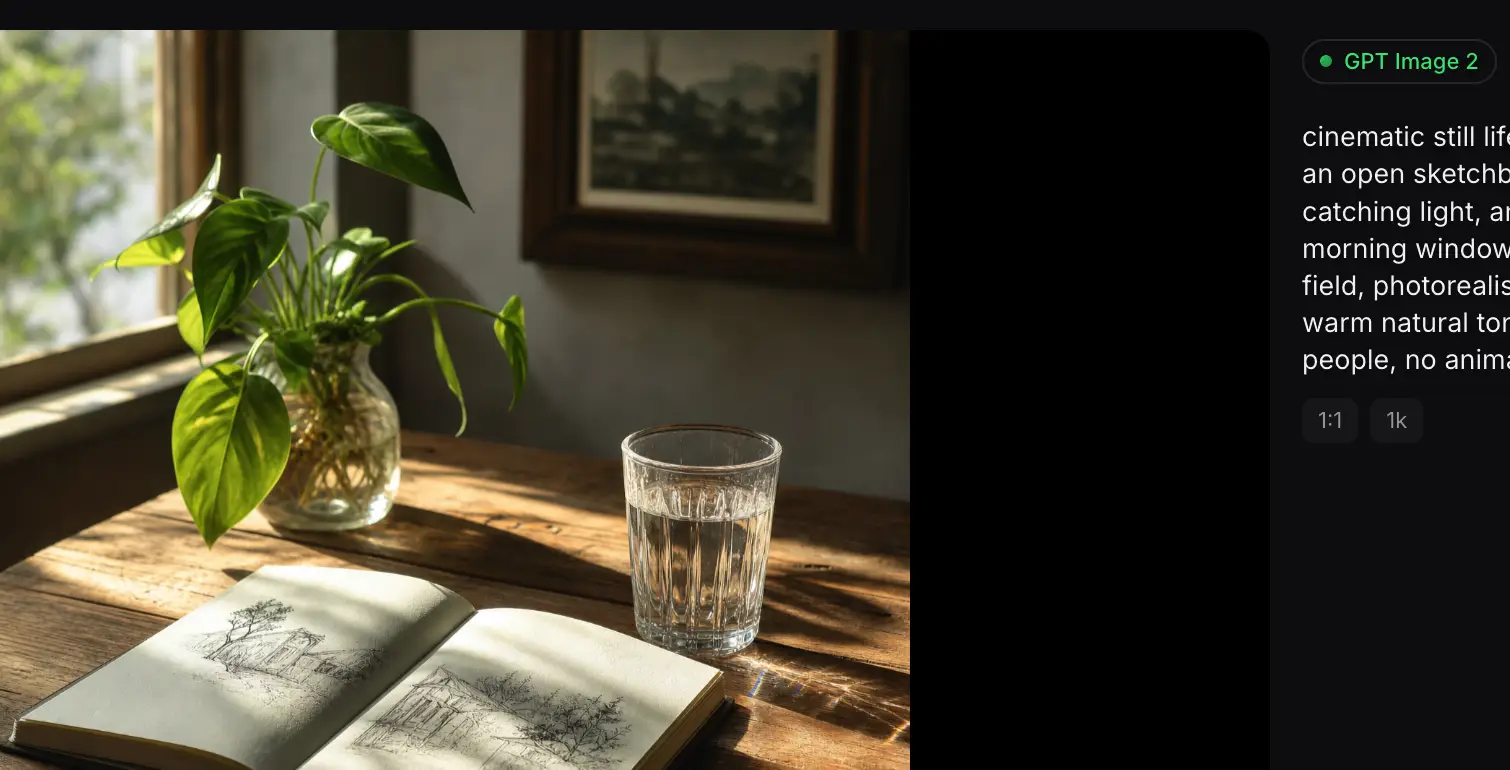
Generate the clip, review identity and timing, then fix one weak point at a time. Export for social, streams, or your next portfolio piece.
Different video models handle line art, camera drift, and character motion in different ways. Compare Kling 3.0, Sora 2, Veo 3.1, and Seedance 2.0 in one workspace and keep the model that matches your shot.
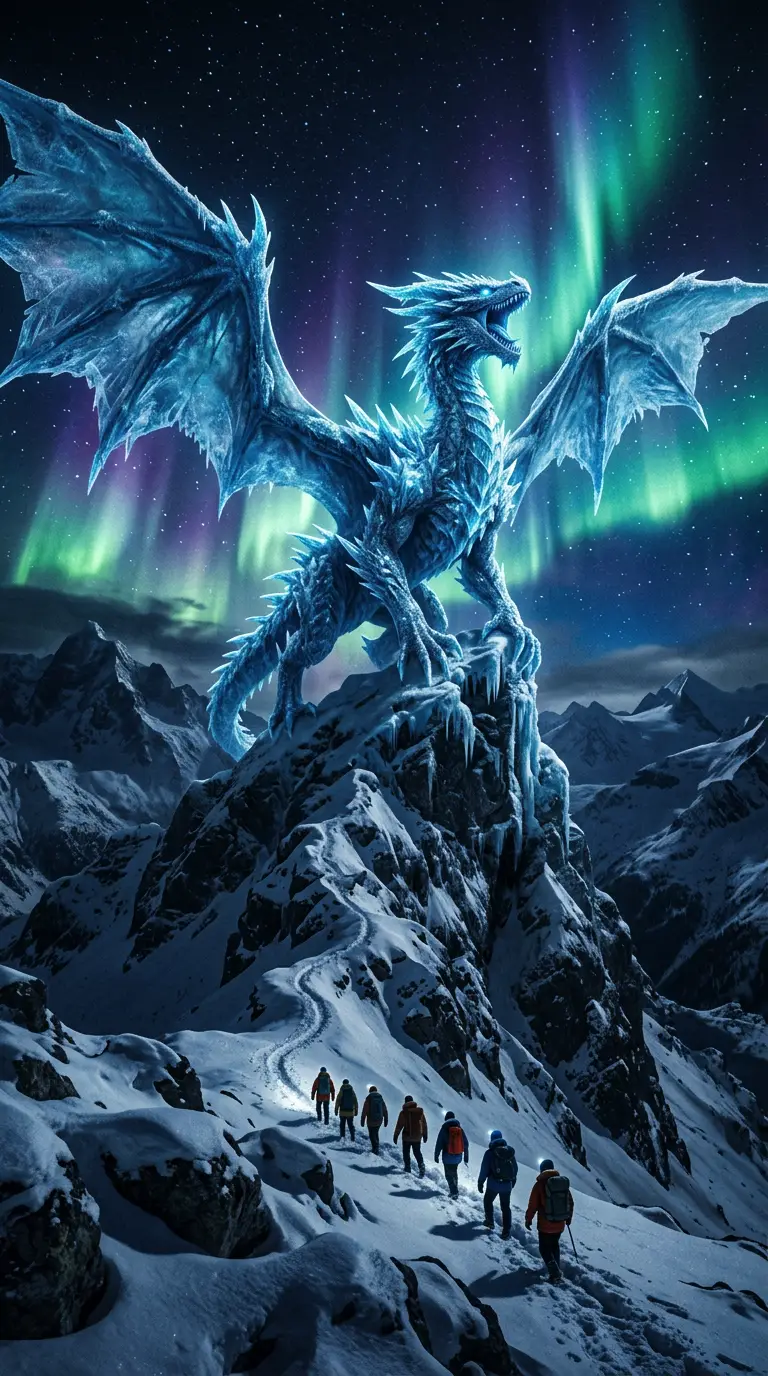
Flagship video with longer clips and multi-reference control for cinematic motion and staging.
Generate
Gemini 3.1 Flash stills with extreme aspect ratios and up to 4K for fast, flexible image work.
Generate
Sharper edits and cleaner text in layouts—start on Flare for speed, switch to Sunburst when precision matters.
Generate
Reference-led video up to 30s with first/last frames or image, video, and audio references.
Generate
Cinematic video with natural lighting and environmental depth for story-led moments.
Generate
Strong text-in-image and multilingual layouts at 1K/2K, with up to three reference images.
GenerateUse an AI anime video generator when you want short, vertical-friendly clips with readable character motion—not furry OC workflows, but anime scenes built for social and storytelling.
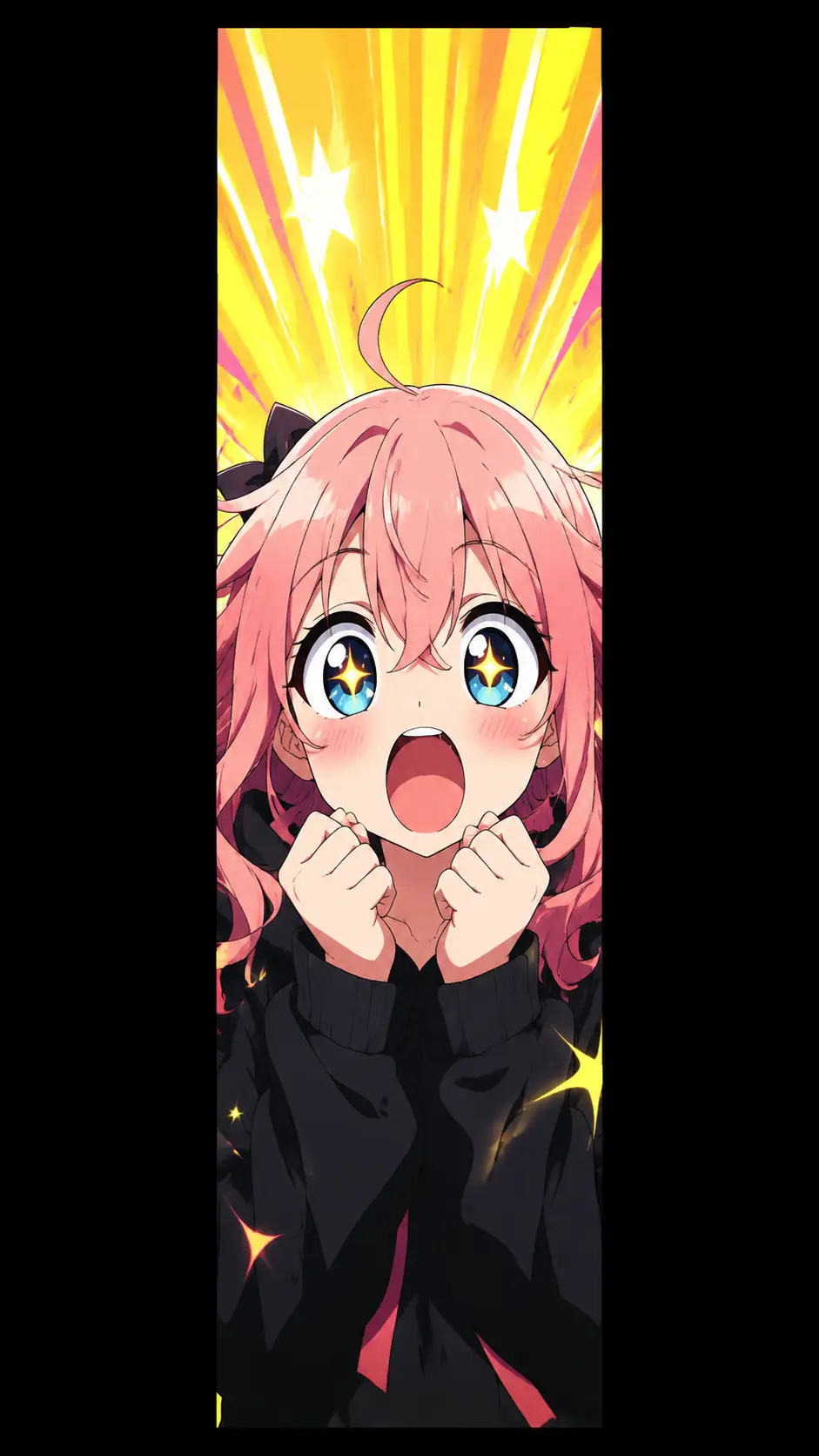
Ship 9:16 anime clips for Shorts, Reels, and TikTok—reactions, intros, and mood beats framed for phone-first feeds.
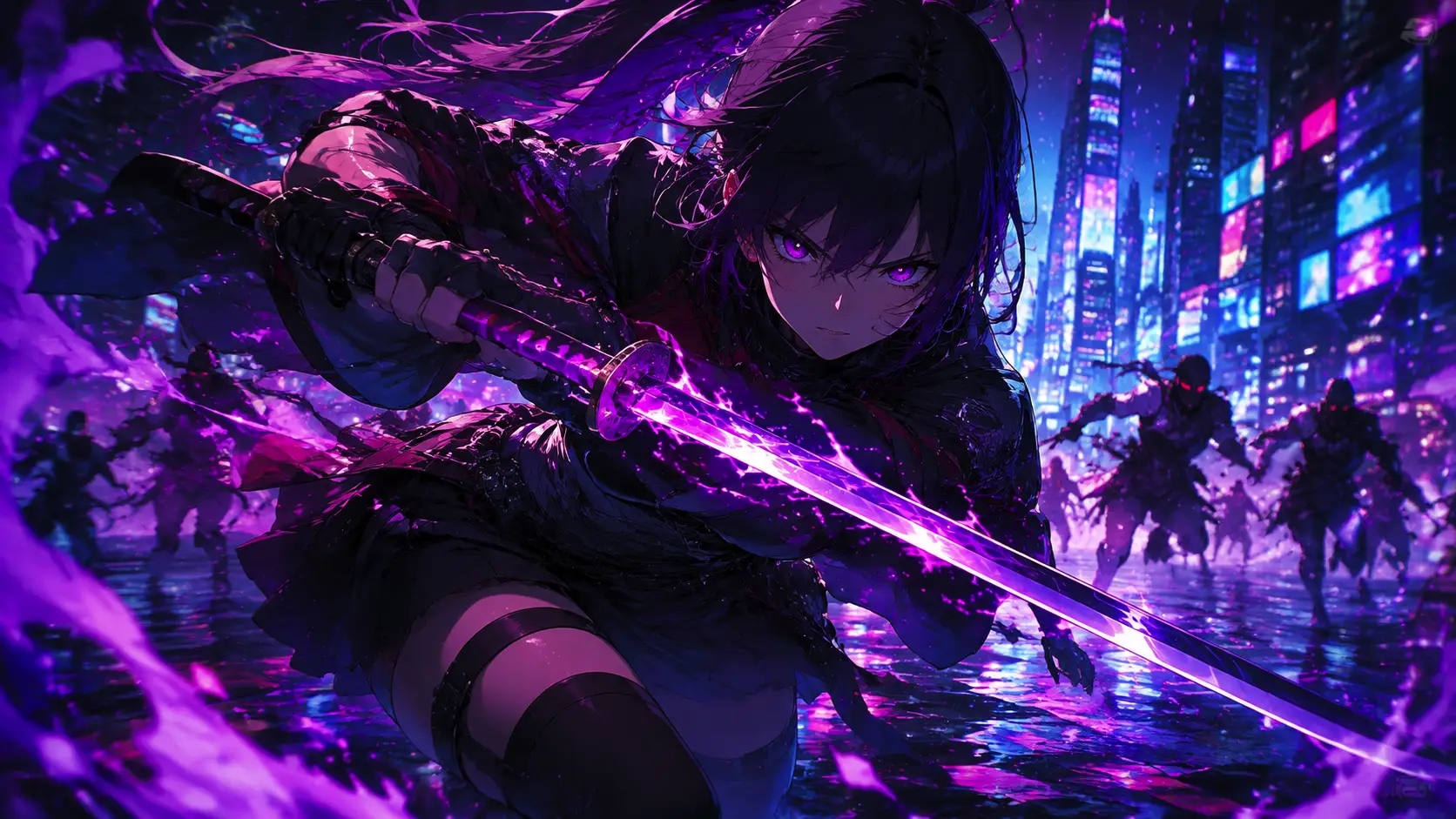
Turn character sheets into short motion reels that show outfit, expression, and personality without full animation pipelines.
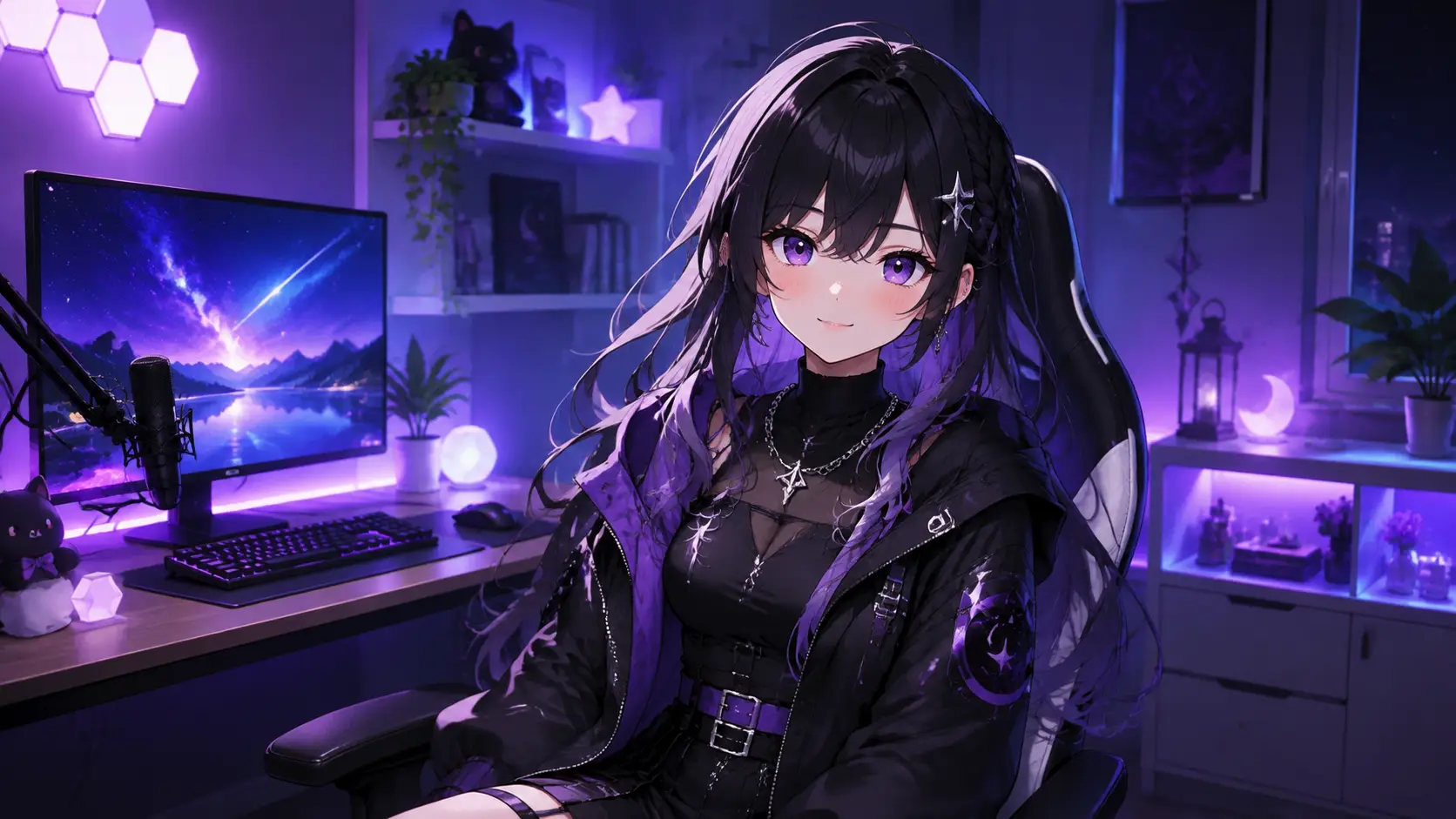
Prototype scene ideas, emotional beats, and background motion for music videos, edits, and portfolio experiments.
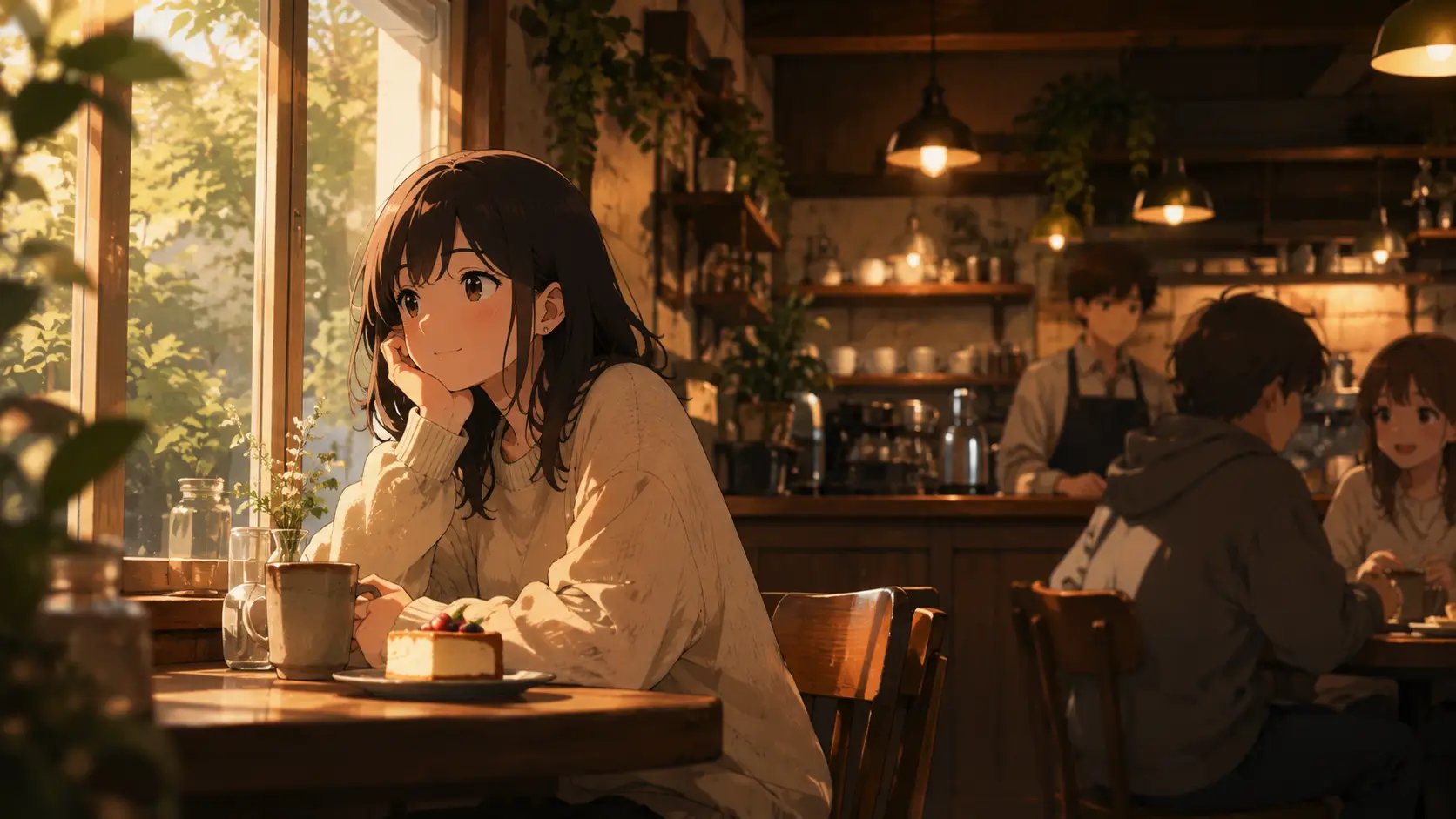
Explore anime scene direction—lighting, camera, atmosphere—for storyboards, pitch reels, and pre-visualization passes.
Join creators who turn character art into short, focused anime videos with clearer prompts and fewer moving parts.
Trusted by 5 000+ people worldwide
Want more anime ideas? Browse cozy anime, chibi, and cyberpunk in the AI Anime hub.
Explore AI Anime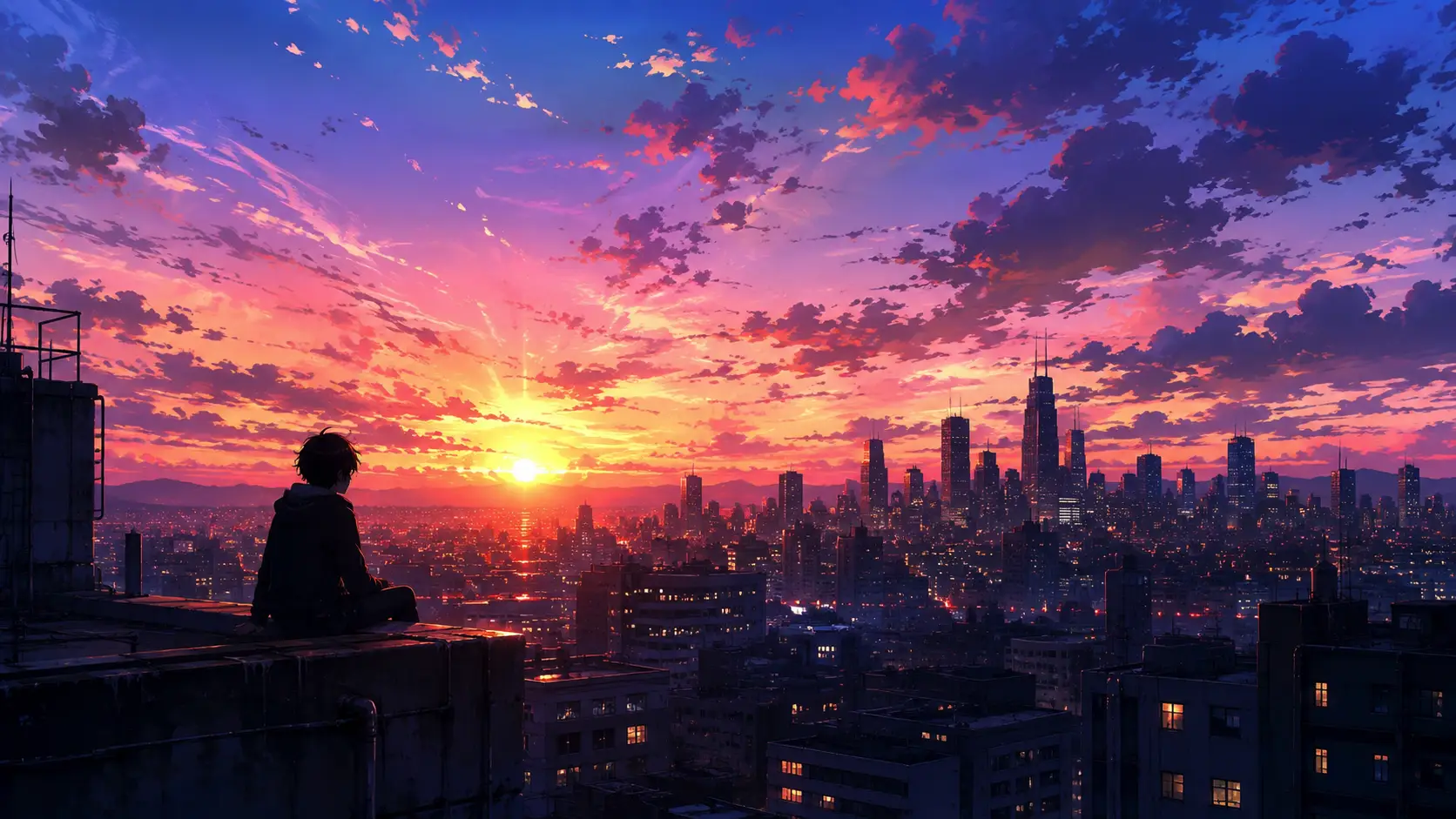
Get more generations, faster creation, and priority access to new features.
First-time creators exploring AI image tools
$0/ month
Daily hobbyists and enthusiasts
$10.9$11.9/ month
Everyday creators who need more output
$25.9$31.9/ month
Ambitious projects and heavy image & video workflows
$84.9$129.9/ month
Model names and capabilities on this page refer to third-party AI systems available through YOMIOO. Official specs and policies live with each provider; YOMIOO terms cover how we operate the workspace.
Availability and behavior depend on the models offered in-product. Always check the linked docs before commercial or sensitive use.