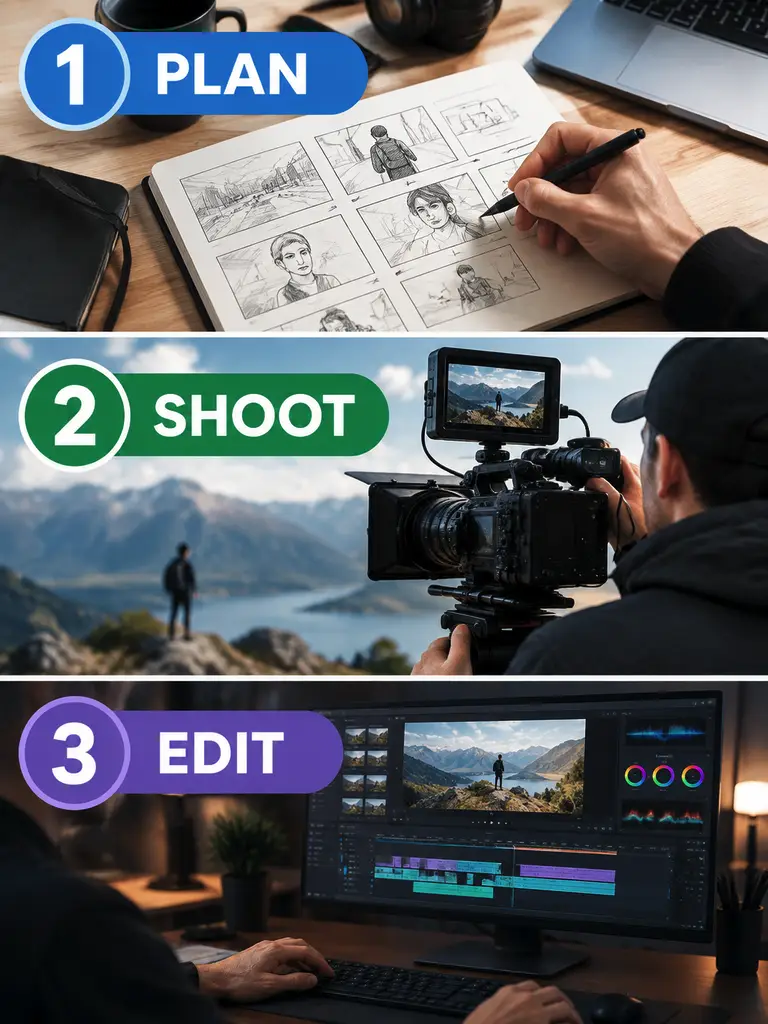
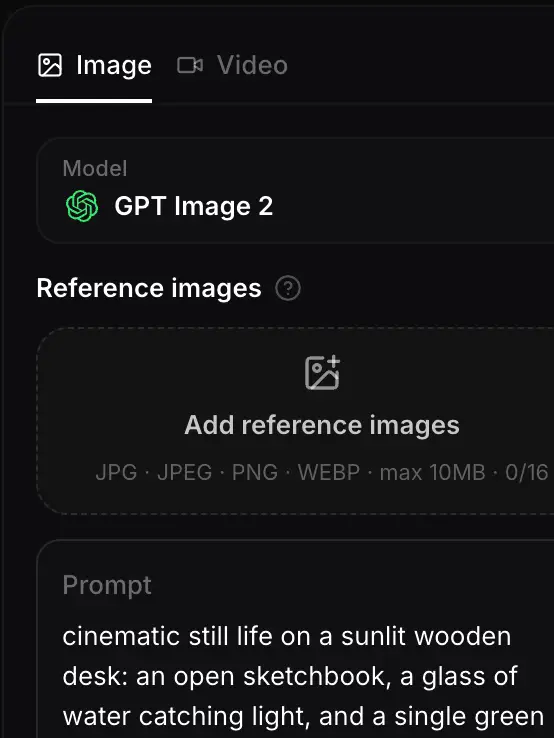
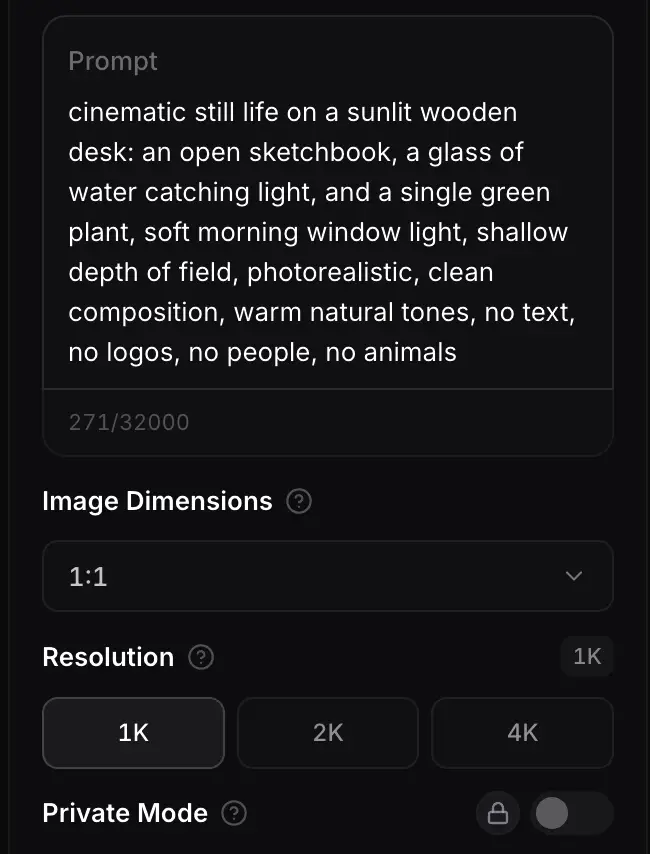
PROMPT
Clean infographic, three numbered steps, labels exactly "PLAN", "SHOOT", "EDIT", generous margins, no extra text, no logos
Payment upgrade in progress — Email support@yomioo.com with your registered email for free credits to try first

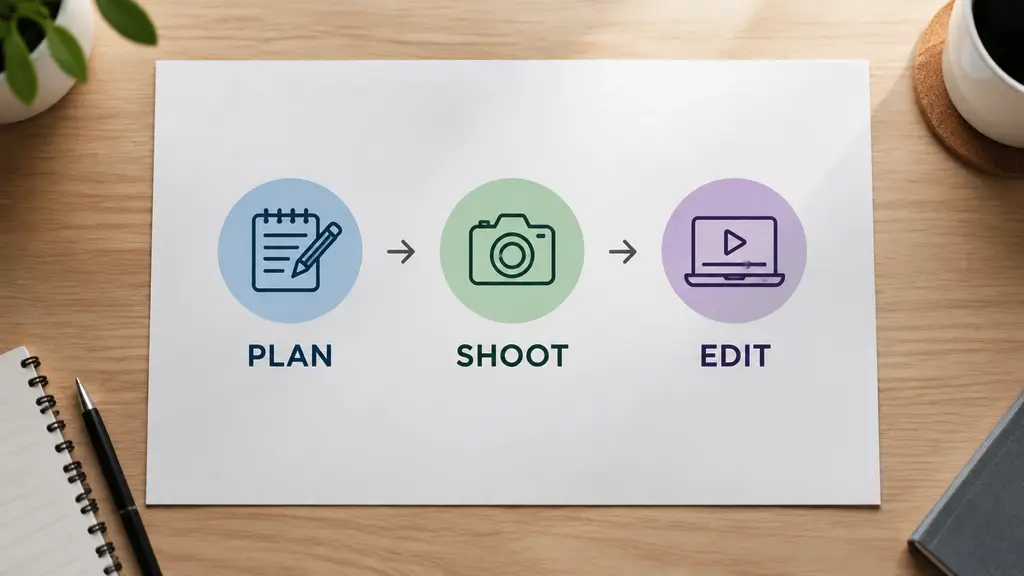
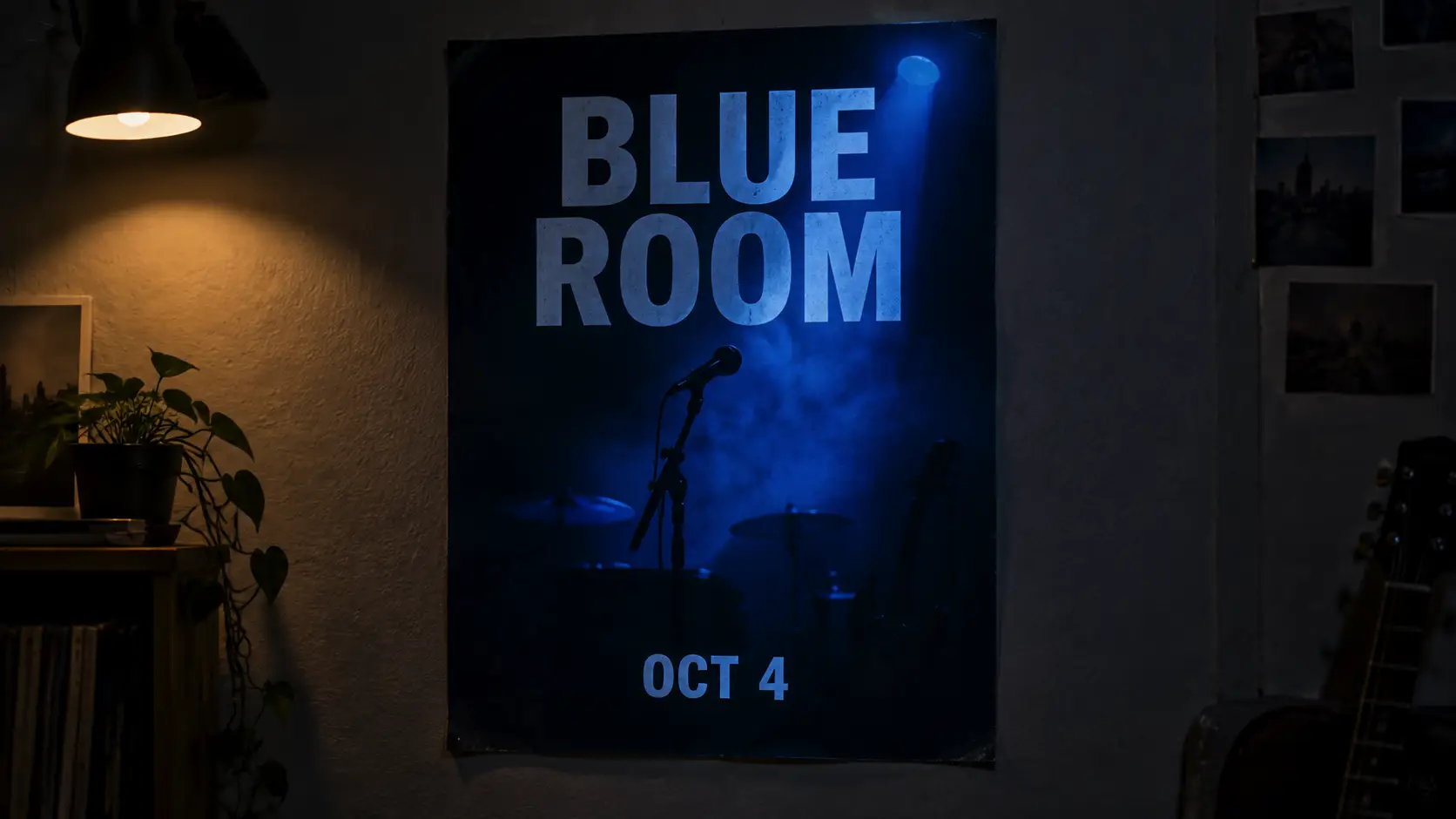
Use Qwen Image 3 for images that carry information—infographics, multilingual posters, UI mockups, and storyboard frames. It handles longer briefs and smaller type better than a single hero shot. Still proof every label, especially numbers and non-Latin text, before you publish.
List sections, languages, and the exact words for each label. Qwen Image 3 follows a structured brief better than a vague mood prompt.
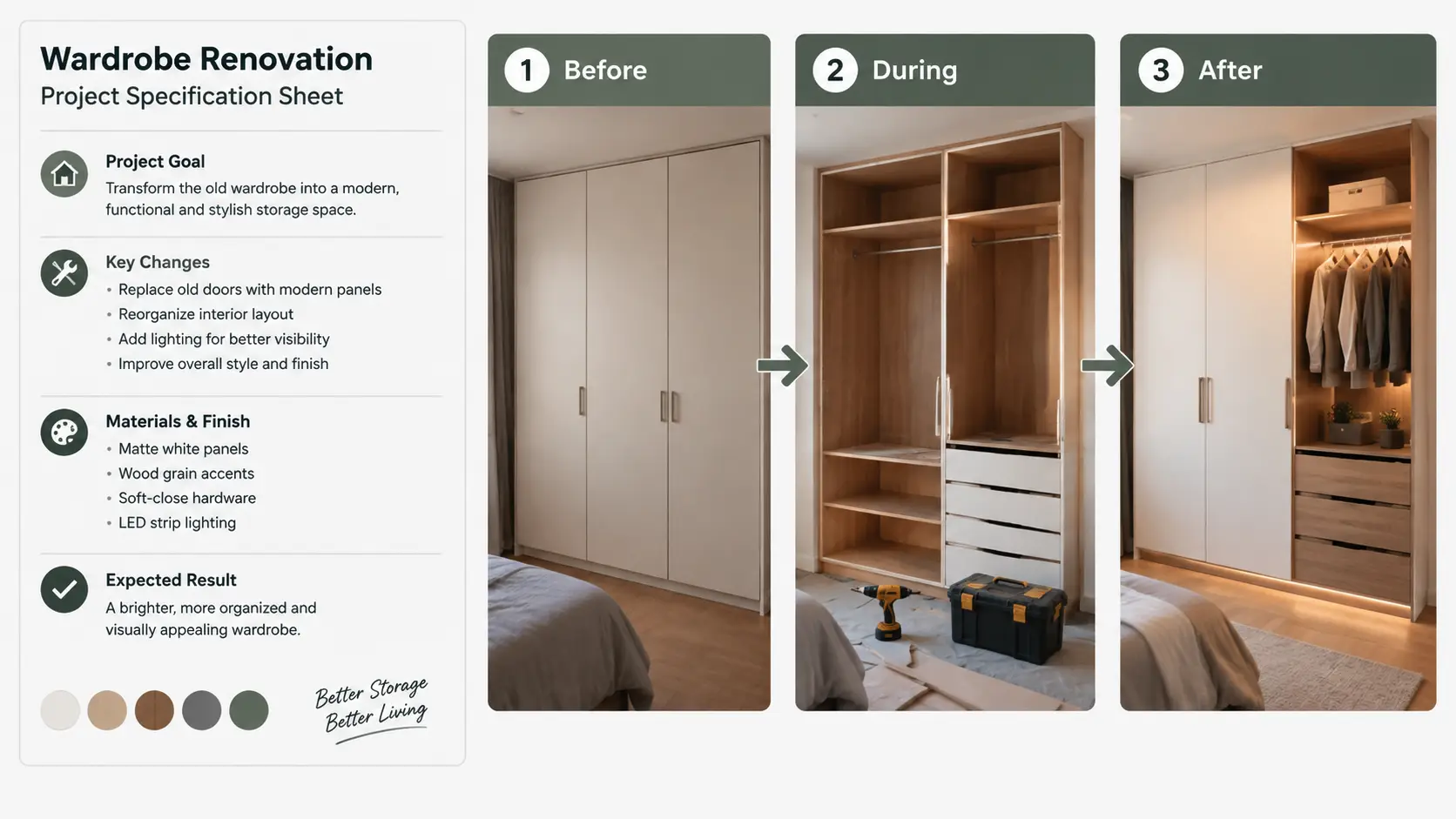
List sections, languages, and the exact words for each label. Qwen Image 3 follows a structured brief better than a vague mood prompt.
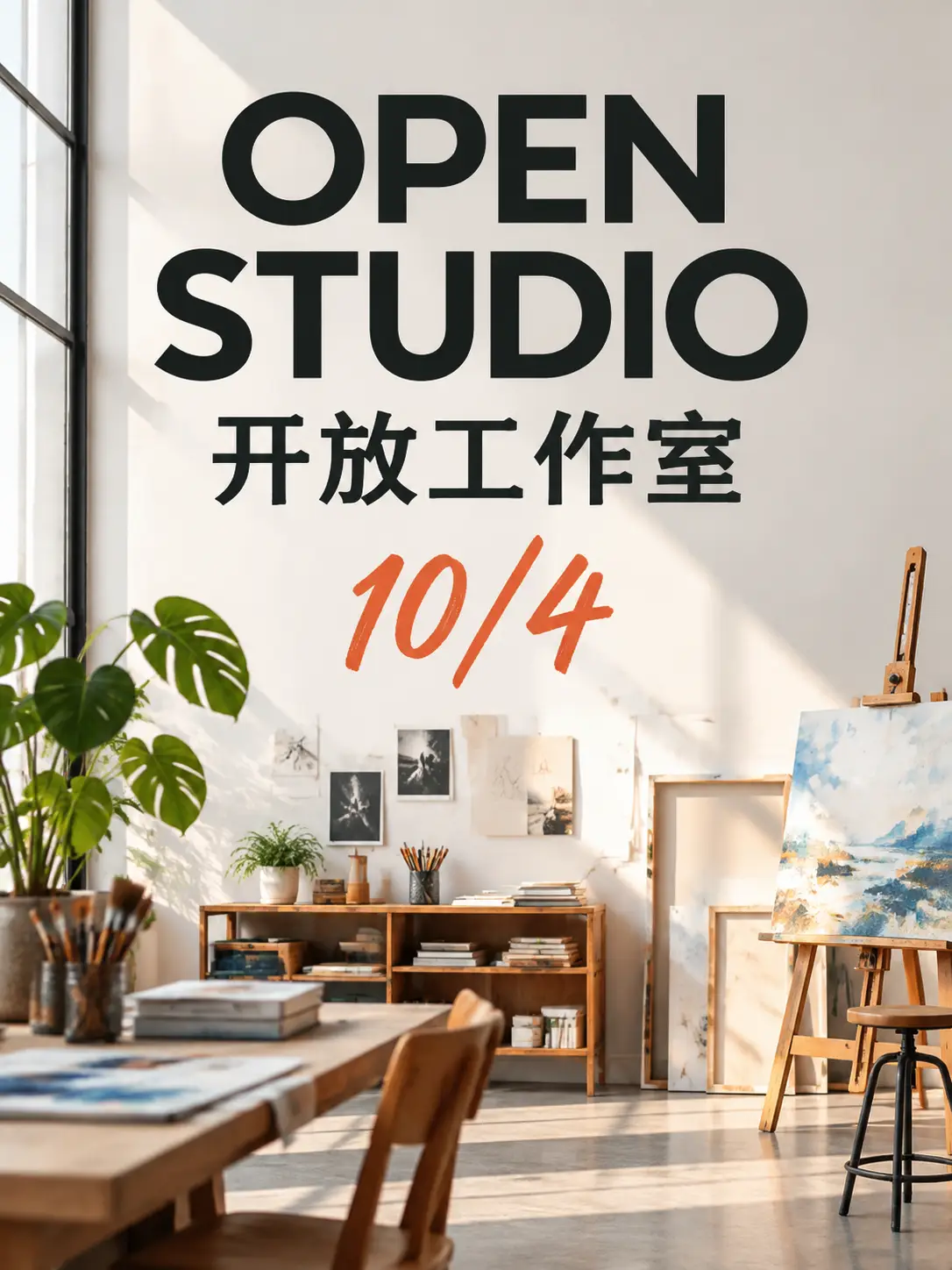
Use it for Chinese, English, Japanese, and Korean labels in the same frame. Keep each string short, and do not ask for a paragraph of tiny type.
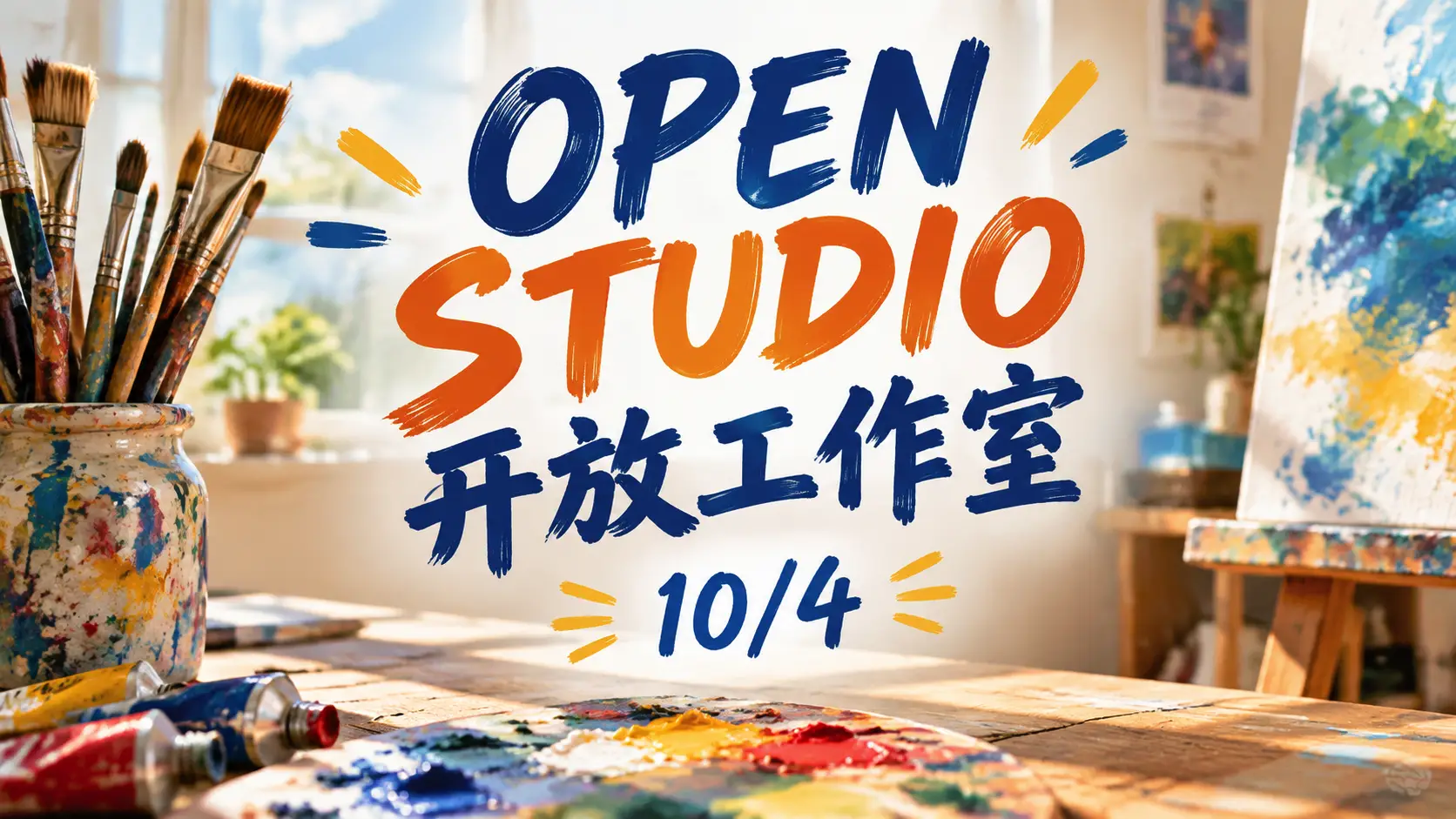
Use it for Chinese, English, Japanese, and Korean labels in the same frame. Keep each string short, and do not ask for a paragraph of tiny type.
Zoom in on numbers, dates, and non-Latin characters. Fix one label per pass so the rest of the grid stays put.

Zoom in on numbers, dates, and non-Latin characters. Fix one label per pass so the rest of the grid stays put.
Use it when the image is a layout, not just a pretty subject. Keep copy short and check it.
Numbered steps and labeled blocks with clear margins.
Short labels in Chinese, English, Japanese, or Korean.
List sections instead of hoping a mood prompt sorts them.
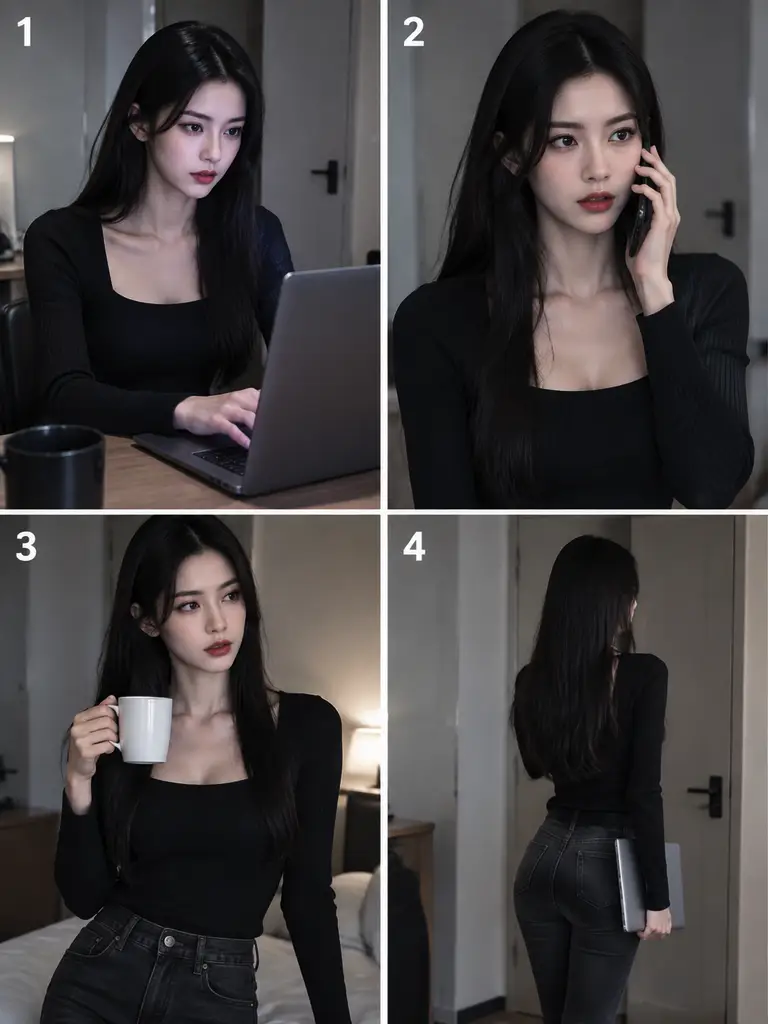
Keep one character across a few numbered panels.
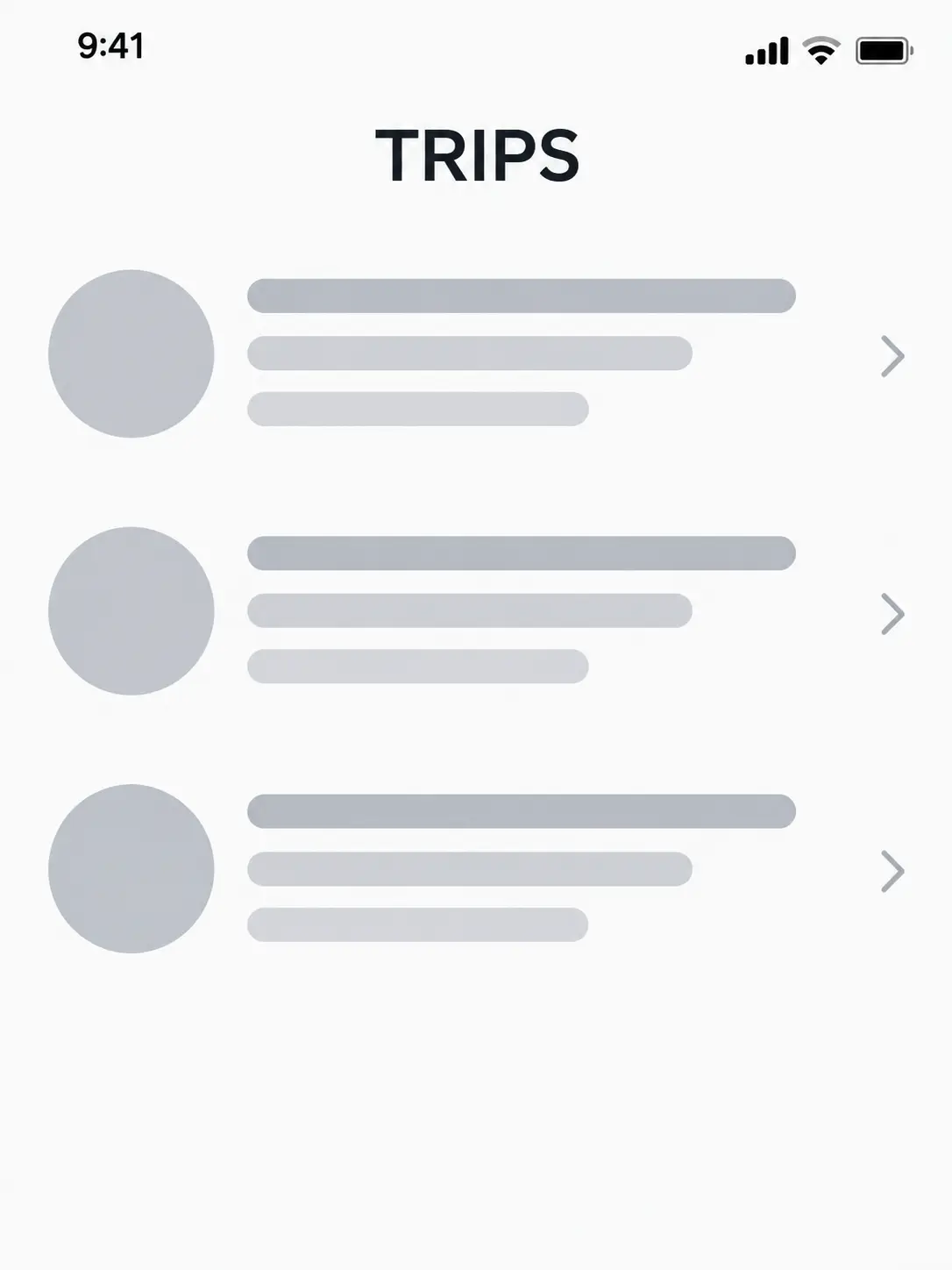
Screen structure without copying a real app.
More than one line of information, still hierarchical.
Bring one to three references when the subject must match.
Useful at small sizes. Still proof every character.
Do not trust invented charts, prices, or citations.
Publish only after labels and numbers are checked.
Name each block and the exact label. Say which language each line uses.
Choose infographic, poster, storyboard, or UI mock. Ask for margins and hierarchy.
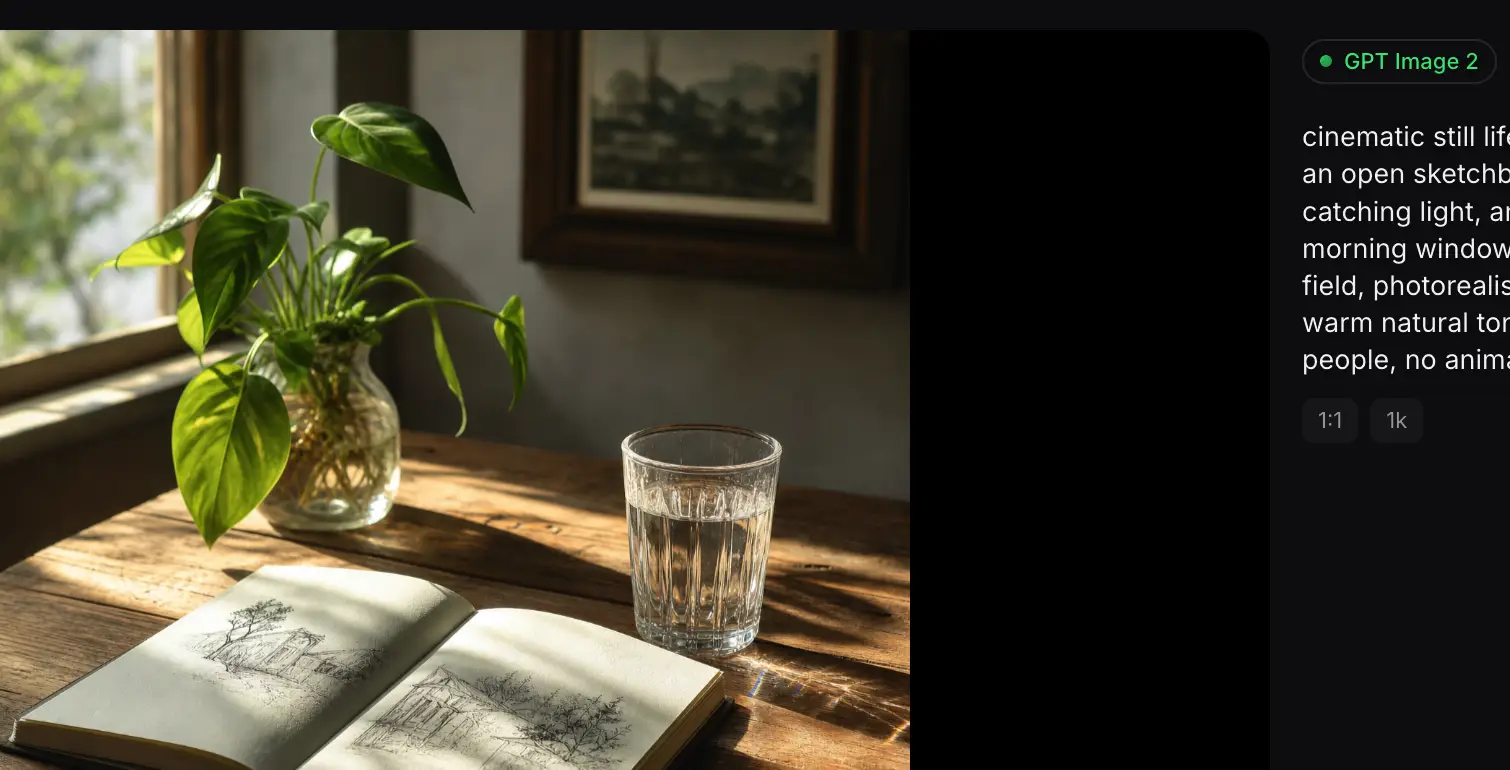
Check numbers and non-Latin text. Fix one label at a time.
Qwen Image 3 fits dense, multilingual layouts. GPT Image 2.5 is the better compare for shorter headlines and tighter photographic edits.
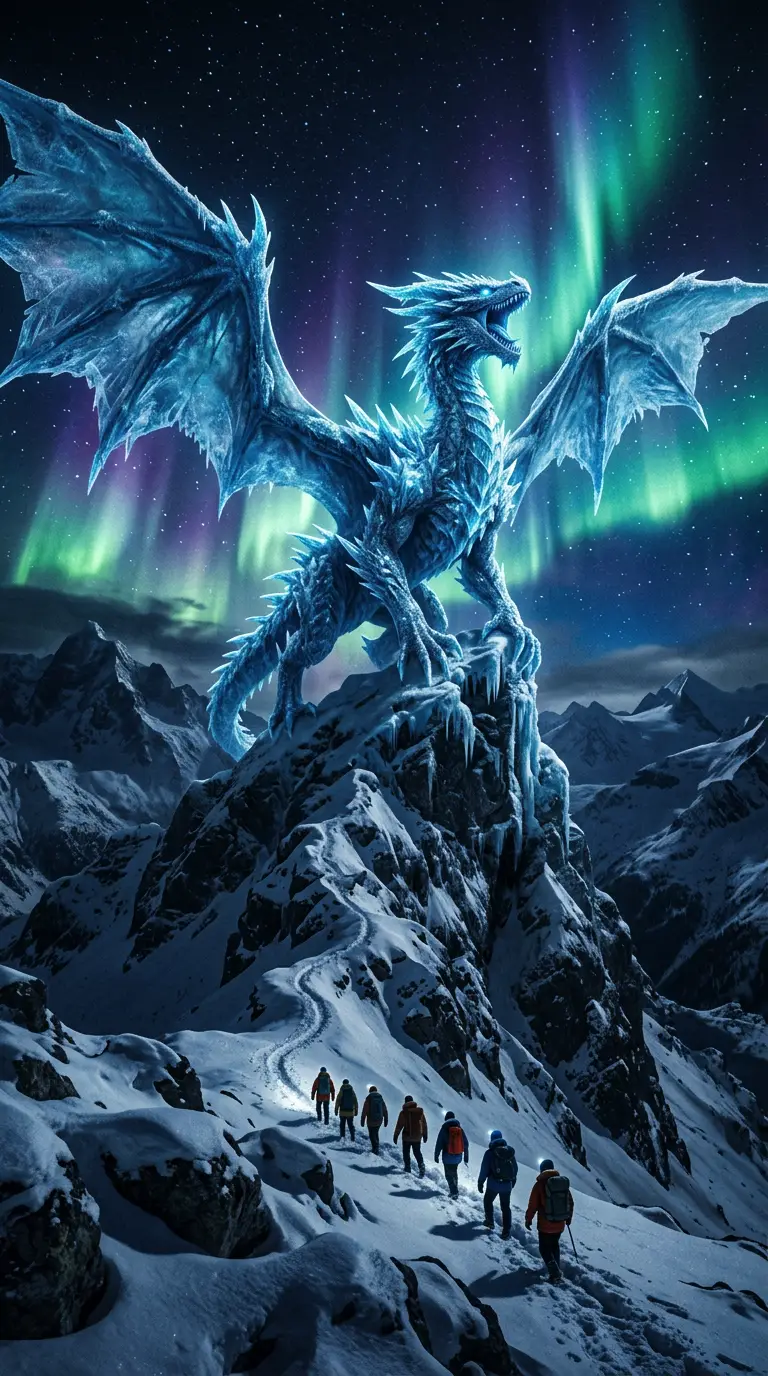
Flagship video with longer clips and multi-reference control for cinematic motion and staging.
Generate
Gemini 3.1 Flash stills with extreme aspect ratios and up to 4K for fast, flexible image work.
Generate
Sharper edits and cleaner text in layouts—start on Flare for speed, switch to Sunburst when precision matters.
Generate
Reference-led video up to 30s with first/last frames or image, video, and audio references.
Generate
Cinematic video with natural lighting and environmental depth for story-led moments.
GenerateStrong text-in-image and multilingual layouts at 1K/2K, with up to three reference images.
GenerateUse it for infographics, bilingual posters, storyboards, and screen mocks that need more than one line of information.
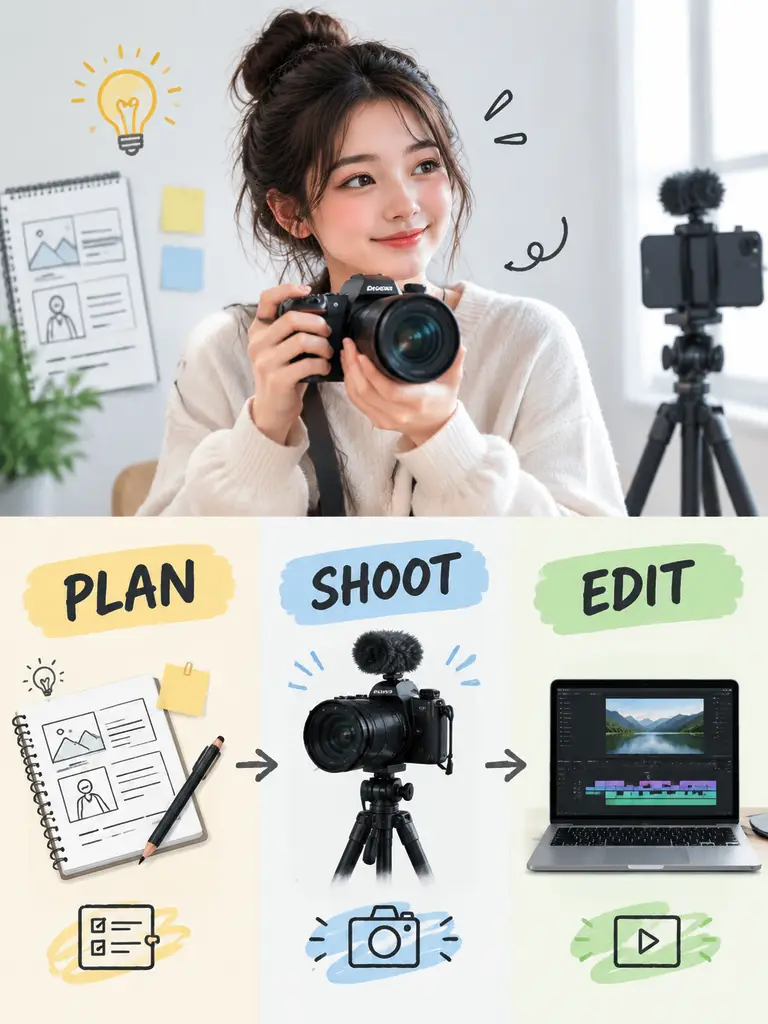
Short labeled steps, not a paragraph.
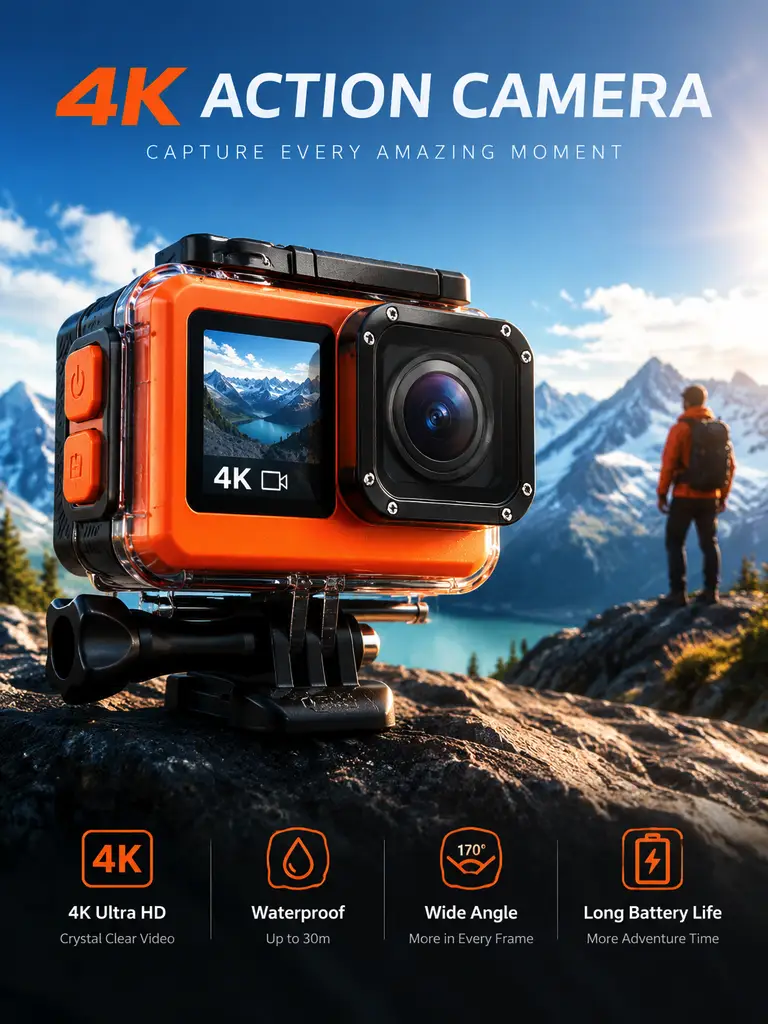
Two scripts, clear hierarchy.
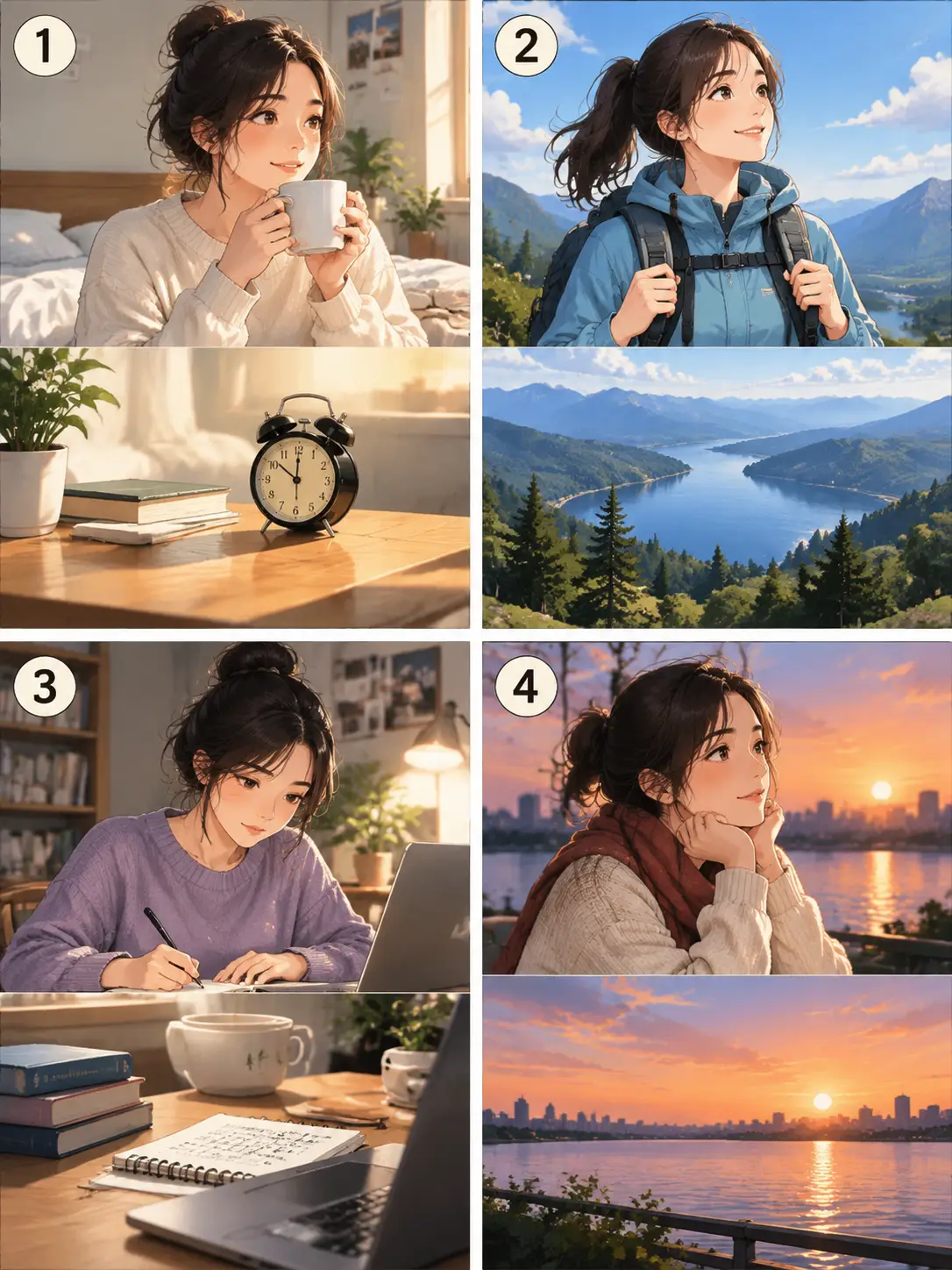
A few panels, one character.
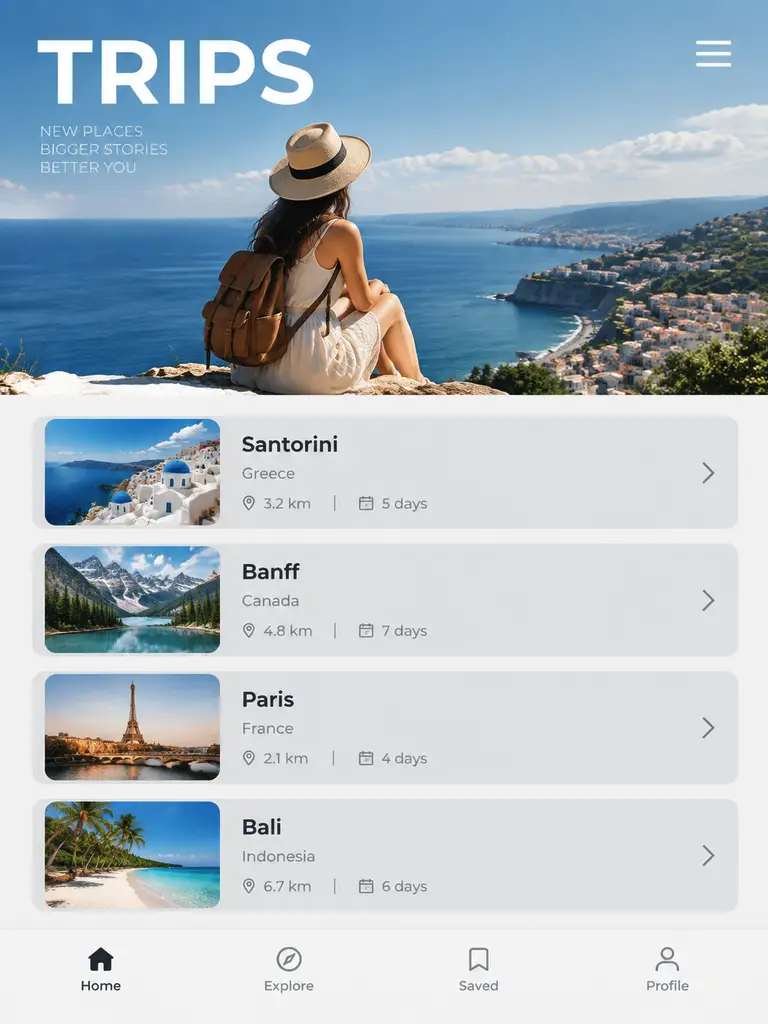
Structure first, no copied apps.
Join people using Qwen Image 3 when the image has to hold labels, steps, or more than one language.
Trusted by 5 000+ people worldwide
Get more generations, faster creation, and priority access to new features.
First-time creators exploring AI image tools
$0/ month
Daily hobbyists and enthusiasts
$10.9$11.9/ month
Everyday creators who need more output
$25.9$31.9/ month
Ambitious projects and heavy image & video workflows
$84.9$129.9/ month
Model names and capabilities on this page refer to third-party AI systems available through YOMIOO. Official specs and policies live with each provider; YOMIOO terms cover how we operate the workspace.
Availability and behavior depend on the models offered in-product. Always check the linked docs before commercial or sensitive use.