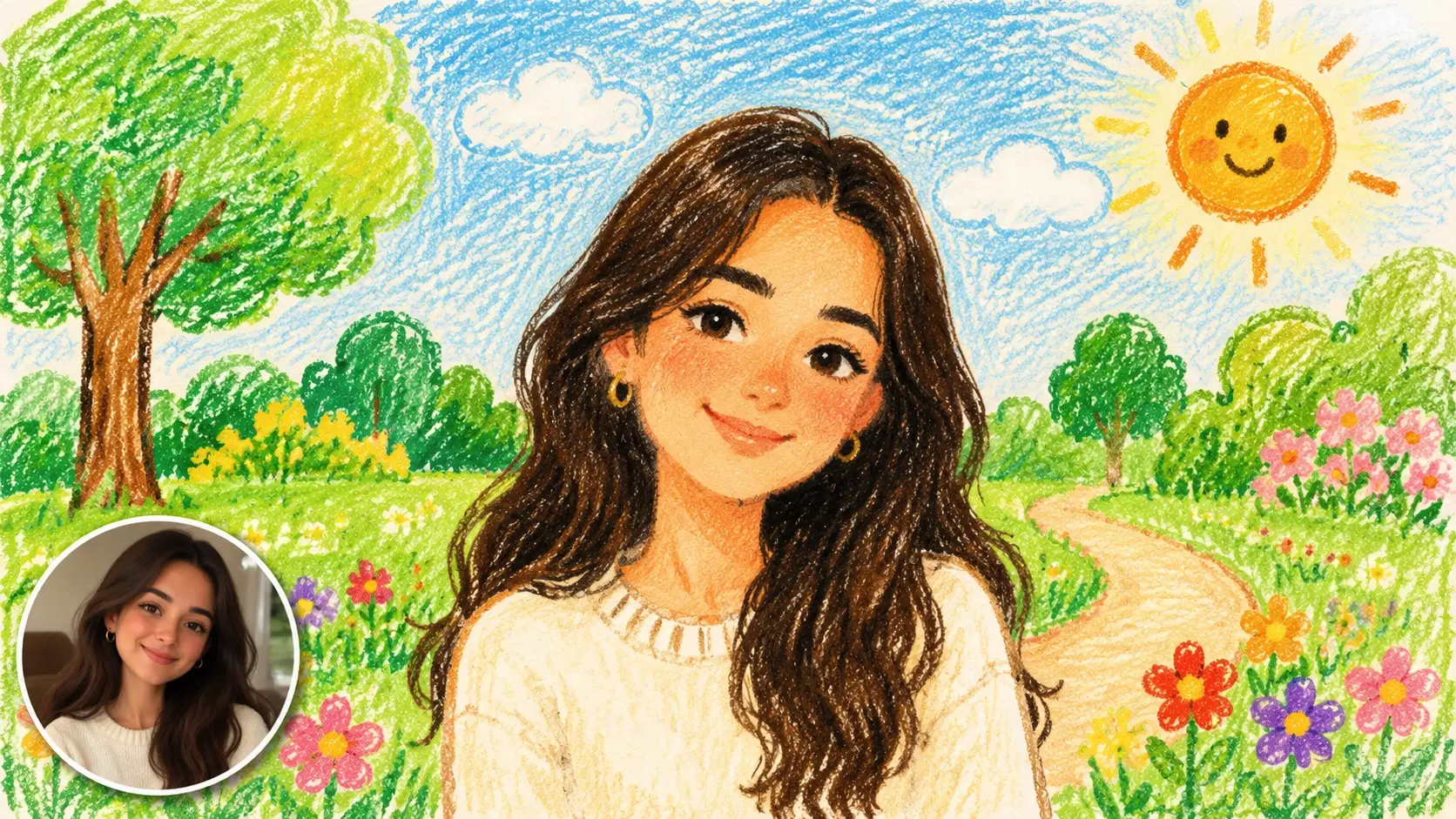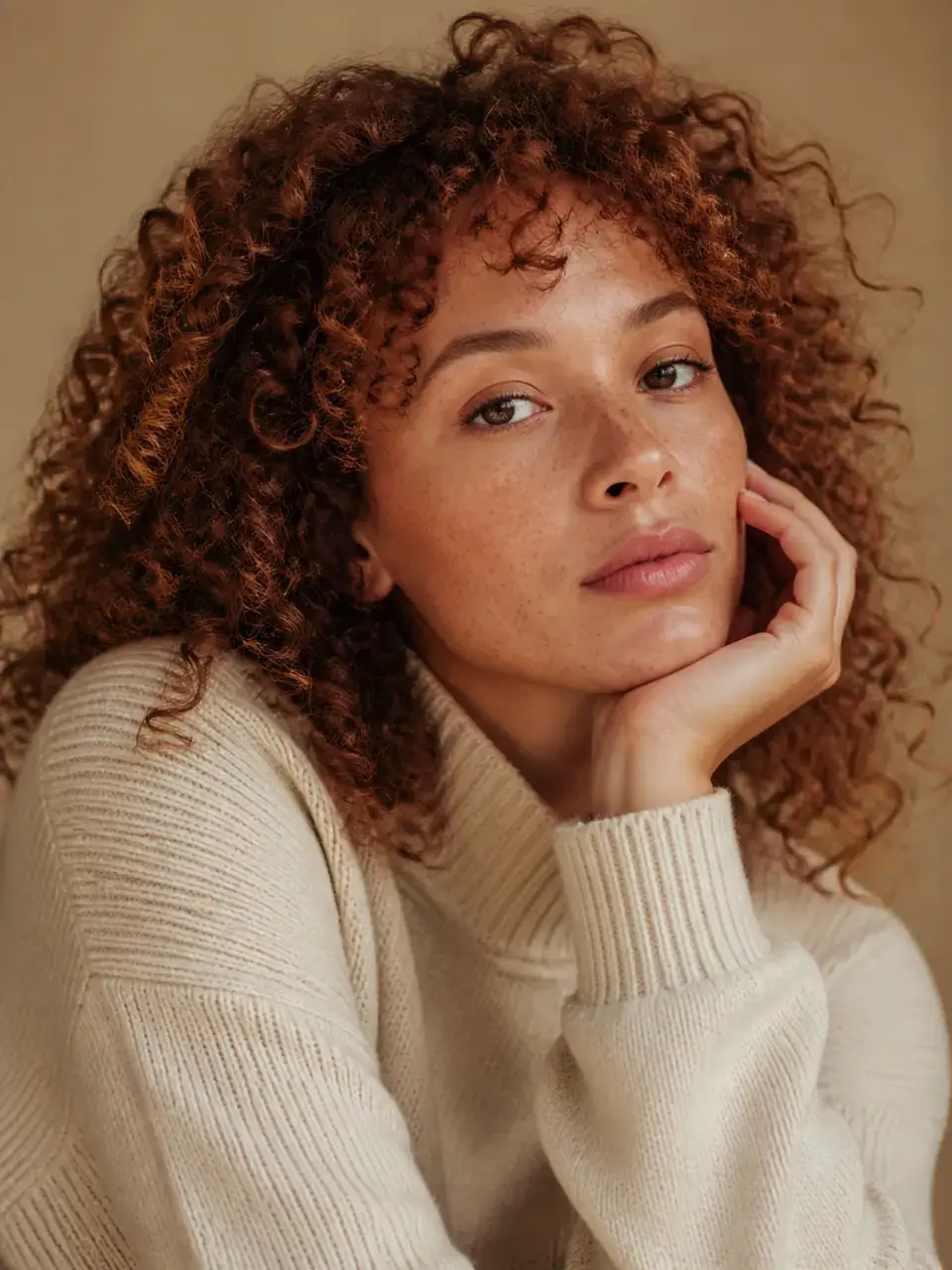
PROMPT
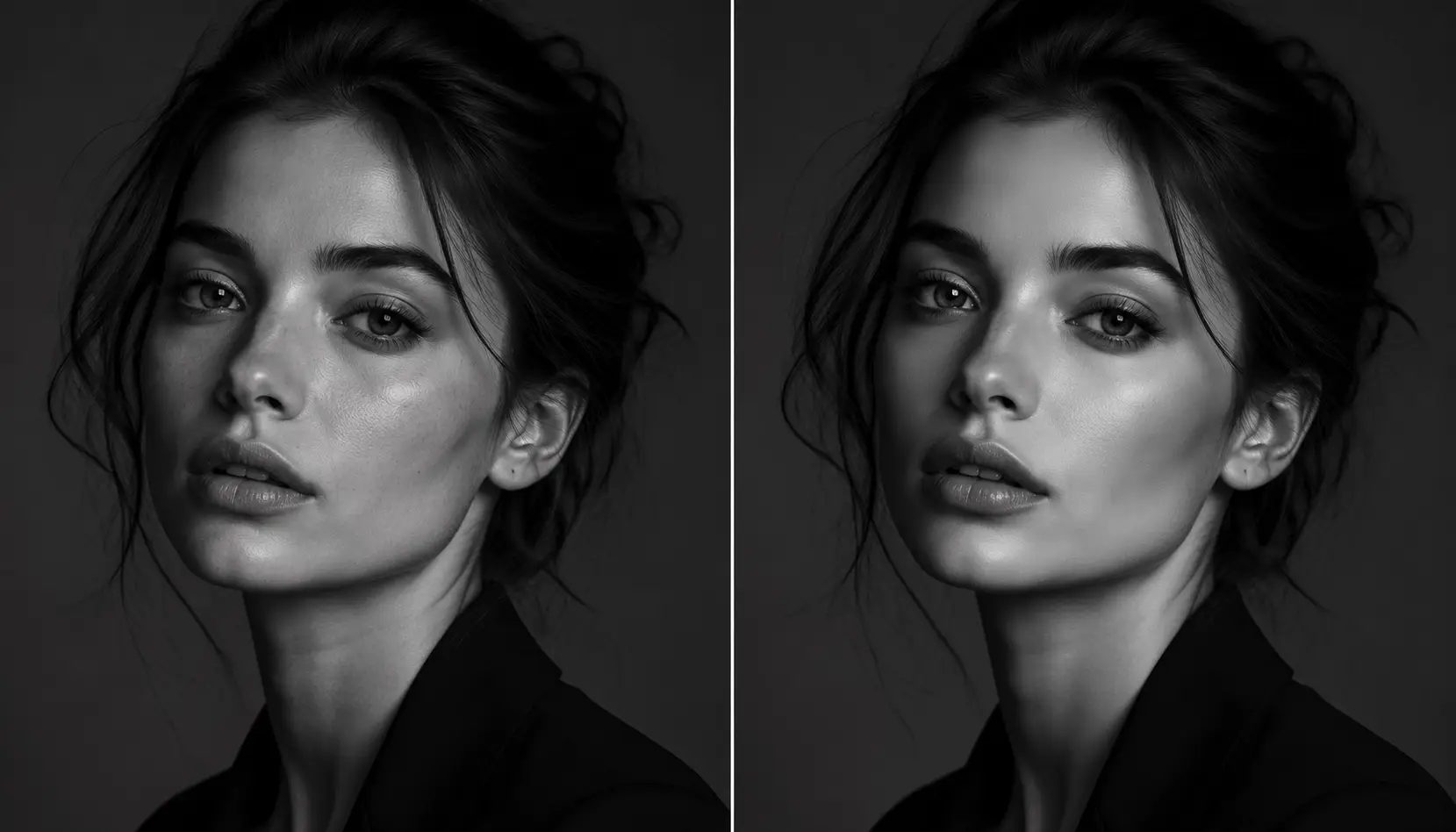
Edit this portrait: soft natural retouch, even skin, keep realistic texture, improve catchlights gently, adult subject fully clothed, no logos or text
Payment upgrade in progress — Email support@yomioo.com with your registered email for free credits to try first


Edit photos with plain-language prompts—remove distractions, replace backgrounds, retouch portraits, relight scenes, and polish product stills. Direct one change at a time while keeping subjects adult when people appear, fully clothed, and free of logos or readable brand marks.
Upload a photo and name one edit first—remove, replace, retouch, or relight. The AI photo editor keeps identity stable while you reshape the scene.

Upload a photo and name one edit first—remove, replace, retouch, or relight. The AI photo editor keeps identity stable while you reshape the scene.
Move from portrait polish to travel cleanup and product studio setups. Lock what must stay unchanged so results feel intentional.

Move from portrait polish to travel cleanup and product studio setups. Lock what must stay unchanged so results feel intentional.
Review edges, hands, and lighting after each pass. Fix one artifact at a time, then export for social or catalogs.
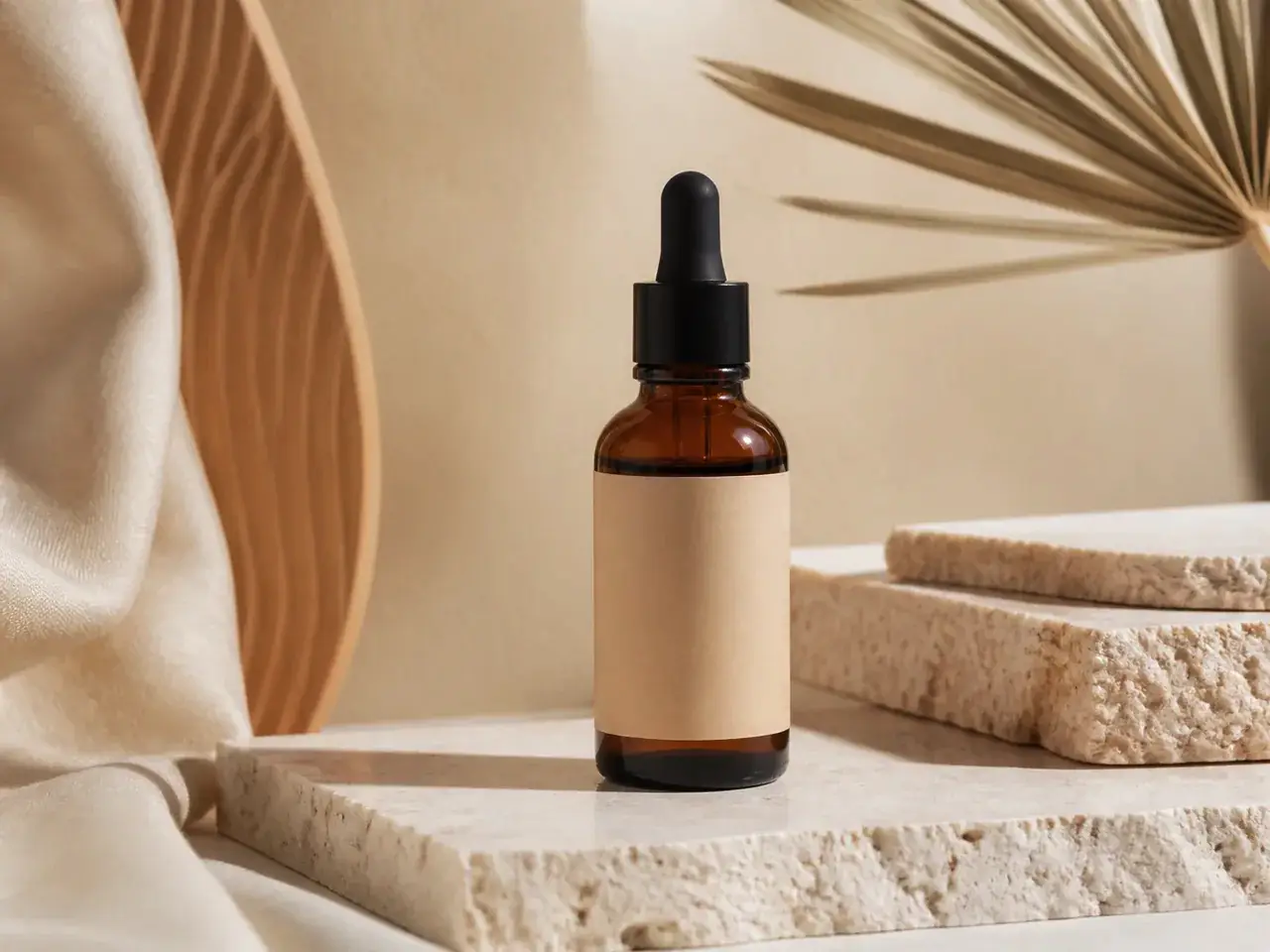
Review edges, hands, and lighting after each pass. Fix one artifact at a time, then export for social or catalogs.
Prompt-based edits for portraits, travel, and products. Remove clutter, change light, and polish details in one workspace.
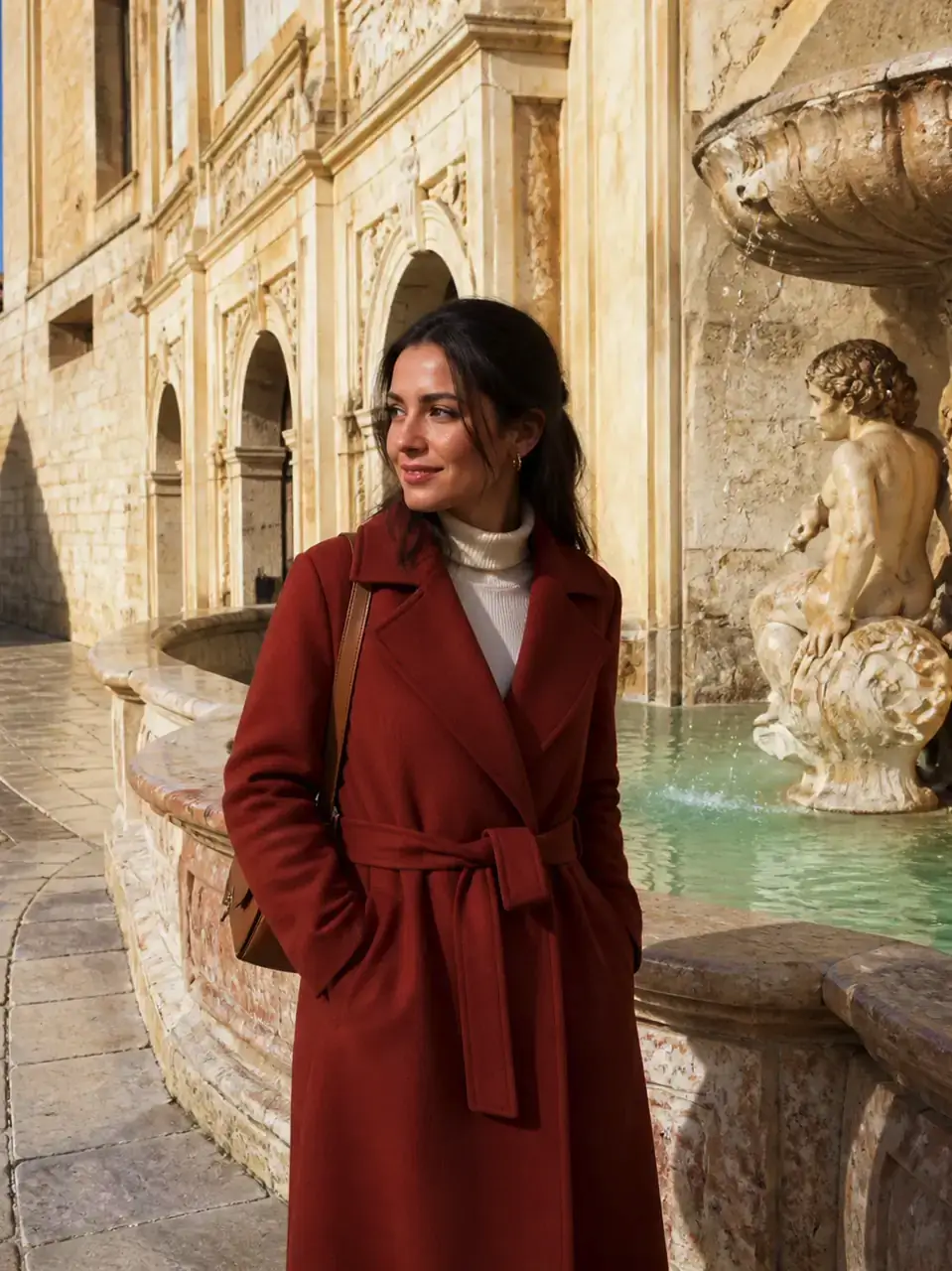
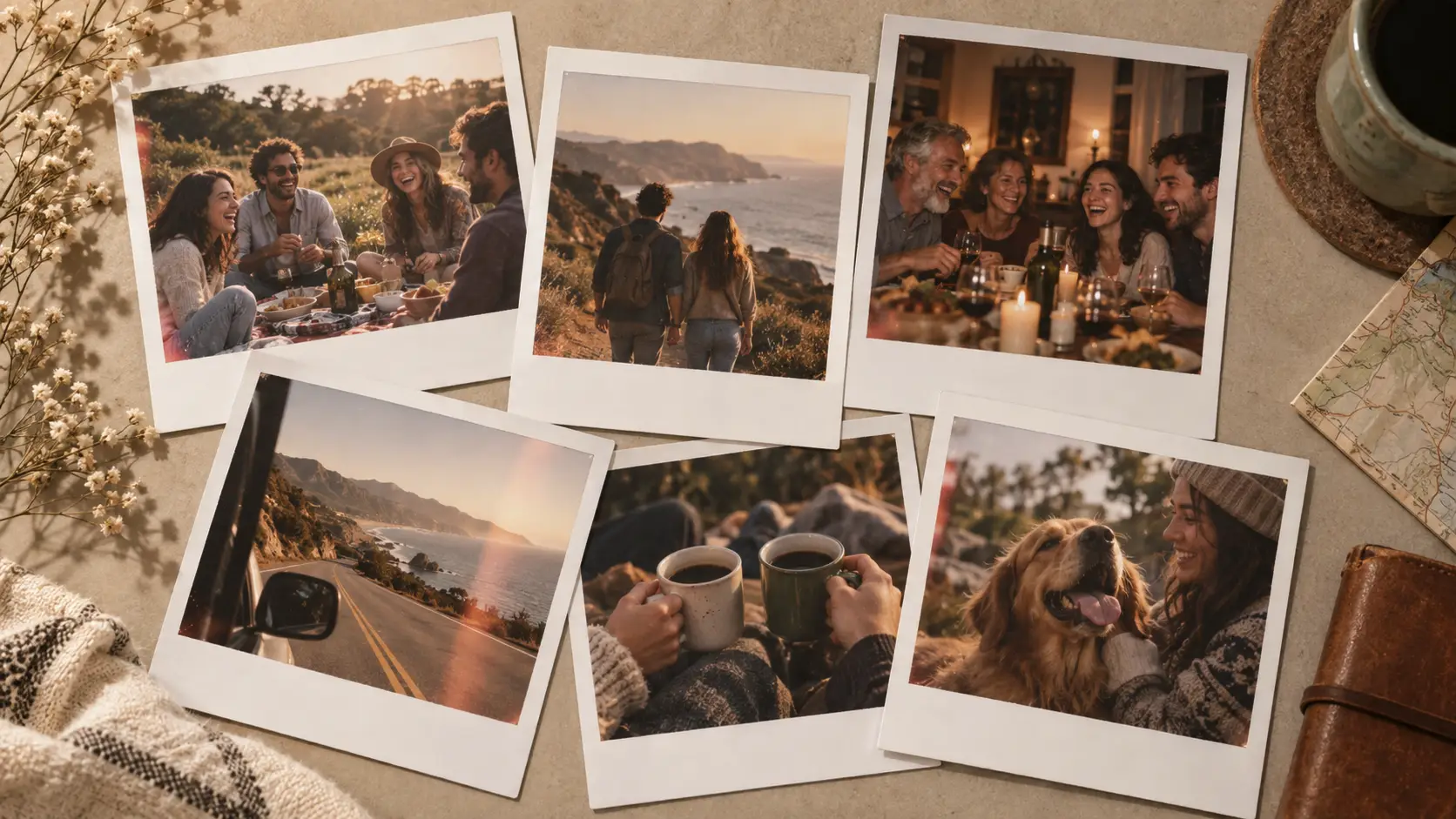
Clear tourists, clutter, and distractions from a scene.
Move subjects onto studio, outdoor, or lifestyle backdrops.
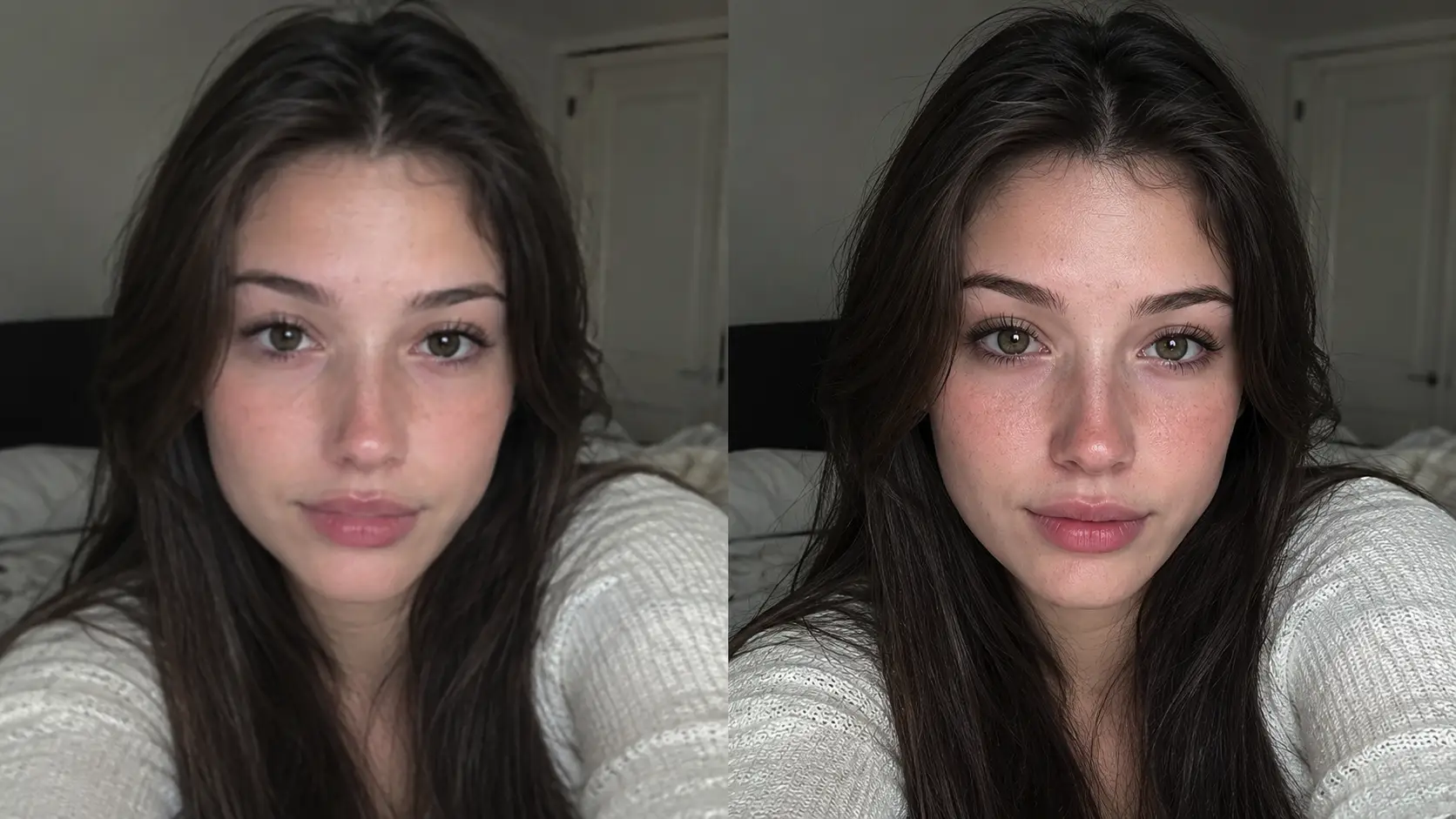
Soften blemishes while keeping natural skin texture.
Shift to golden hour, studio softboxes, or cooler night light.
Clean surfaces and stage catalog-ready stills.
Adjust tones carefully without inventing brand logos.
Ask to keep face and pose stable across passes.
Export square, vertical, and landscape crops.
Compare edit quality across flagship models.
No fake trademarks; keep people fully clothed.
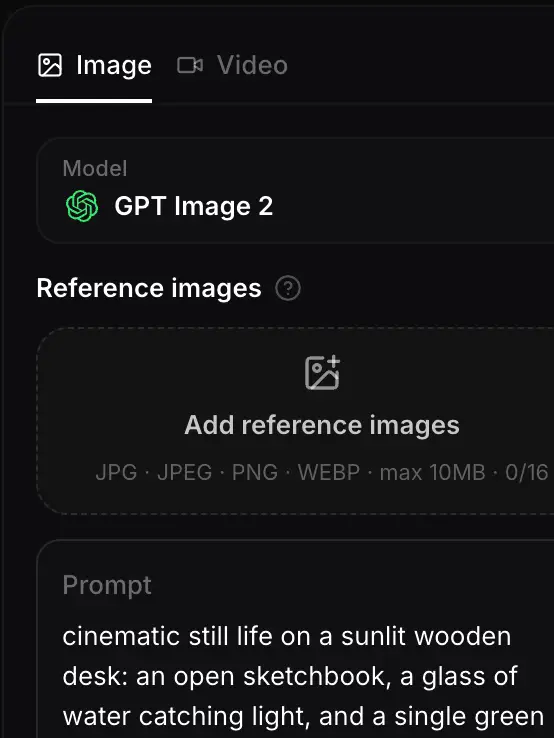
Start with a clear source. Note the single change you want first.
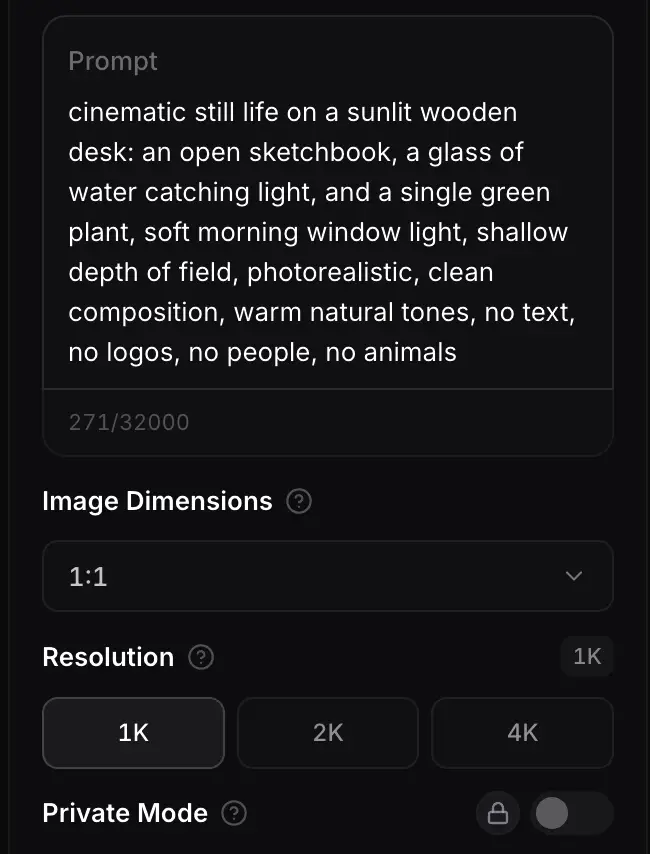
Say remove, replace, retouch, or relight. Name what must stay the same.
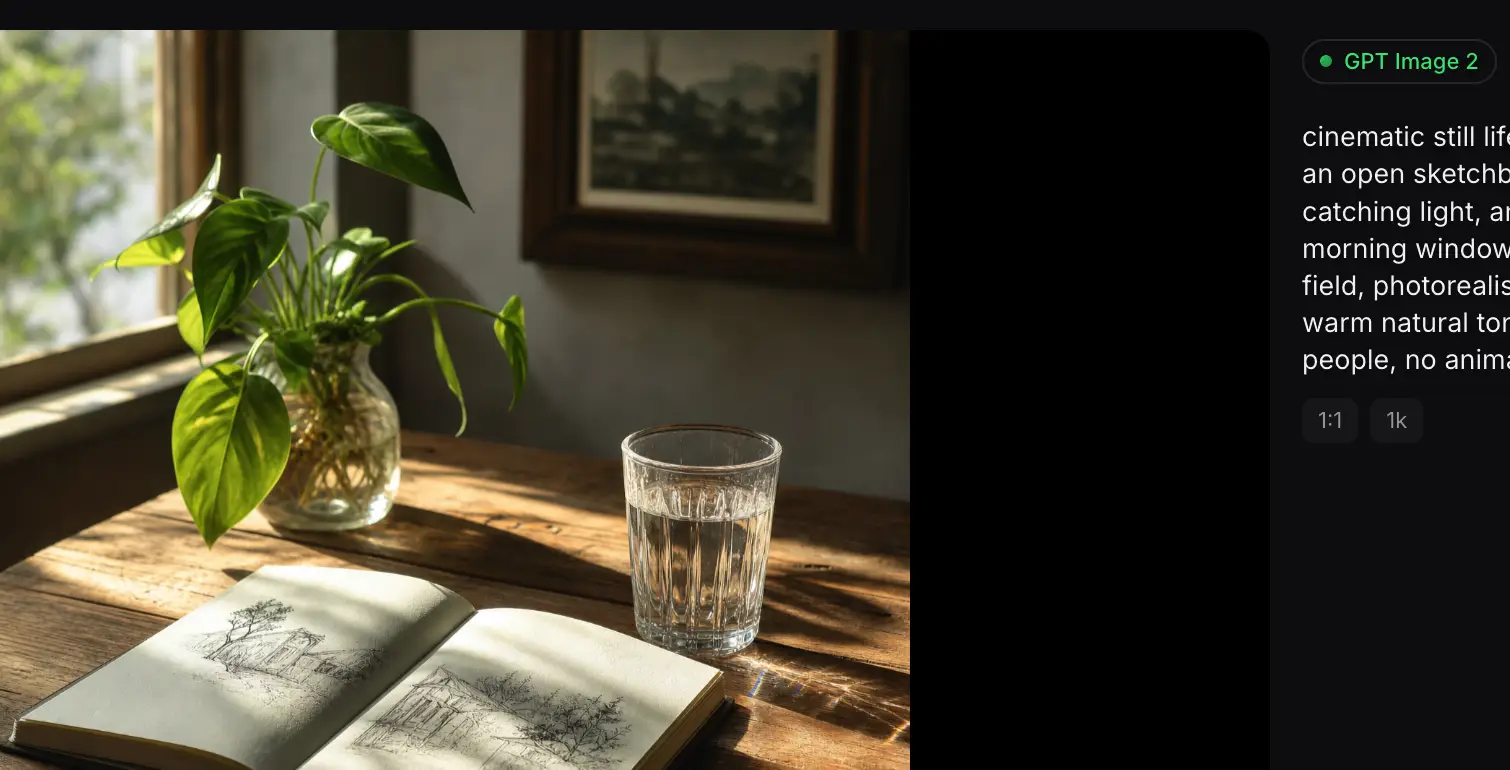
Apply the edit, refine edges, then export for boards or social.
Different models handle object removal, relighting, and retouch differently. Compare flagship models and keep the edit that fits.

Flagship video with longer clips and multi-reference control for cinematic motion and staging.
Generate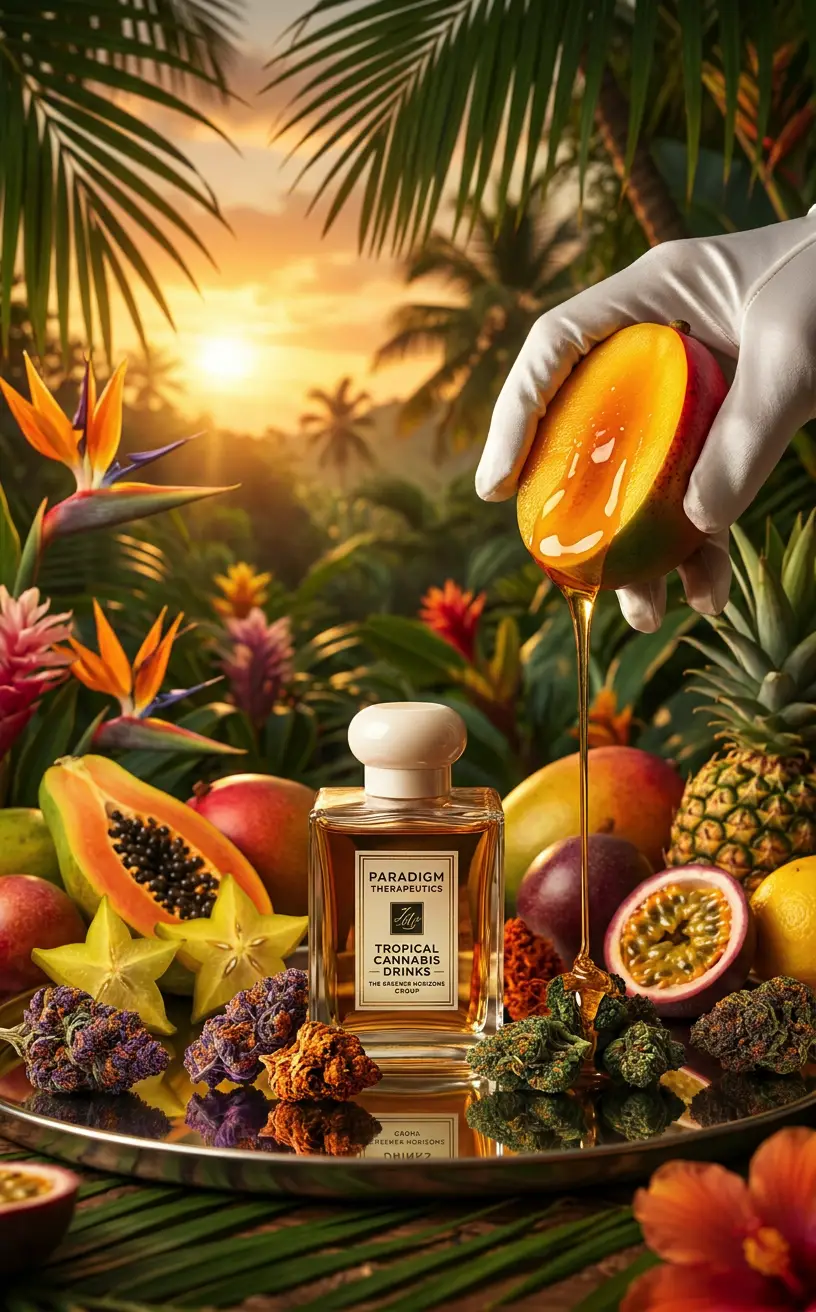
Gemini 3.1 Flash stills with extreme aspect ratios and up to 4K for fast, flexible image work.
Generate
Sharper edits and cleaner text in layouts—start on Flare for speed, switch to Sunburst when precision matters.
Generate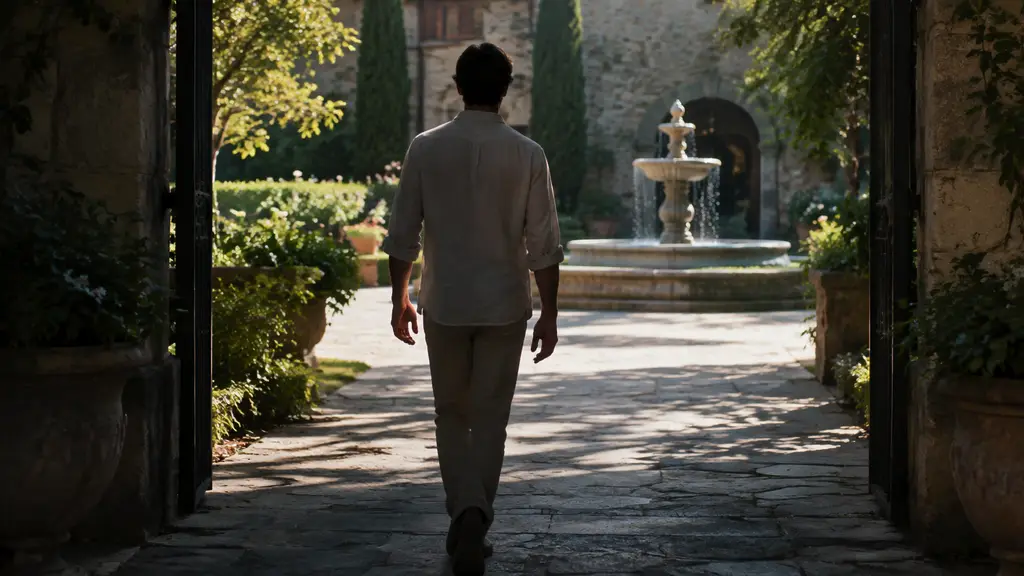
Reference-led video up to 30s with first/last frames or image, video, and audio references.
Generate
Cinematic video with natural lighting and environmental depth for story-led moments.
Generate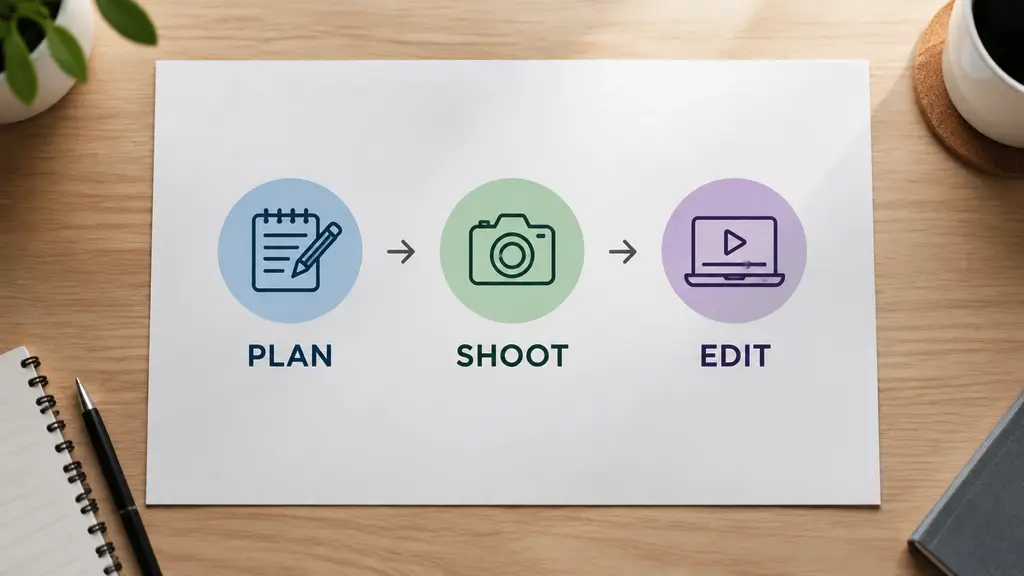
Strong text-in-image and multilingual layouts at 1K/2K, with up to three reference images.
GenerateUse an AI photo editor when you need object removal, background swaps, portrait polish, and product cleanup without heavy manual masking.

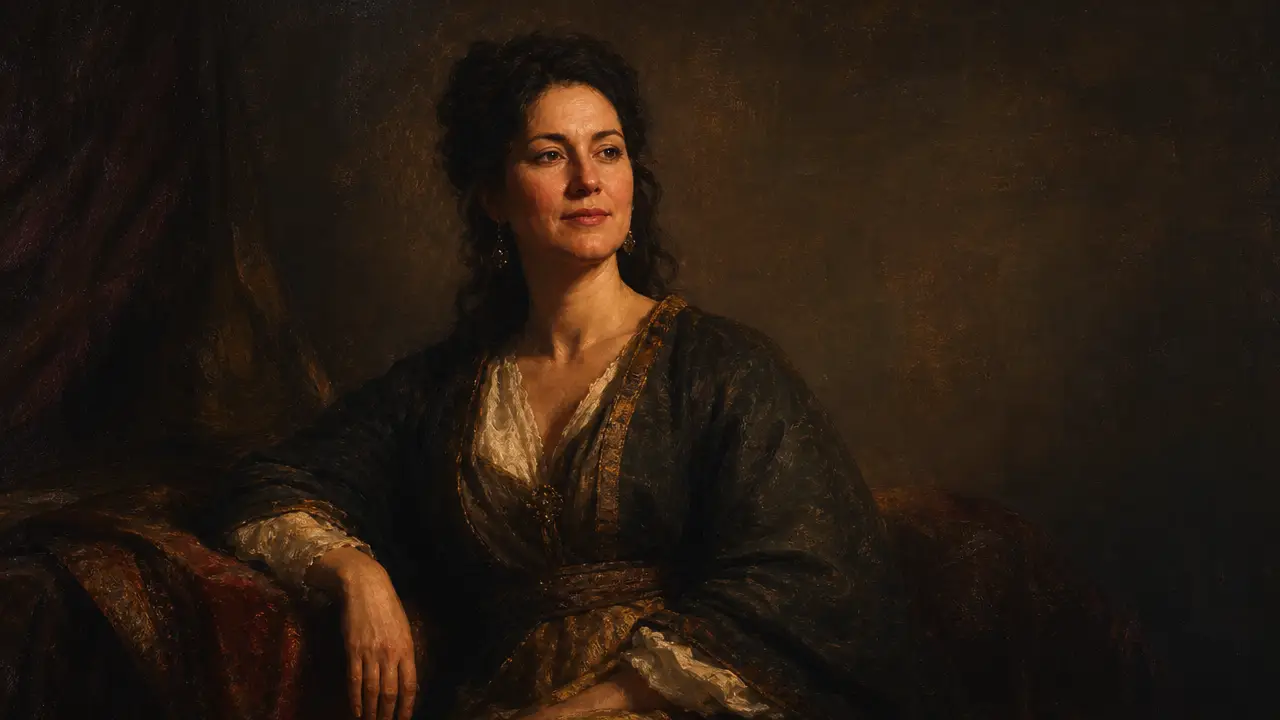
Natural retouch and gentle catchlight cleanup.

Polish portraits while keeping courtyard architecture sharp.

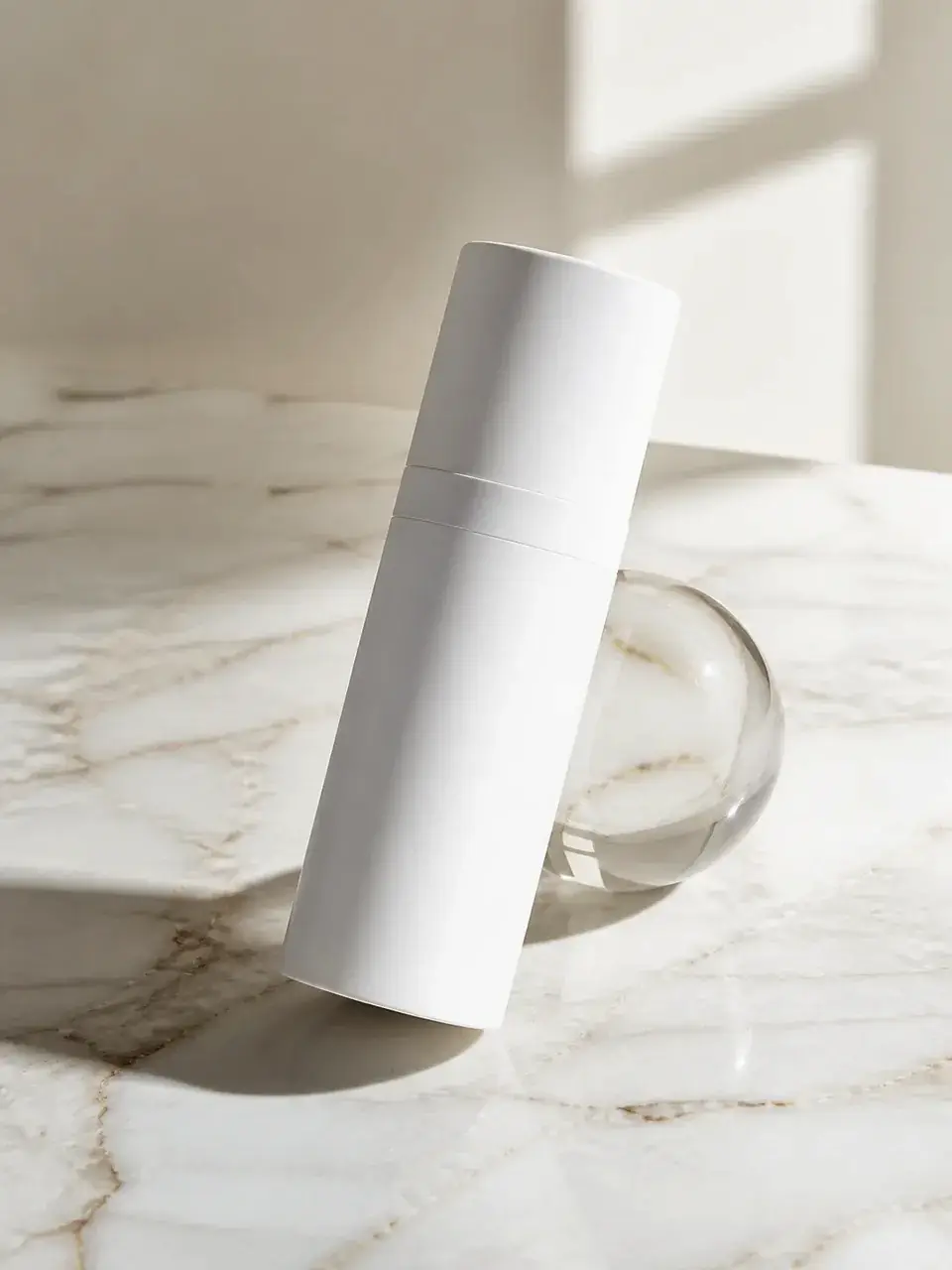
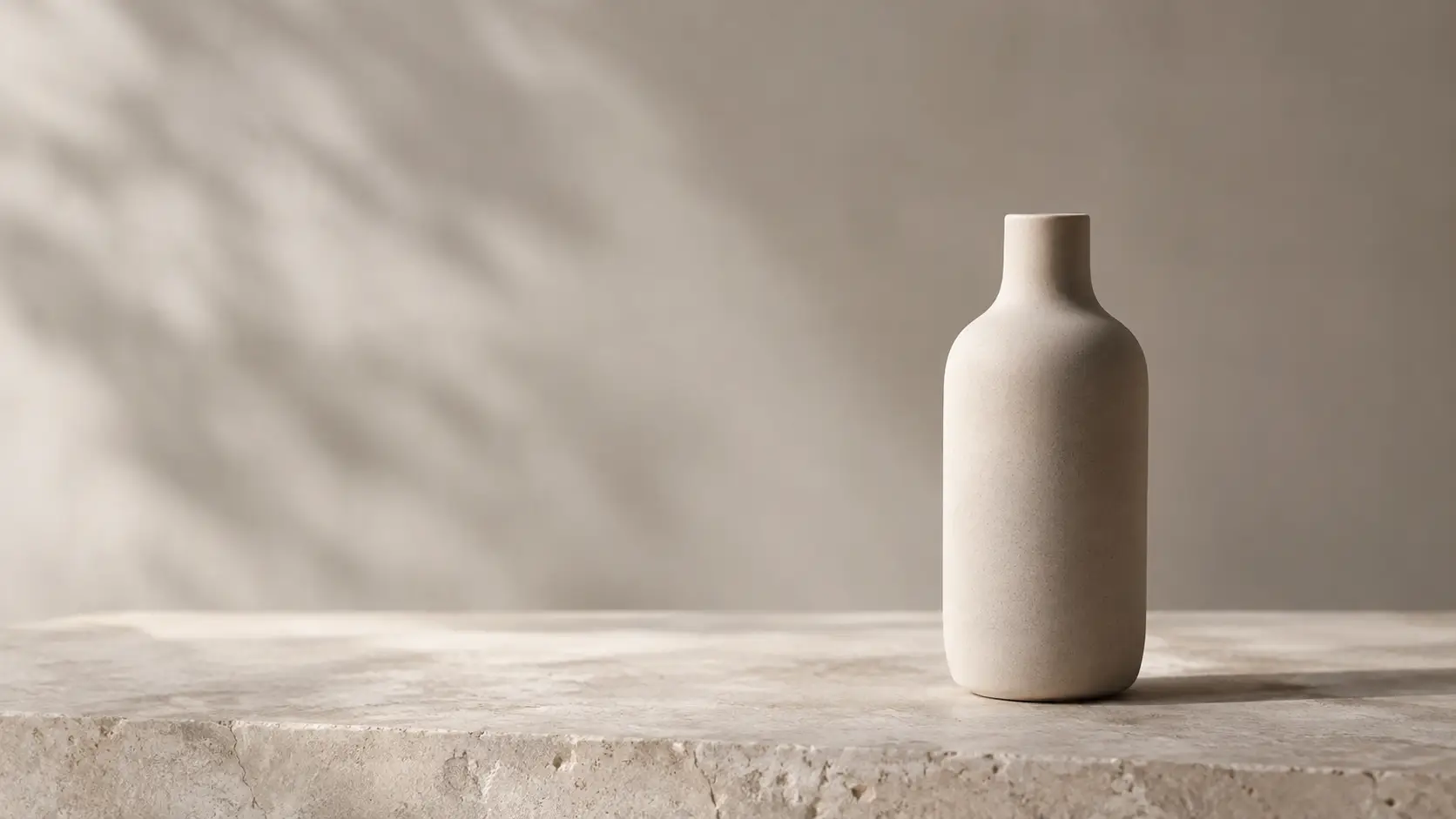
Stage clean marble and lifestyle product shots.
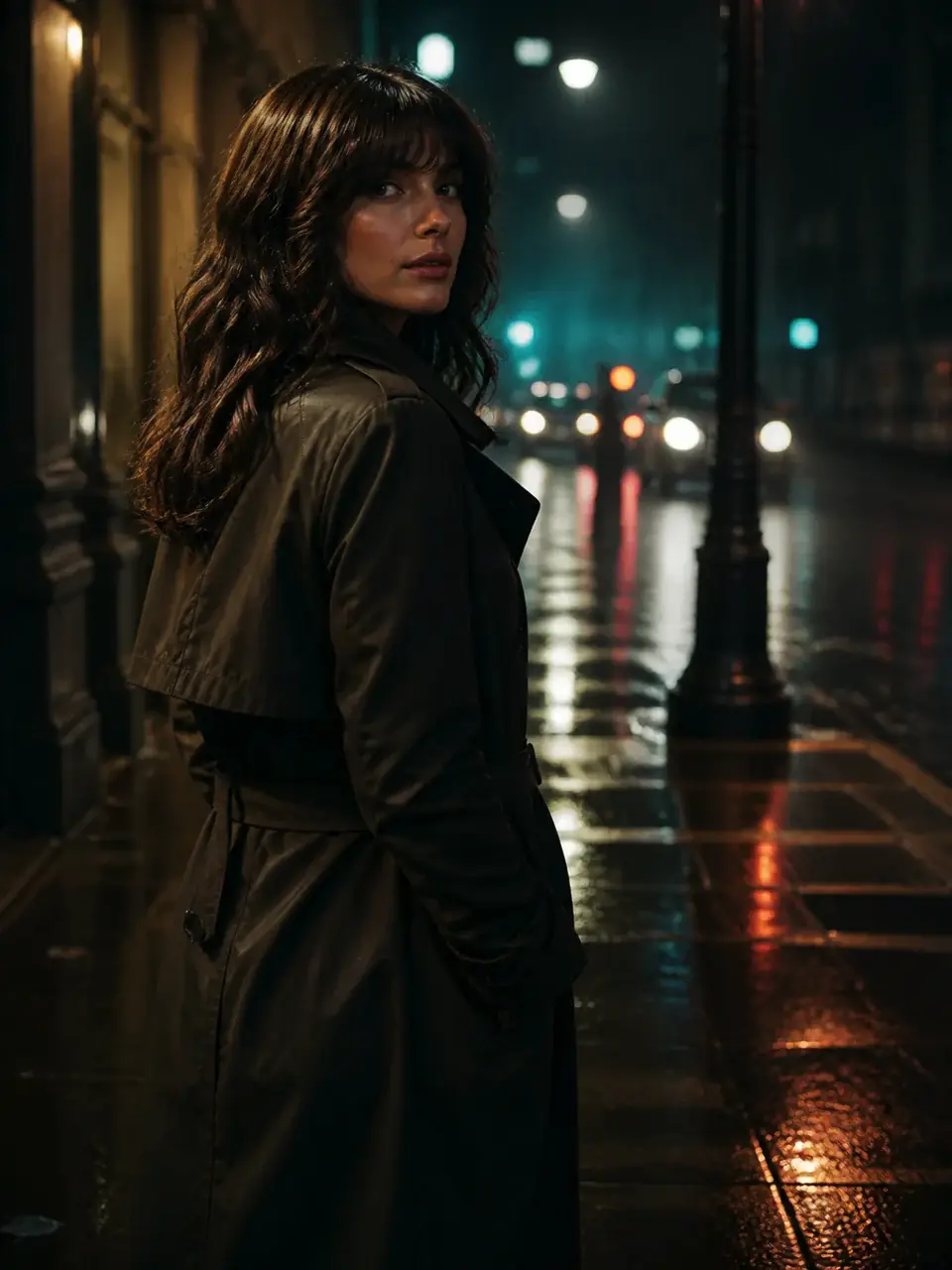
Shift daylight to golden hour or soft studio light.
Join people turning messy source photos into clean, intentional edits for creative projects.
Trusted by 5 000+ people worldwide
Want more photo edits and styles? Browse enhance, film, and animate tools in the AI Photo hub.
Explore AI Photo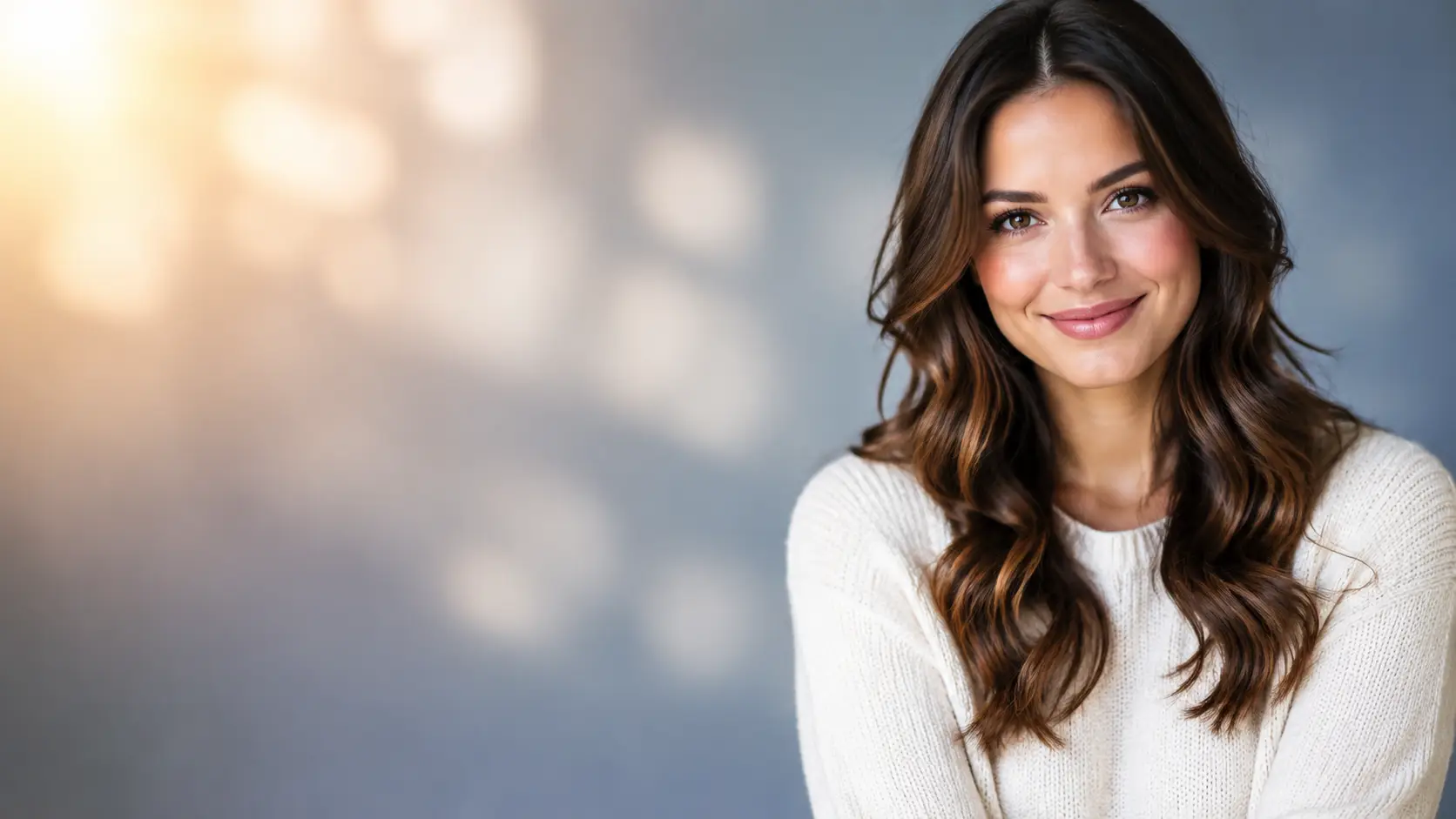
Get more generations, faster creation, and priority access to new features.
First-time creators exploring AI image tools
$0/ month
Daily hobbyists and enthusiasts
$10.9$11.9/ month
Everyday creators who need more output
$25.9$31.9/ month
Ambitious projects and heavy image & video workflows
$84.9$129.9/ month
Model names and capabilities on this page refer to third-party AI systems available through YOMIOO. Official specs and policies live with each provider; YOMIOO terms cover how we operate the workspace.
Availability and behavior depend on the models offered in-product. Always check the linked docs before commercial or sensitive use.