PROMPT
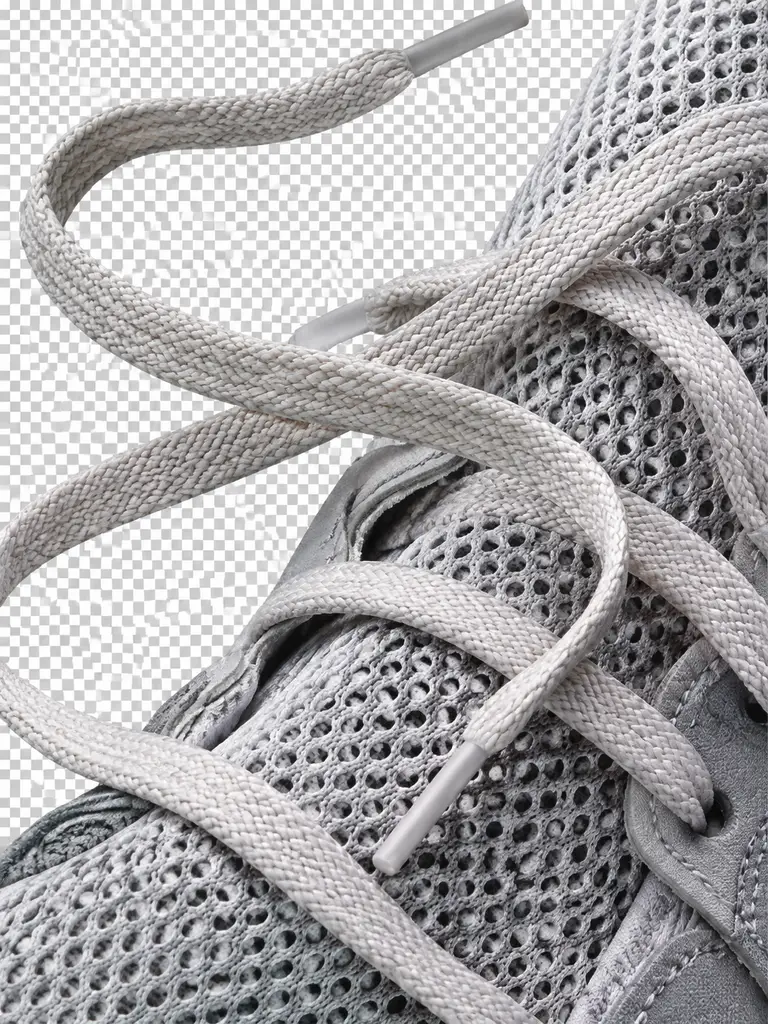
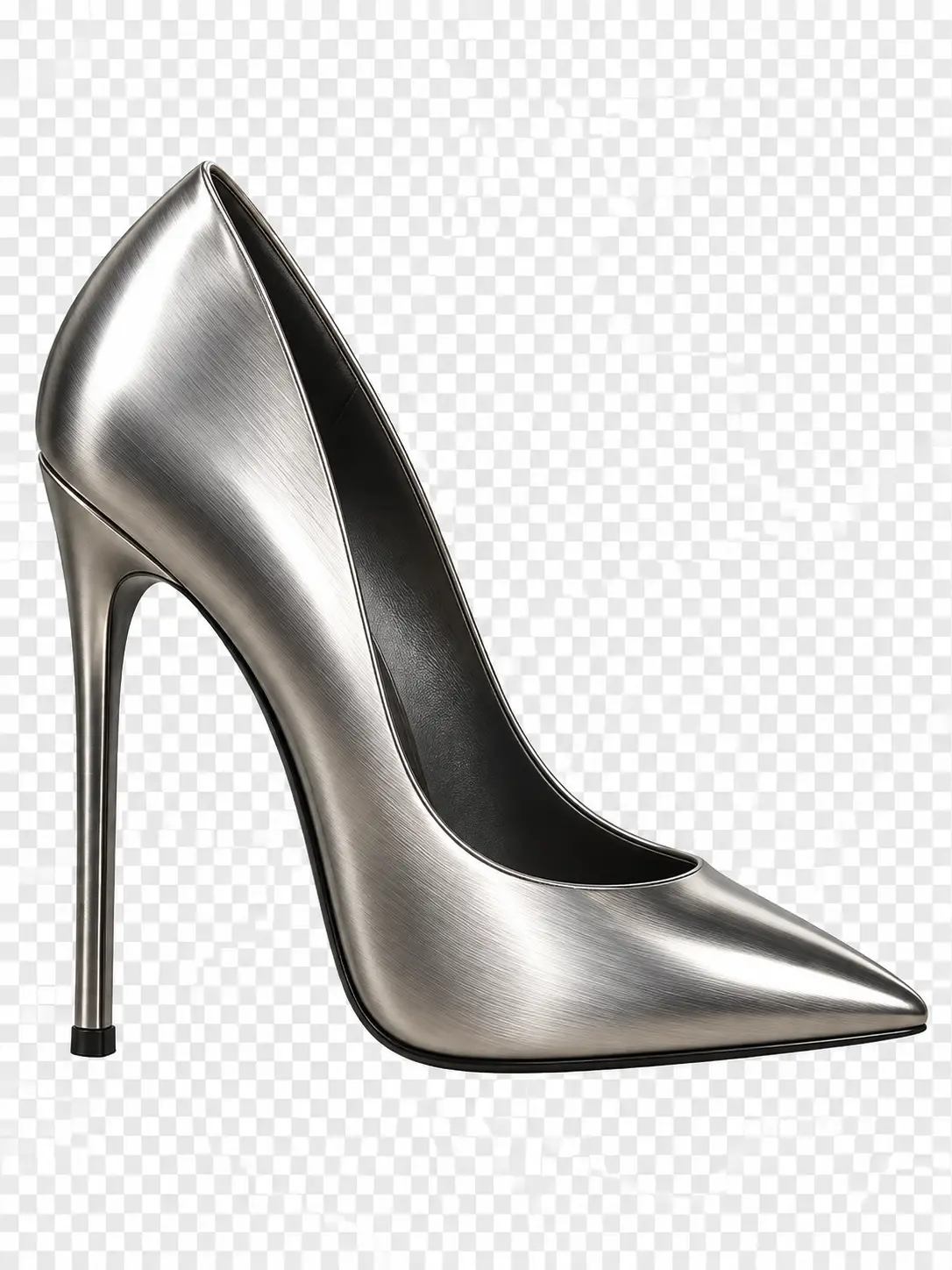
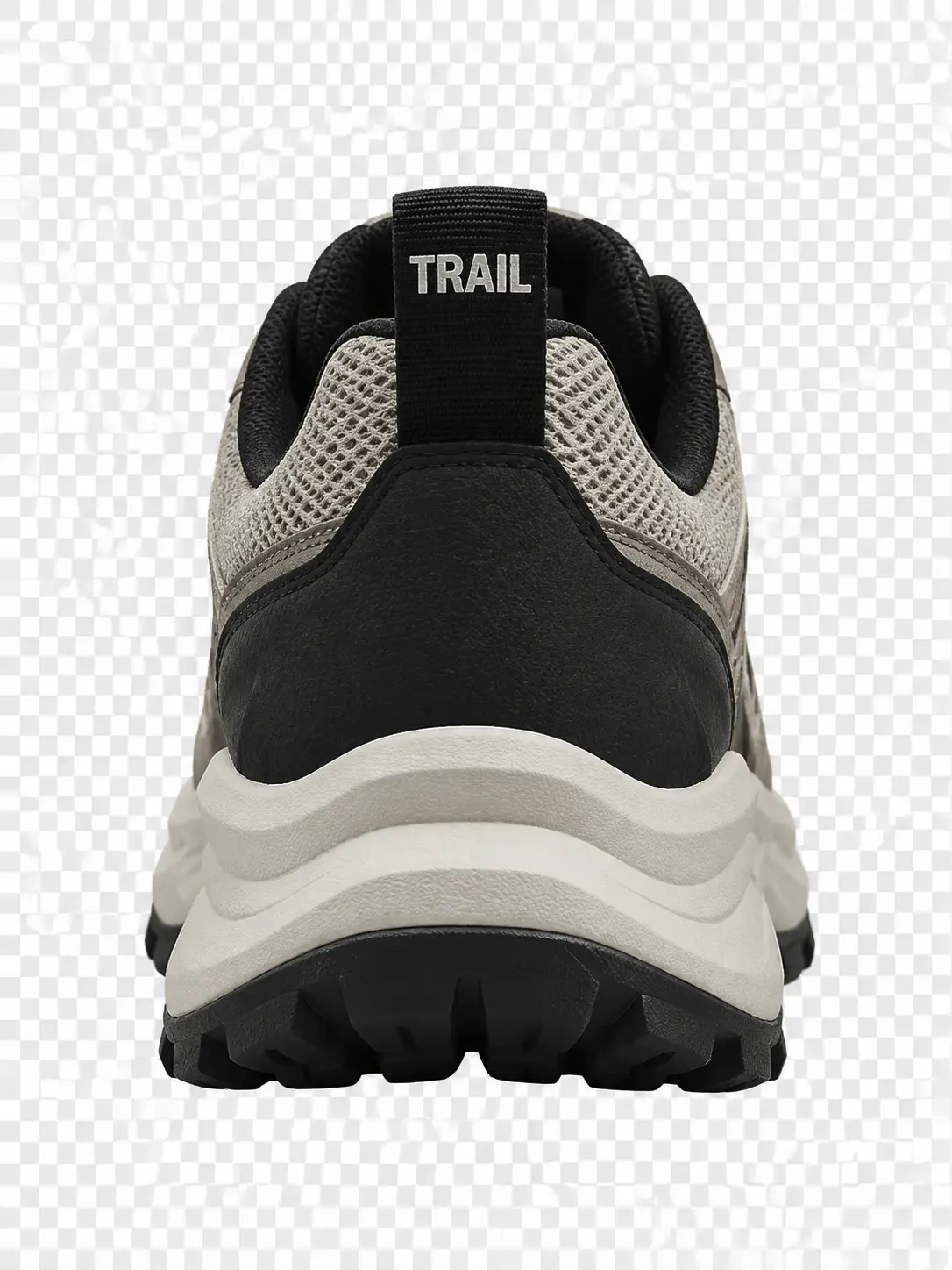
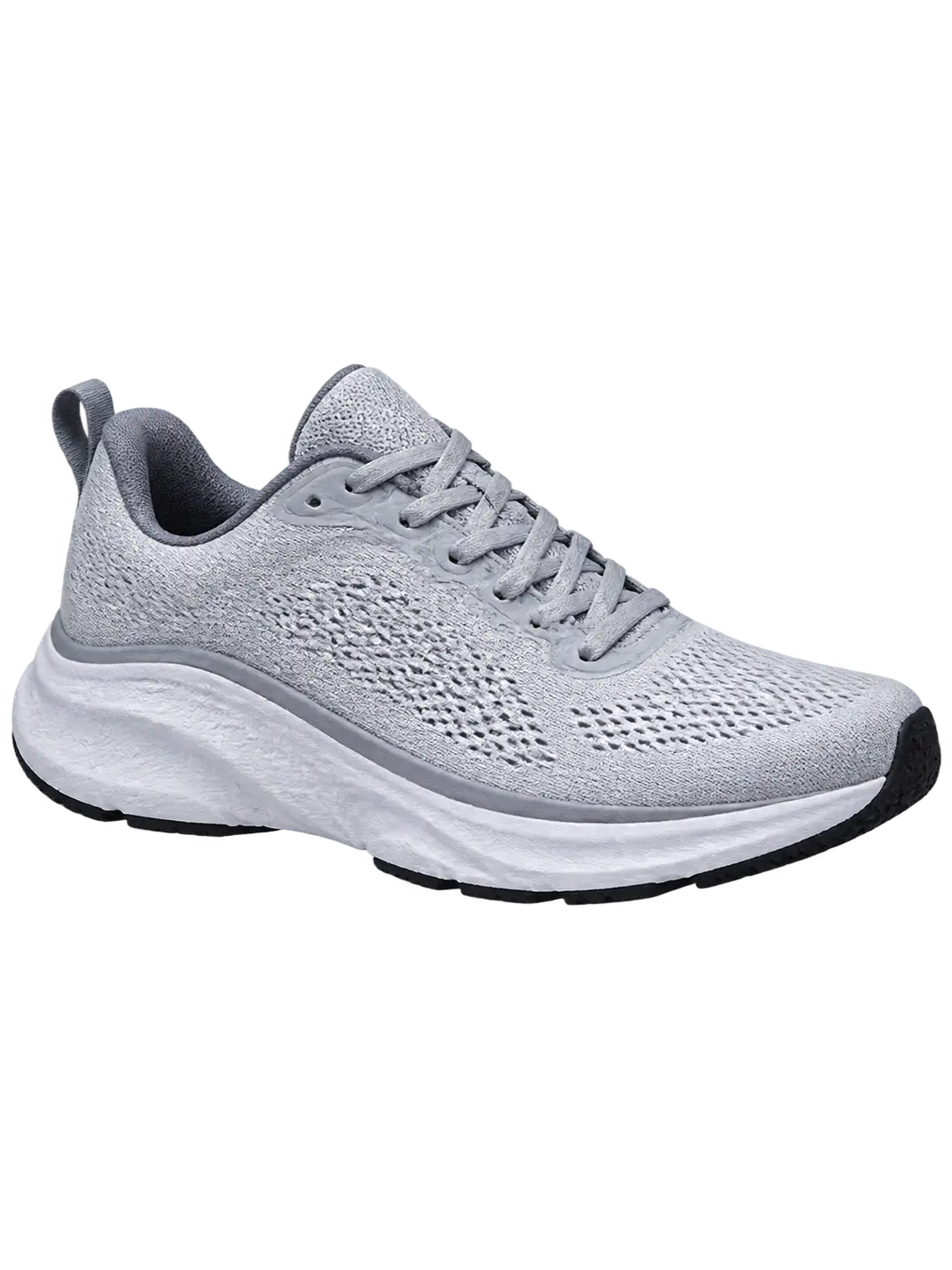
Unbranded technical running shoe, three-quarter view, cut out on transparent background, sharp outsole edge, no white fringe, no logos or readable text
Payment upgrade in progress — Email support@yomioo.com with your registered email for free credits to try first

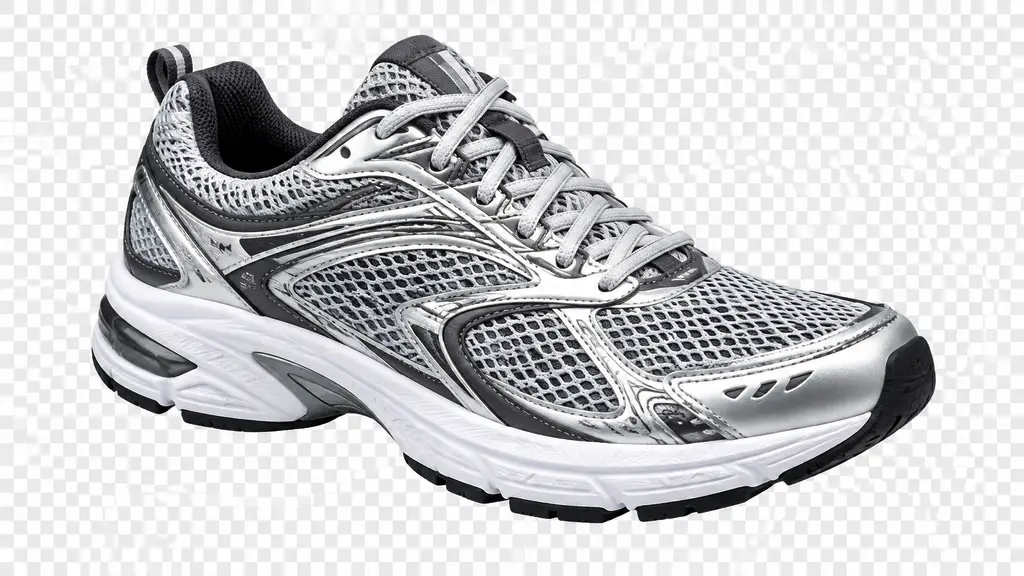
Turn a product shot into a transparent PNG—clean edge, no white fringe, no leftover background. Keep laces, mesh, and metal trim intact. The checkerboard you see is a preview only; the file exports with real alpha.
A phone photo works. Name the object to keep and the parts to drop: table, hand, prop, or reflection.
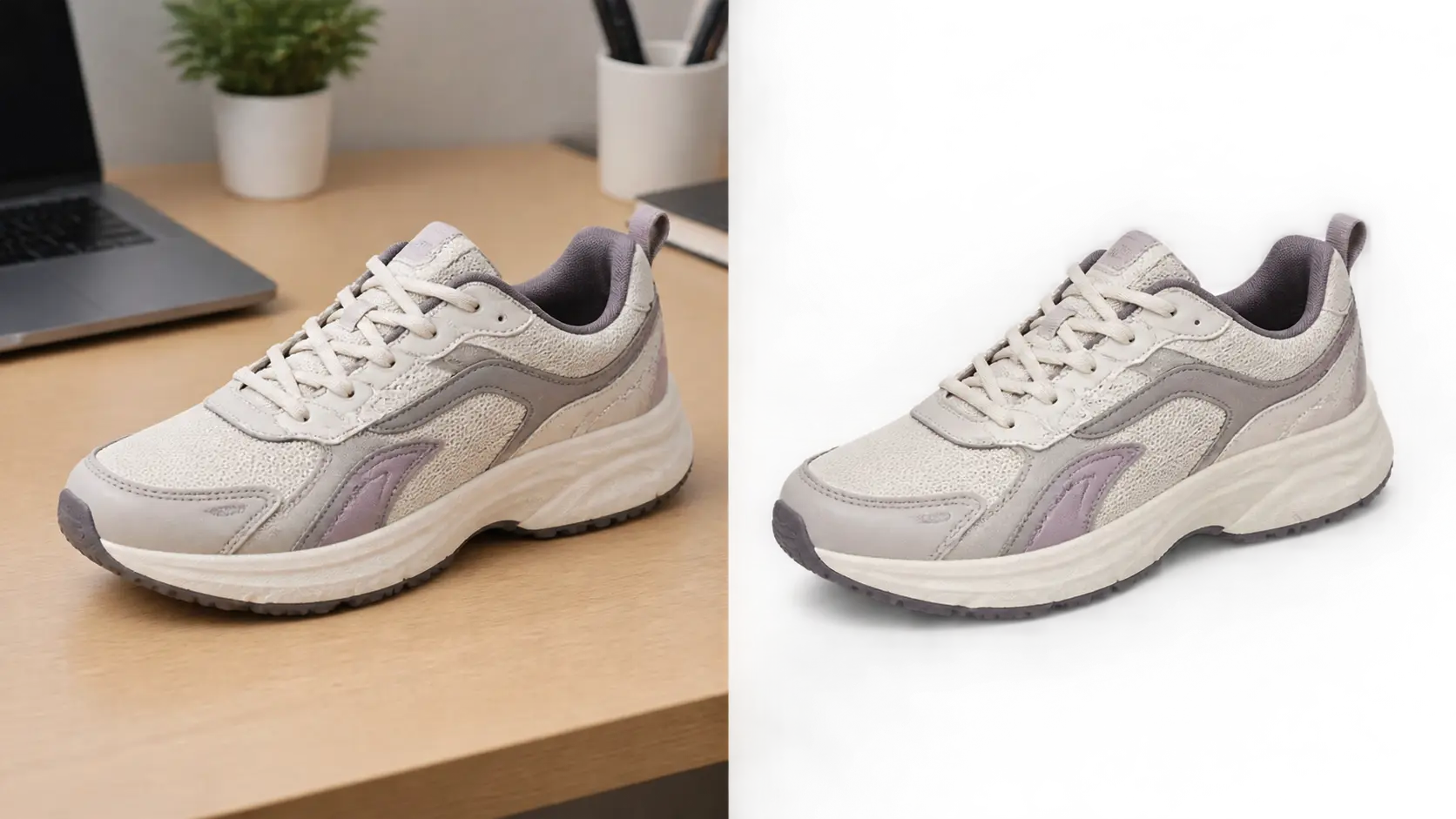
A phone photo works. Name the object to keep and the parts to drop: table, hand, prop, or reflection.
Say which edges are hard and which are thin. Laces, mesh, and straps need open gaps, not a filled silhouette. Ask for no white fringe.
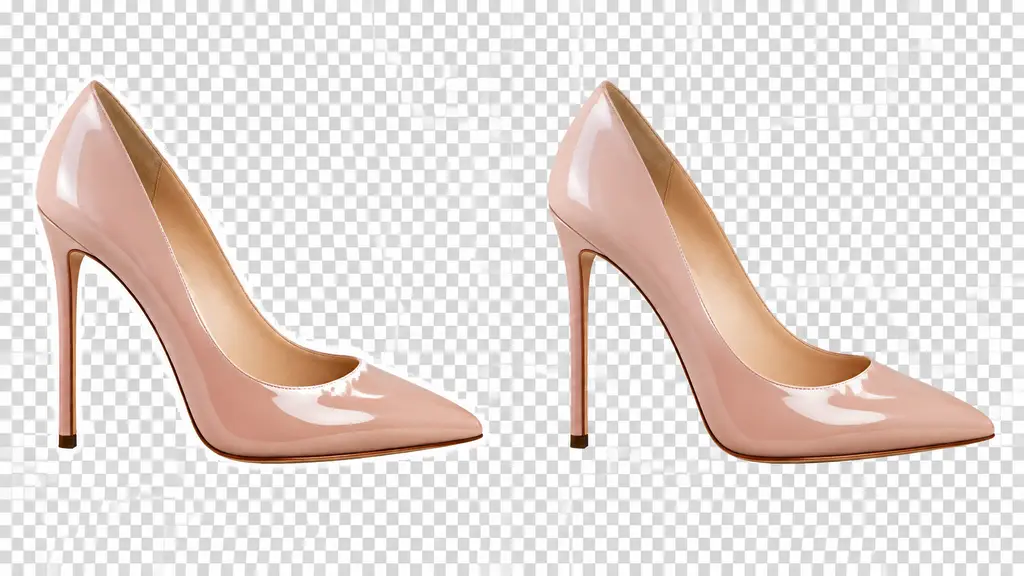
Say which edges are hard and which are thin. Laces, mesh, and straps need open gaps, not a filled silhouette. Ask for no white fringe.
Drop the cutout on a dark color and a light one. If an edge glows or holds old background color, cut again. Then export the PNG.
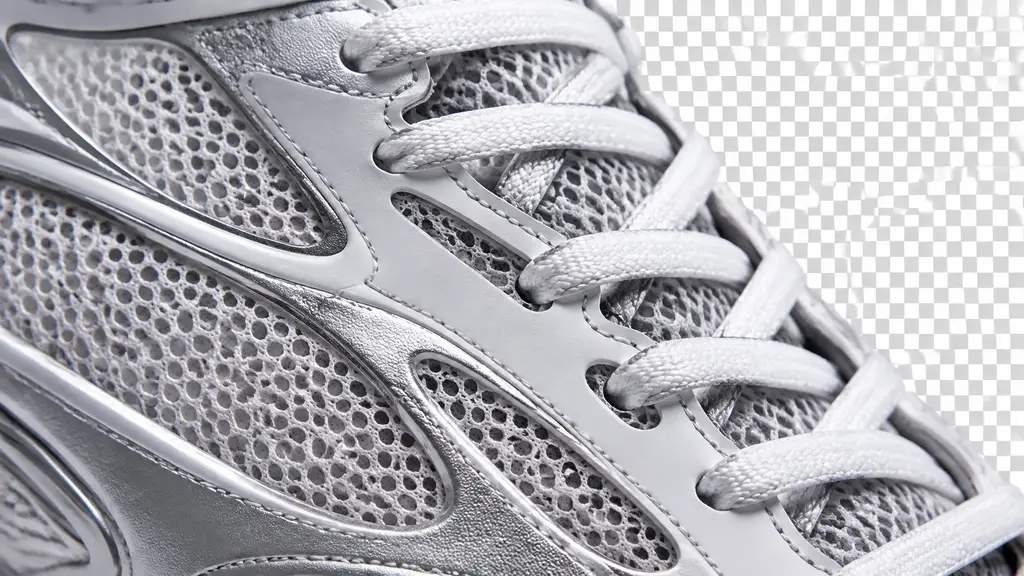
Drop the cutout on a dark color and a light one. If an edge glows or holds old background color, cut again. Then export the PNG.
Get listing-ready transparency without tracing paths by hand. Real alpha, not a painted checkerboard.
Export true alpha, not a drawn checker pattern.
Follow the object line without chewing the shape.
Keep laces, mesh, and straps with gaps open.
Drop the fringe left by the old background.
Add a soft contact shadow on its own layer.
Use your photo so color and shape stay closer.
Cut metal and gloss without flattening highlights.
Match the edge treatment across every angle.
Do not add logos the product never had.
Export square and vertical PNGs for shops.
Name the object to keep. Say what goes: surface, hands, props, and reflections.
Call out thin parts and open gaps. Ask for no halo and no color bleed from the background.
View the cutout on dark and light, fix any fringe, then export the transparent PNG.
GPT Image 2.5 is the default for clean edges. Flare is the faster pass for drafts; Sunburst holds the tighter edit when the outline must not move. Compare Nano Banana Pro and Seedream 5.0 when texture or lighting should feel different.
Flagship video with longer clips and multi-reference control for cinematic motion and staging.
Generate
Gemini 3.1 Flash stills with extreme aspect ratios and up to 4K for fast, flexible image work.
Generate
Sharper edits and cleaner text in layouts—start on Flare for speed, switch to Sunburst when precision matters.
Generate
Reference-led video up to 30s with first/last frames or image, video, and audio references.
Generate
Cinematic video with natural lighting and environmental depth for story-led moments.
Generate
Strong text-in-image and multilingual layouts at 1K/2K, with up to three reference images.
GenerateUse an AI product cutout generator for marketplace listings, banners, decks, and print mockups.
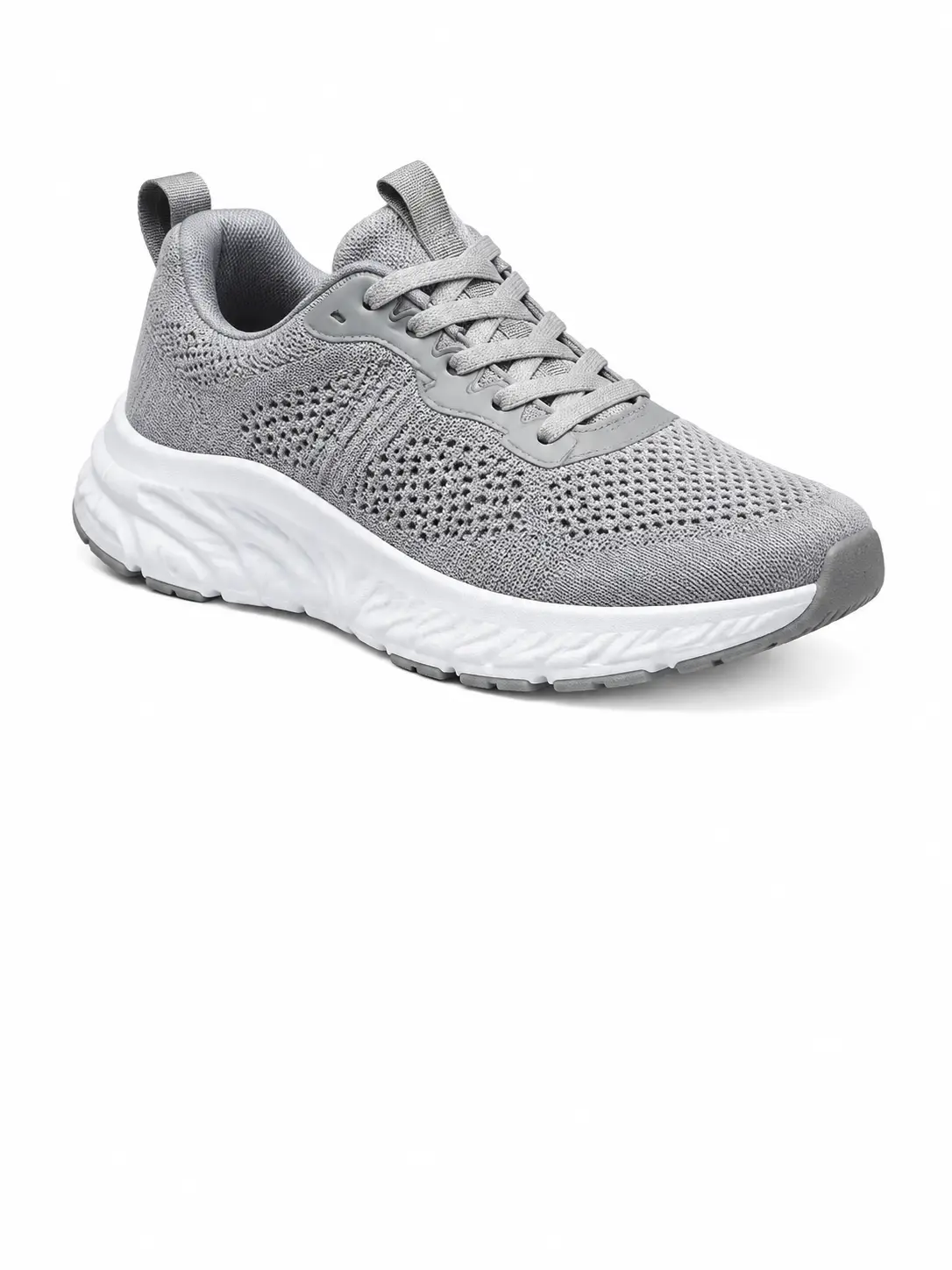
One object, white frame, no stray pixels.
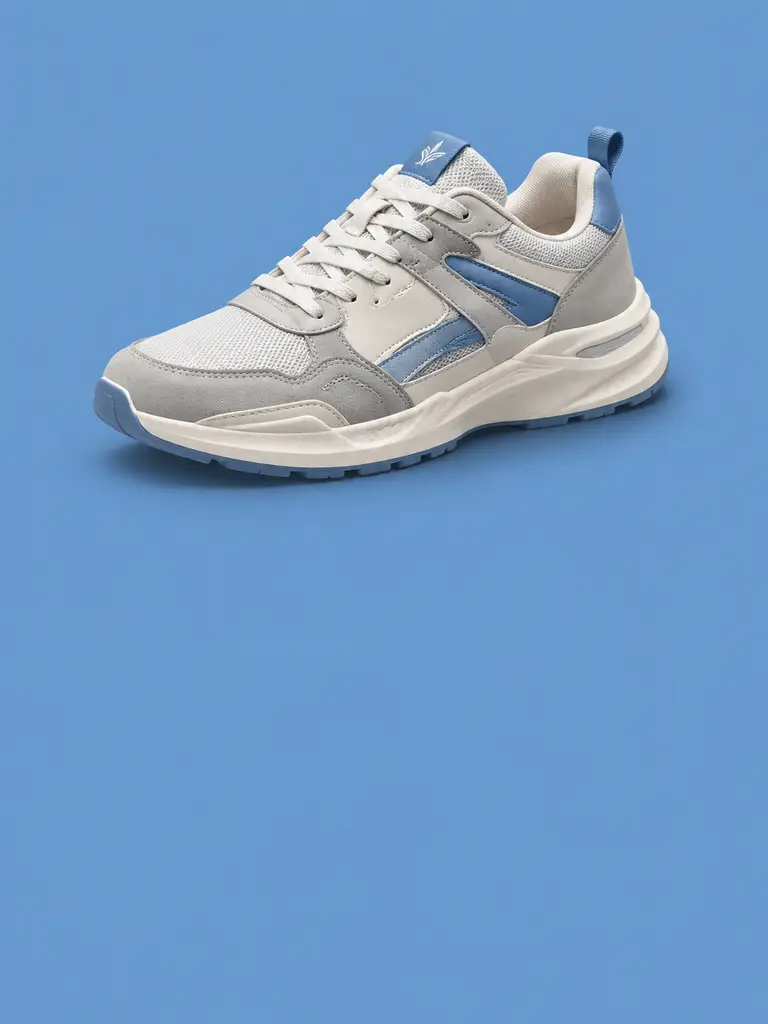
Drop the product on any brand color.
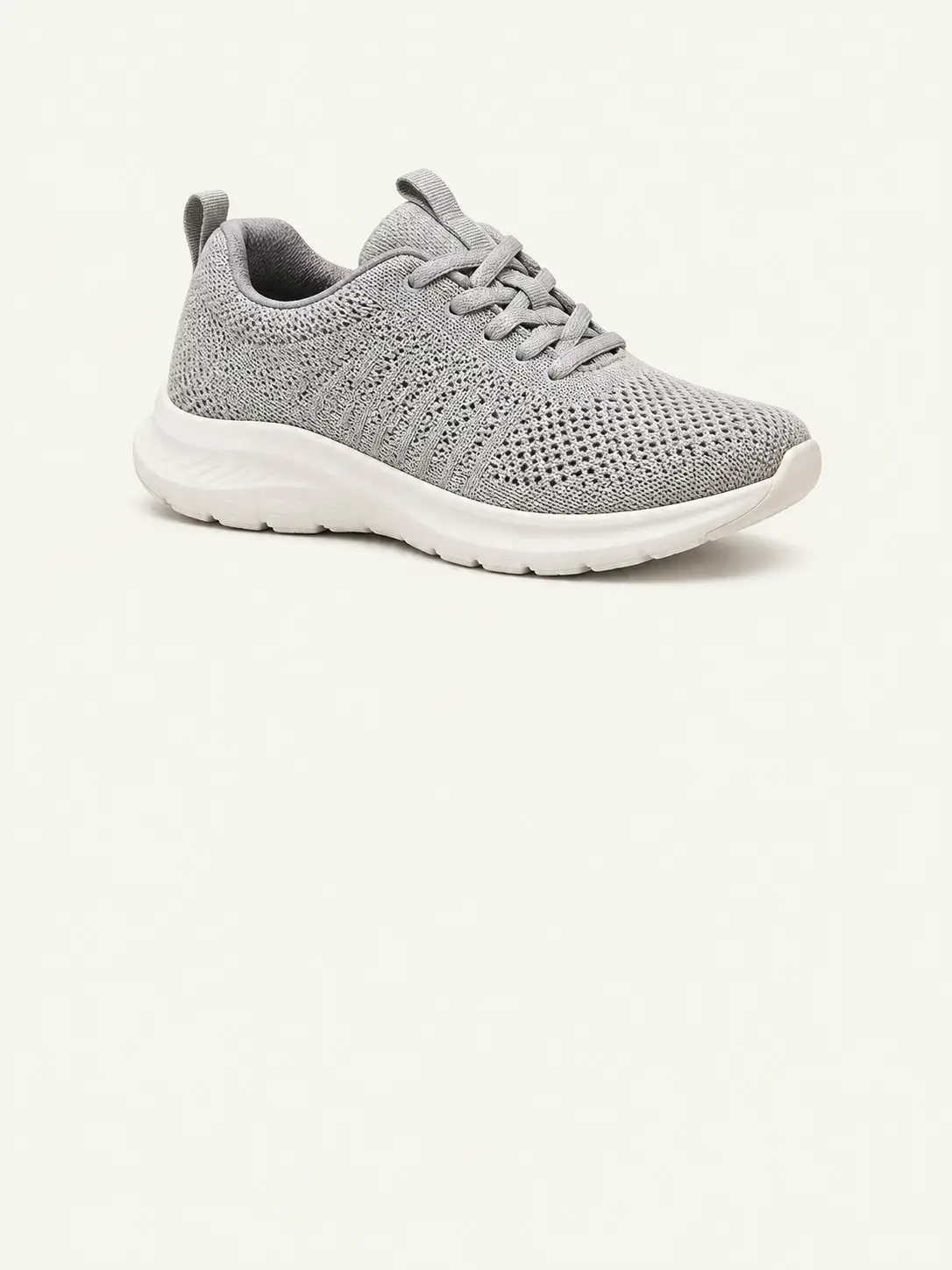
Place the same cutout across every slide.
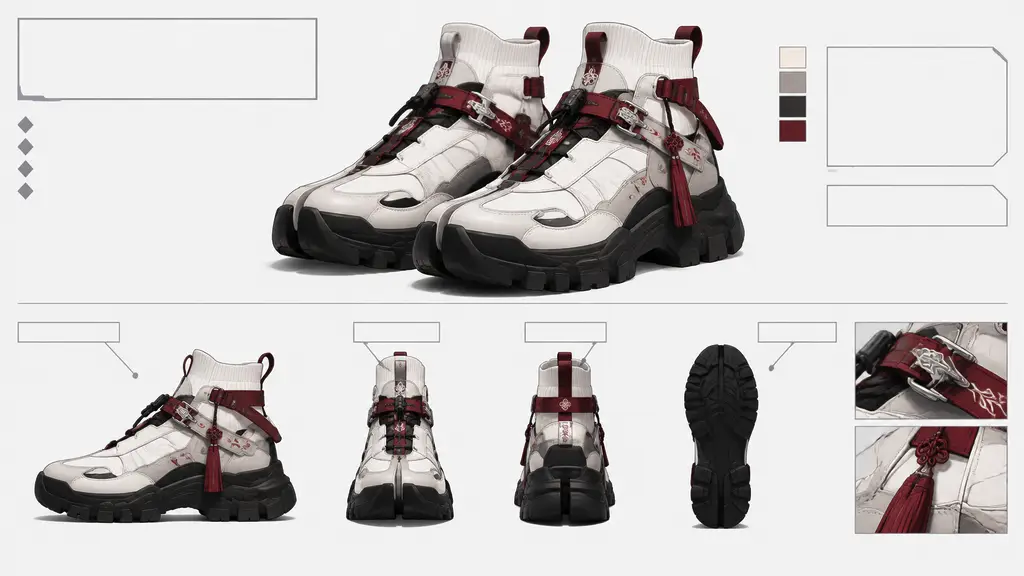
Composite the product before the shoot.
Join people shipping transparent PNGs with edges that survive a dark background.
Trusted by 5 000+ people worldwide
Need more product-shot ideas? Browse packshots, listings, and cutouts in the AI Product Photo hub.
Explore AI Product Photo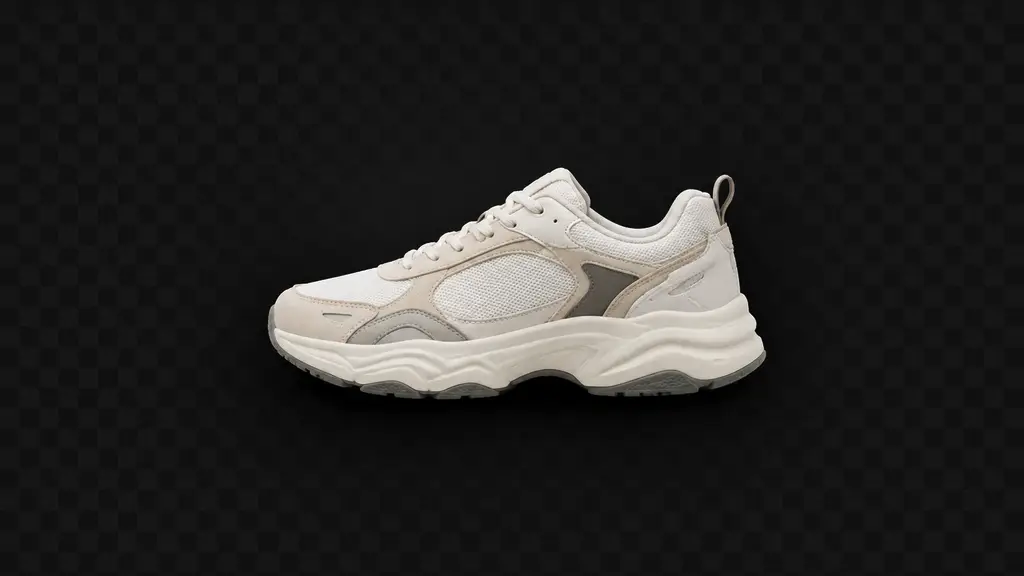
Get more generations, faster creation, and priority access to new features.
First-time creators exploring AI image tools
$0/ month
Daily hobbyists and enthusiasts
$10.9$11.9/ month
Everyday creators who need more output
$25.9$31.9/ month
Ambitious projects and heavy image & video workflows
$84.9$129.9/ month
Model names and capabilities on this page refer to third-party AI systems available through YOMIOO. Official specs and policies live with each provider; YOMIOO terms cover how we operate the workspace.
Availability and behavior depend on the models offered in-product. Always check the linked docs before commercial or sensitive use.