PROMPT
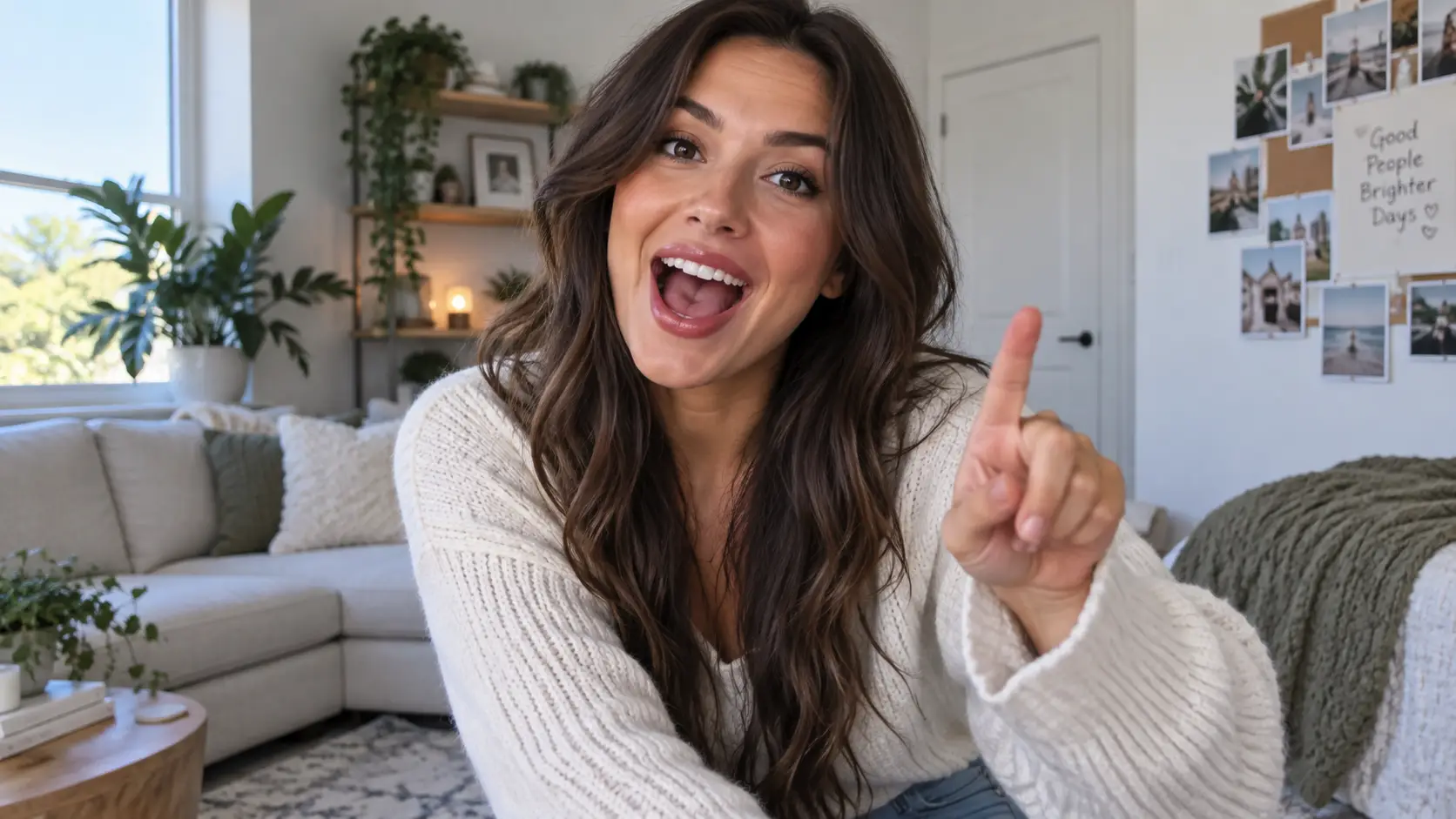
RemixReplace the phone with the game controller in Image 1; keep the finger movement and the café background
Payment upgrade in progress — Email support@yomioo.com with your registered email for free credits to try first


Point to an object in your footage and replace it with something else from a reference photo—a bottle, a phone, a pair of shoes, a box or any prop. Hands, motion, lighting and camera stay as filmed, so the new object looks like it was there all along.
Use a clip where the object stays visible for most of the shot. Steady framing and good light give the cleanest result.

Use a clip where the object stays visible for most of the shot. Steady framing and good light give the cleanest result.
Upload a clear photo of the replacement. With several references, call them Image 1, Image 2 and say which object goes where.

Upload a clear photo of the replacement. With several references, call them Image 1, Image 2 and say which object goes where.
The AI keeps hand contact, shadows and camera movement, so the swap blends into the original footage.

The AI keeps hand contact, shadows and camera movement, so the swap blends into the original footage.
Powered by Genjutsu Object Swap by Higgsfield.
Only the object you name changes.
Grip and hand movement follow the original.
Products, props, shoes, bags, packaging and more.
Swap branded items for neutral ones before publishing.
Up to 8 images in one generation.
Add one sentence when the target is ambiguous.
Preview cheaply, finish in 720p.
Edit clips and objects you have rights to use.
Genjutsu Object Swap is built for targeted replacements. For outfits specifically, see AI Outfit Swap Video; to replace the whole person, use Genjutsu Motion Transfer.

Swap outfits, products or props in a real video from reference photos while motion, camera and background stay.
Generate
Put the person from your photo into a source video so they copy every move, dance and gesture.
GenerateFix, localize or remix footage you already have.

Put a different product on the desk of the same talking-head shot.

Swap logo bags or gear for clean, unbranded versions you can use safely.

Fix a wrong or missing prop without another day on set.

Turn a phone into a pineapple and make a meme in one pass.
Want more video workflows? Browse short, realistic, and image-to-video tools in the AI Video hub.
Explore AI Video
Get more generations, faster creation, and priority access to new features.
First-time creators exploring AI image tools
$0/ month
Daily hobbyists and enthusiasts
$10.9$11.9/ month
Everyday creators who need more output
$25.9$31.9/ month
Ambitious projects and heavy image & video workflows
$84.9$129.9/ month
Model names and capabilities on this page refer to third-party AI systems available through YOMIOO. Official specs and policies live with each provider; YOMIOO terms cover how we operate the workspace.
Availability and behavior depend on the models offered in-product. Always check the linked docs before commercial or sensitive use.