PROMPT
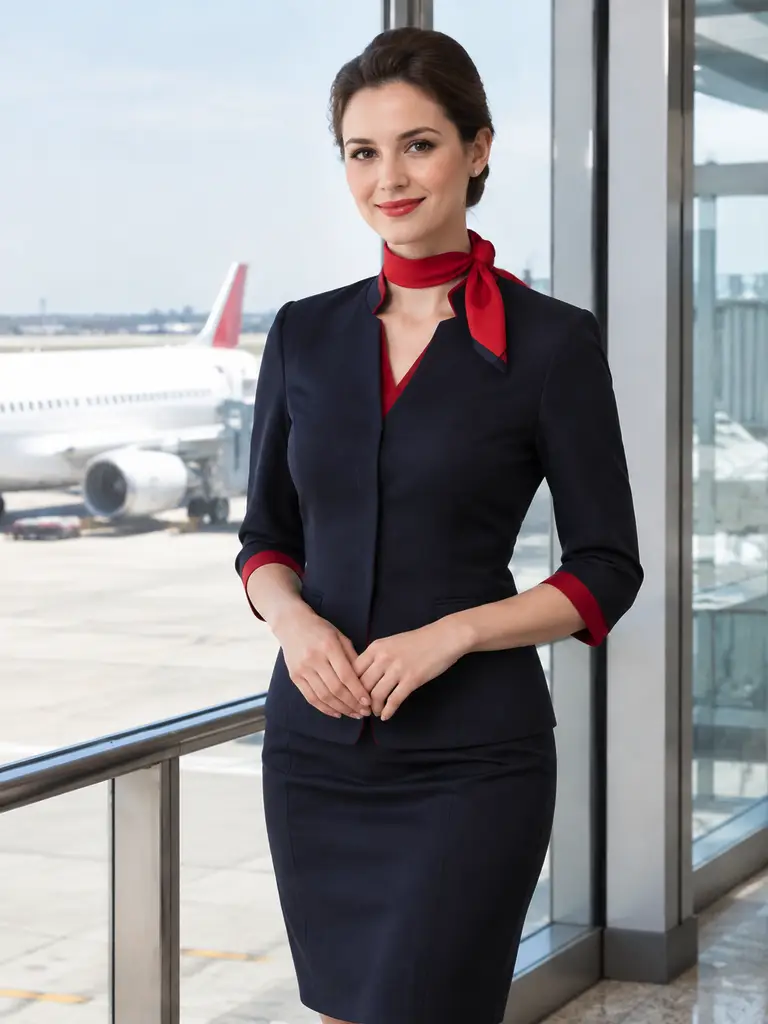
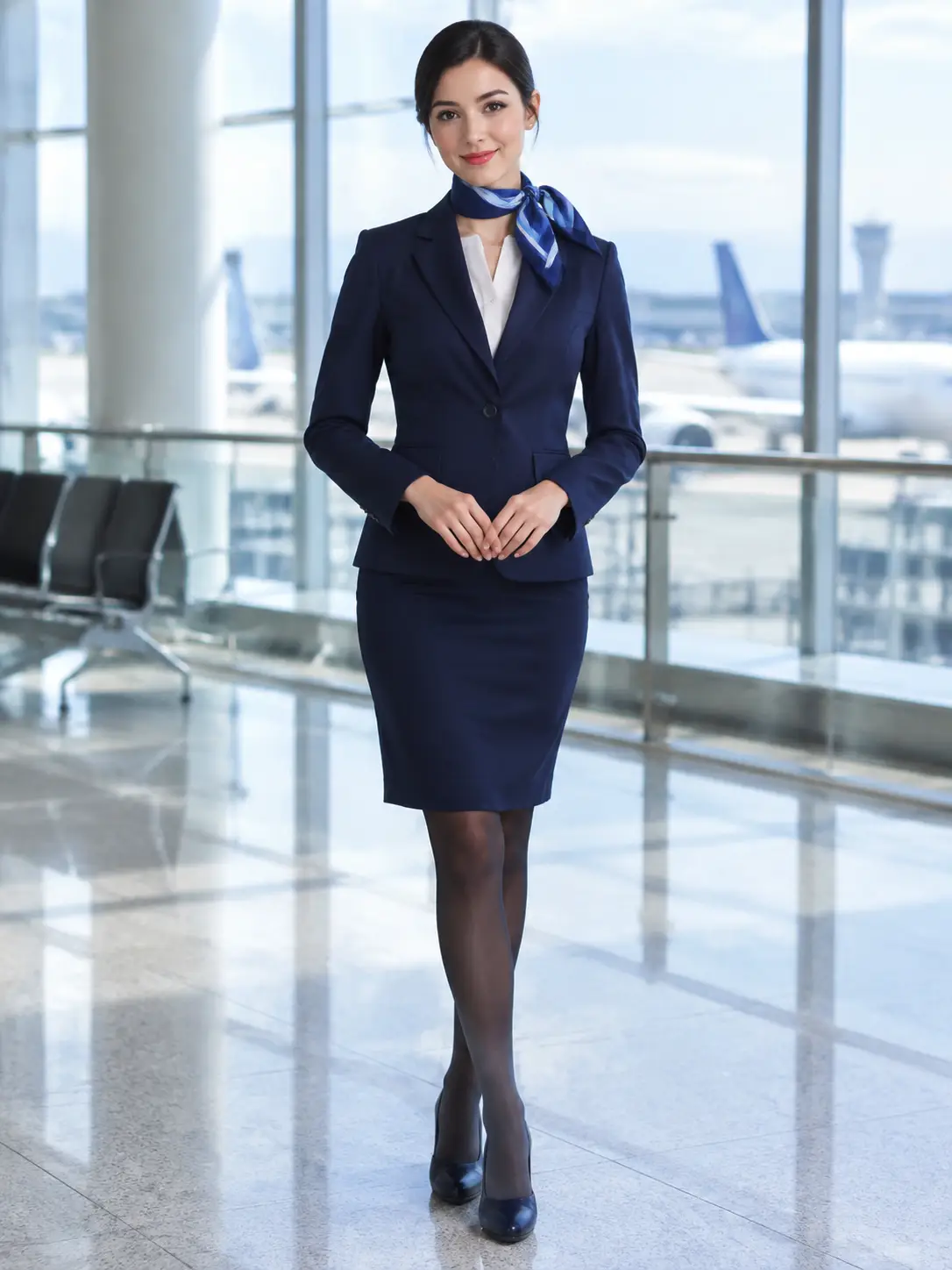
Adult flight attendant in an opaque navy cabin-crew uniform with a scarf in a bright airport terminal, soft daylight, polished standing pose, fully clothed, no airline logos, no text
Payment upgrade in progress — Email support@yomioo.com with your registered email for free credits to try first

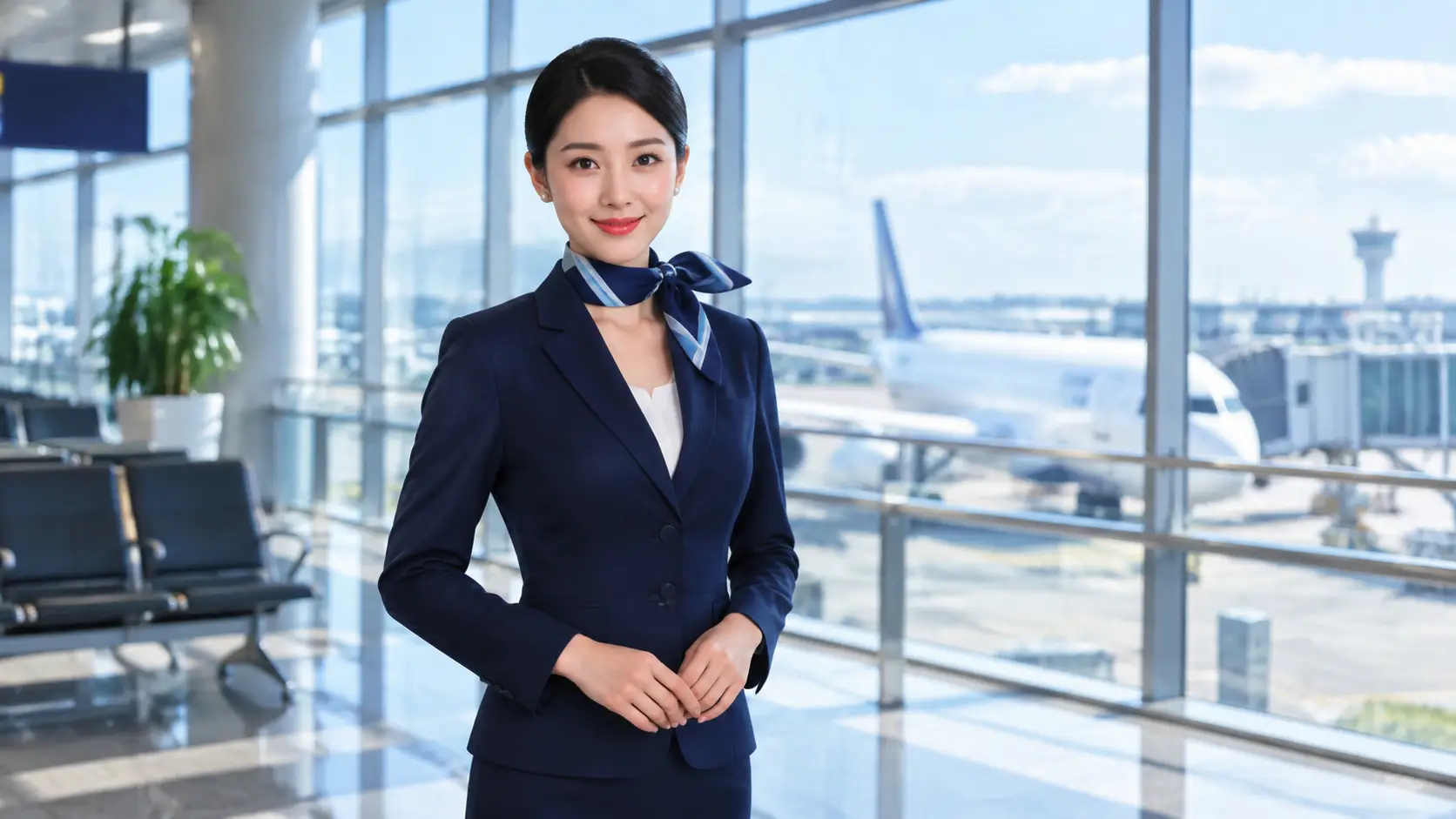
Create polished portraits of adult flight attendants—cabin-crew uniforms, scarf accents, terminals, and cabin aisles. Keep concepts uniform-fashion and fully clothed—no nudity, no explicit content, no real airline branding, no impersonation.
Start with a fictional adult flight attendant and one intended mood. Name the opaque uniform—color, scarf, coverage—then add a single pose and setting. Keep airline marks fictional so the AI flight attendant generator stays clean.
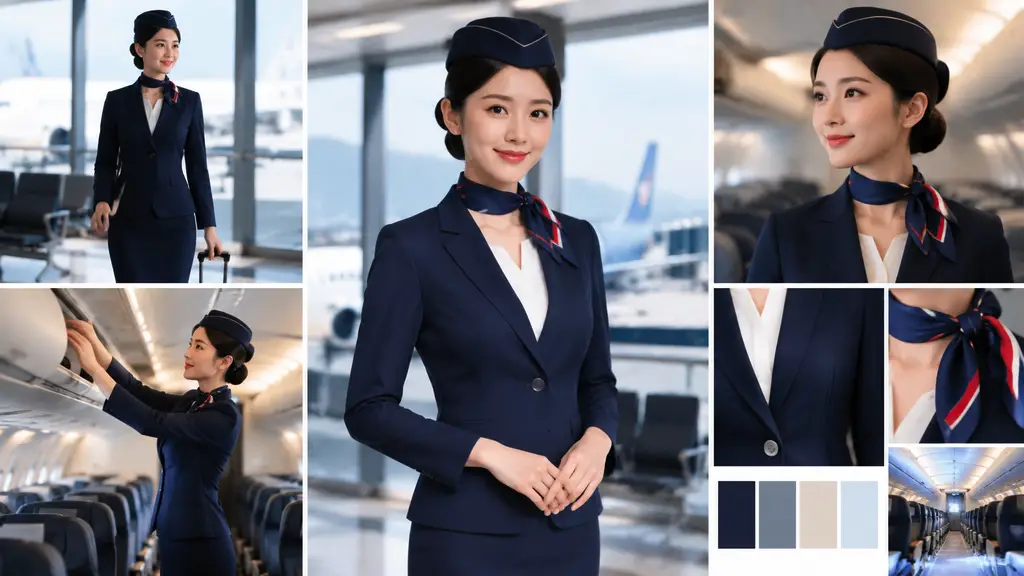
Start with a fictional adult flight attendant and one intended mood. Name the opaque uniform—color, scarf, coverage—then add a single pose and setting. Keep airline marks fictional so the AI flight attendant generator stays clean.
Compare cabin-crew directions across terminal, cabin aisle, boarding gate, and studio. Keep the same uniform intent while you change environment and visual style for a coherent set.
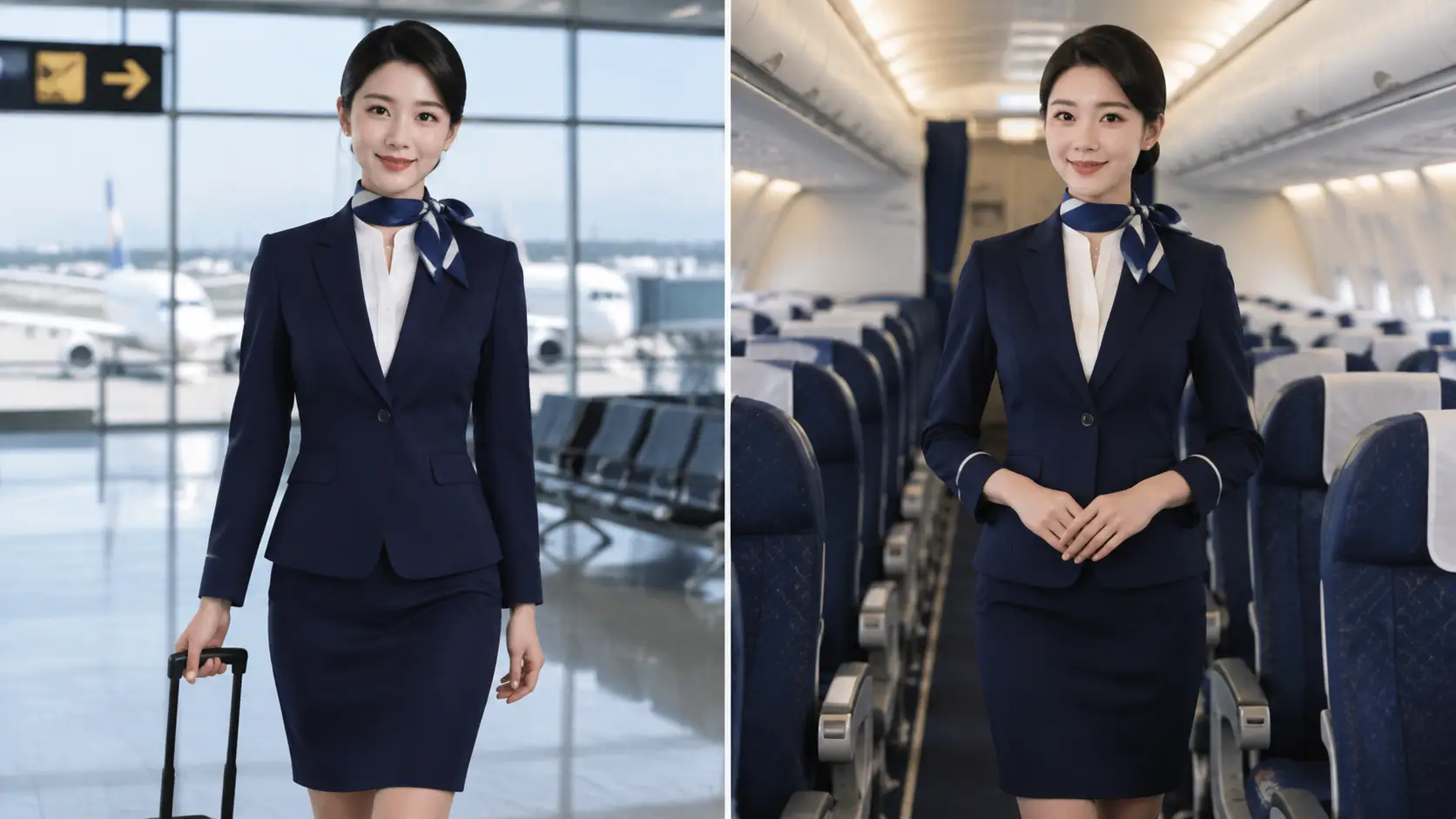
Compare cabin-crew directions across terminal, cabin aisle, boarding gate, and studio. Keep the same uniform intent while you change environment and visual style for a coherent set.
After each generate, review face, hands, clothing coverage, anatomy, text, and logos. Fix one issue at a time. Keep concepts adults-only, fully clothed, unbranded, and free of nudity or explicit content.
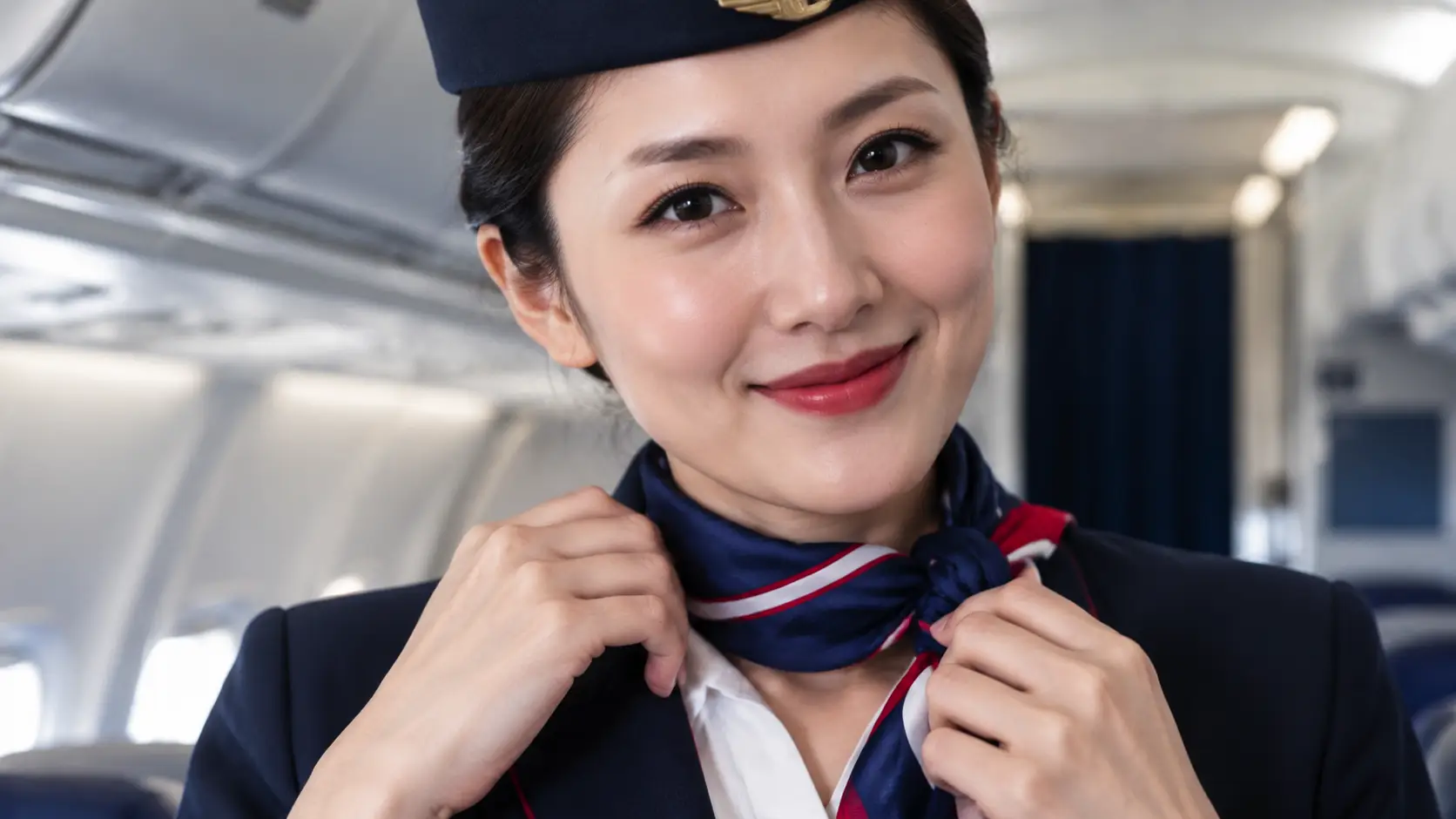
After each generate, review face, hands, clothing coverage, anatomy, text, and logos. Fix one issue at a time. Keep concepts adults-only, fully clothed, unbranded, and free of nudity or explicit content.
Build a complete cabin-crew fashion direction with concise visual choices. Direct uniform, pose, style, and light without switching tools.
Describe an adult flight attendant, uniform, pose, setting, light, and style in one brief, then generate a finished uniform portrait.
Upload an authorized adult reference to guide face consistency while you change pose, scene, or lighting.
Name jacket color, scarf, fabric, and coverage so cabin-crew looks stay opaque, intentional, and free of real airline marks.
Choose one polished, service-ready pose and expression instead of stacking conflicting gestures.
Explore terminal, cabin aisle, boarding gate, and studio directions from the same character brief.
Specify one light setup and framing—terminal daylight, soft cabin light, gate windows, or studio softbox.
Compare terminal, cabin, gate, and studio looks as reusable prompt starting points.
Develop moodboards, characters, layouts, and story references with polished, fully clothed adult concepts.
Keep subjects clearly adult; exclude nudity, explicit content, and impersonation of real people.
Iterate wardrobe, light, and pose separately so each revision stays easy to read and refine.
Pick 1:1, 2:3, 9:16, or 16:9 so portraits land cleanly on social, decks, and print crops.
Compare Nano Banana Pro, GPT Image 2, Seedream, and more without rebuilding the whole brief.
State a fictional adult flight attendant and the intended mood. Name one opaque uniform—jacket, scarf, skirt or trousers—plus pose, setting, camera, and light. Avoid real airline logos.
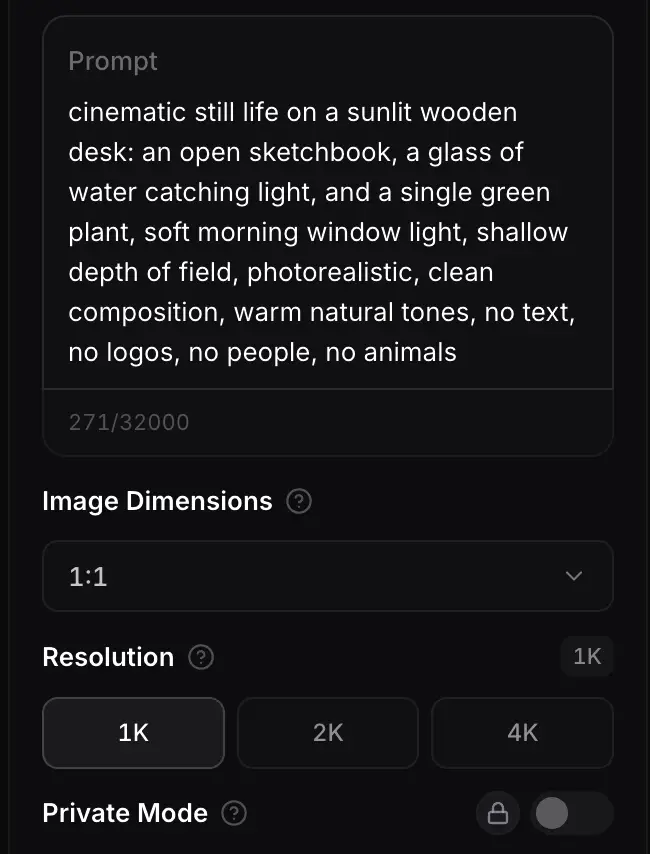
Choose a model and aspect ratio, then lock style—terminal, cabin aisle, boarding gate, or studio. Add a reference only when face consistency already matters.
Generate, then check face, hands, clothing coverage, anatomy, text, and logos. Fix one weak point at a time and keep the concept adult-only, unbranded, and non-explicit.
Different models handle face detail, fabric texture, and fashion lighting differently. Compare options in one workspace and keep the look that matches your adult portrait brief.
Flagship video with longer clips and multi-reference control for cinematic motion and staging.
Generate
Gemini 3.1 Flash stills with extreme aspect ratios and up to 4K for fast, flexible image work.
Generate
Sharper edits and cleaner text in layouts—start on Flare for speed, switch to Sunburst when precision matters.
Generate
Reference-led video up to 30s with first/last frames or image, video, and audio references.
Generate
Cinematic video with natural lighting and environmental depth for story-led moments.
Generate
Strong text-in-image and multilingual layouts at 1K/2K, with up to three reference images.
GenerateUse an AI flight attendant generator when you need a clear cabin-crew fashion direction—uniform, pose, light, and setting—without drifting into vague, branded, or explicit territory. Lock the brief, then explore terminal, cabin aisle, boarding gate, and portrait-studio looks in one workspace.
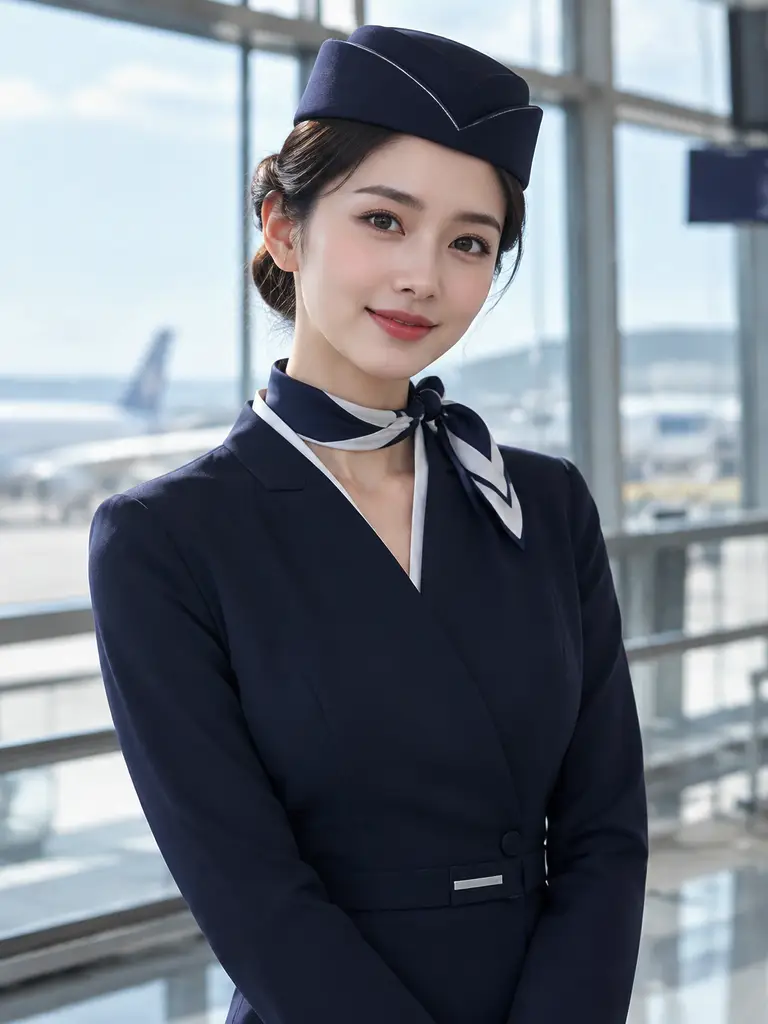
Build polished uniform looks with opaque jackets, scarves, and skirts in bright terminal light.
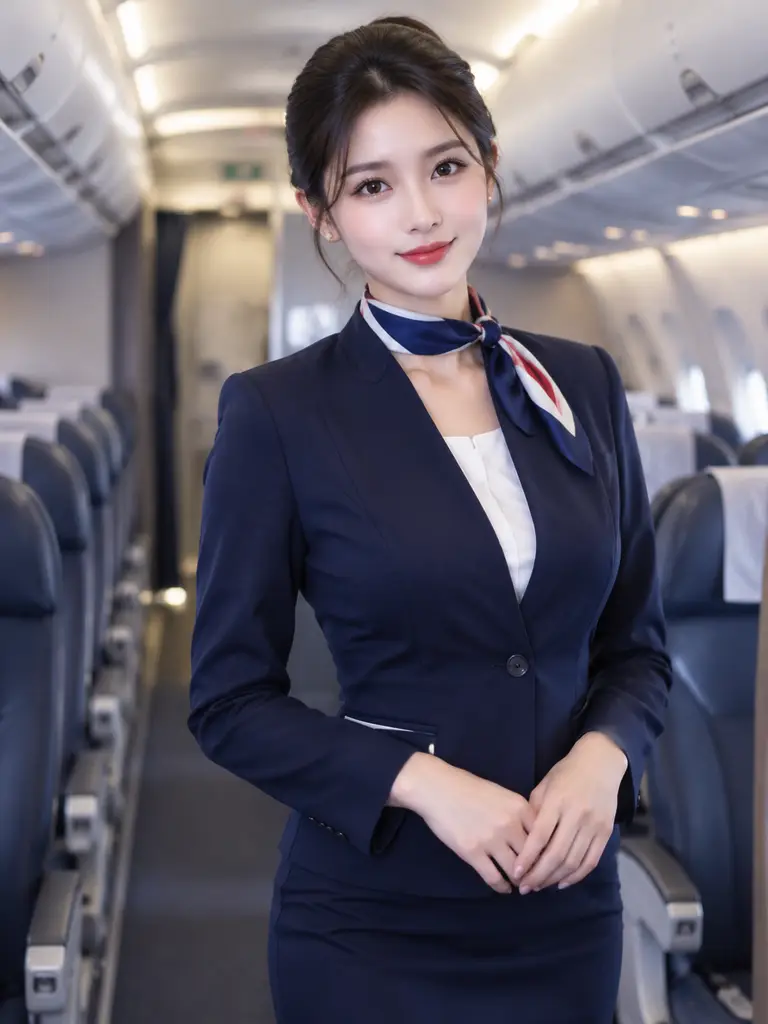
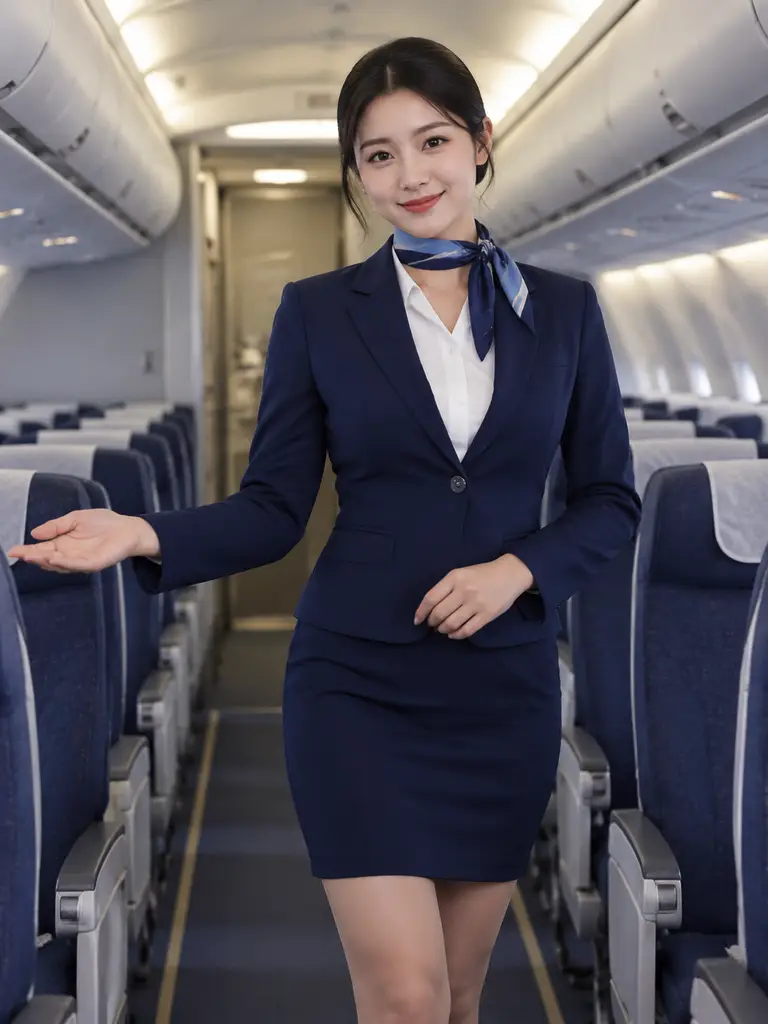
Stage aisle perspectives and soft cabin light with confident standing service poses.
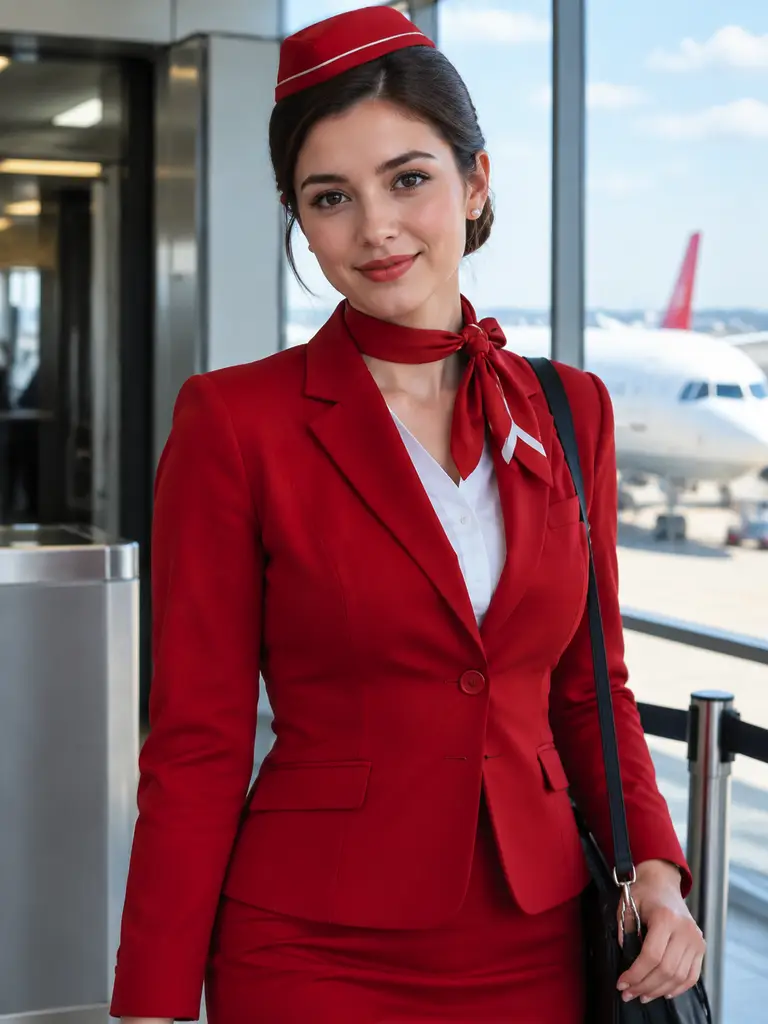
Compare gate and jet-bridge scenes while keeping coverage intentional and branding fictional.
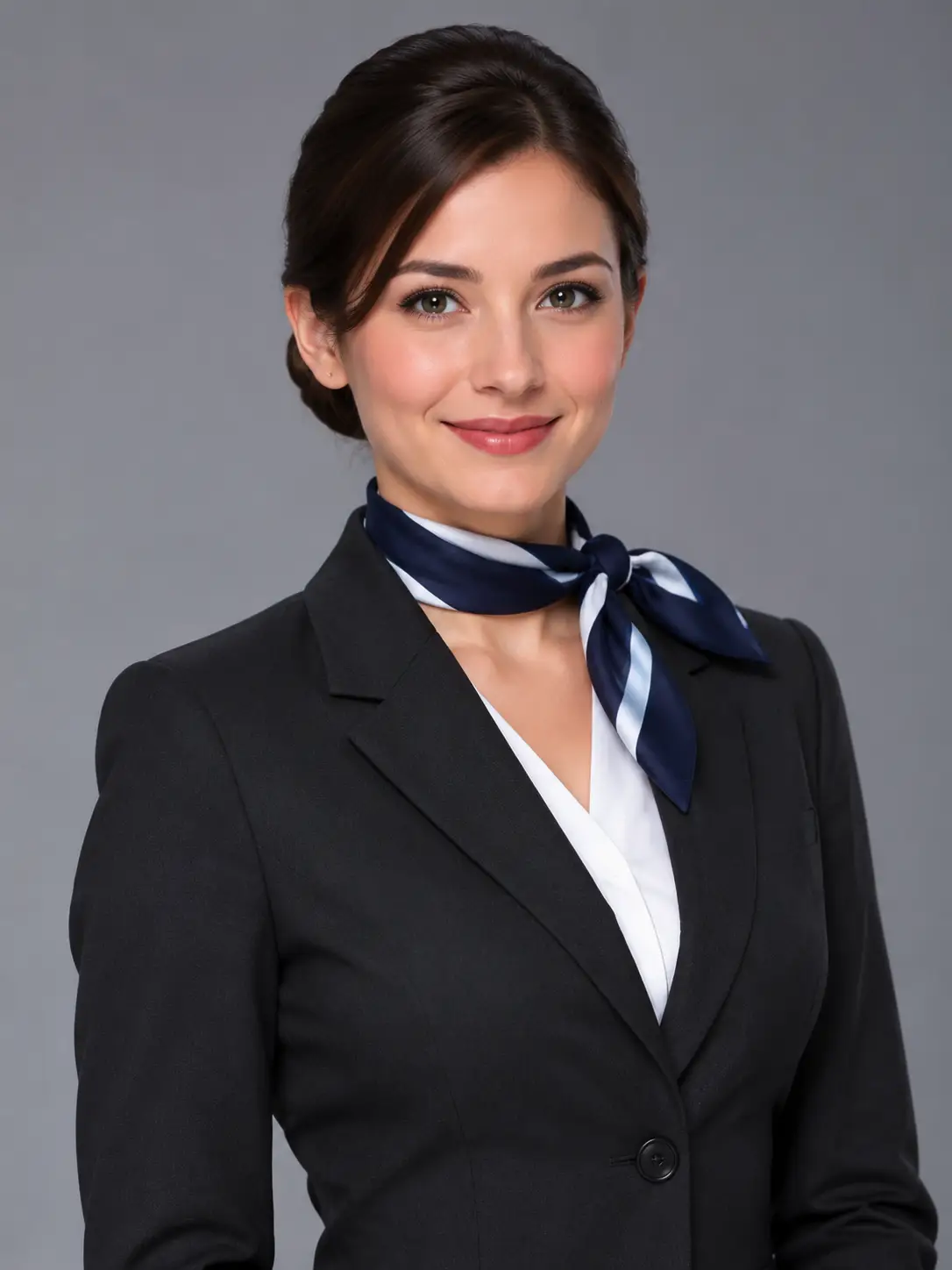
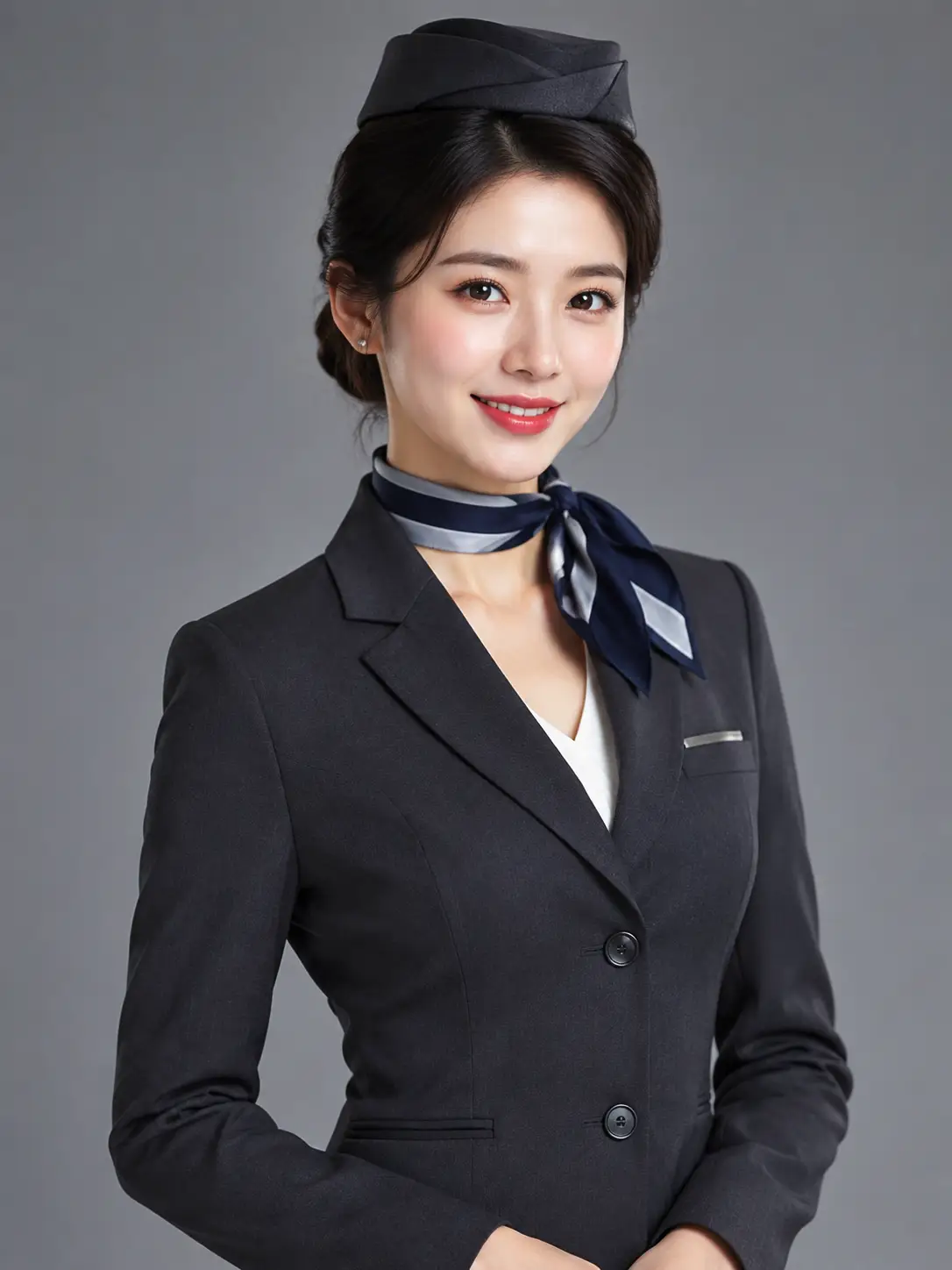
Explore clean studio beauty light from the same adult cabin-crew brief.
Pseudonymous workflow examples for creators who separate wardrobe, light, and pose—not verified customer claims.
Trusted by 5 000+ people worldwide
Looking for more fashion girl ideas? Explore styles and remixes in the AI Sexy Girl hub.
Explore AI Sexy Girl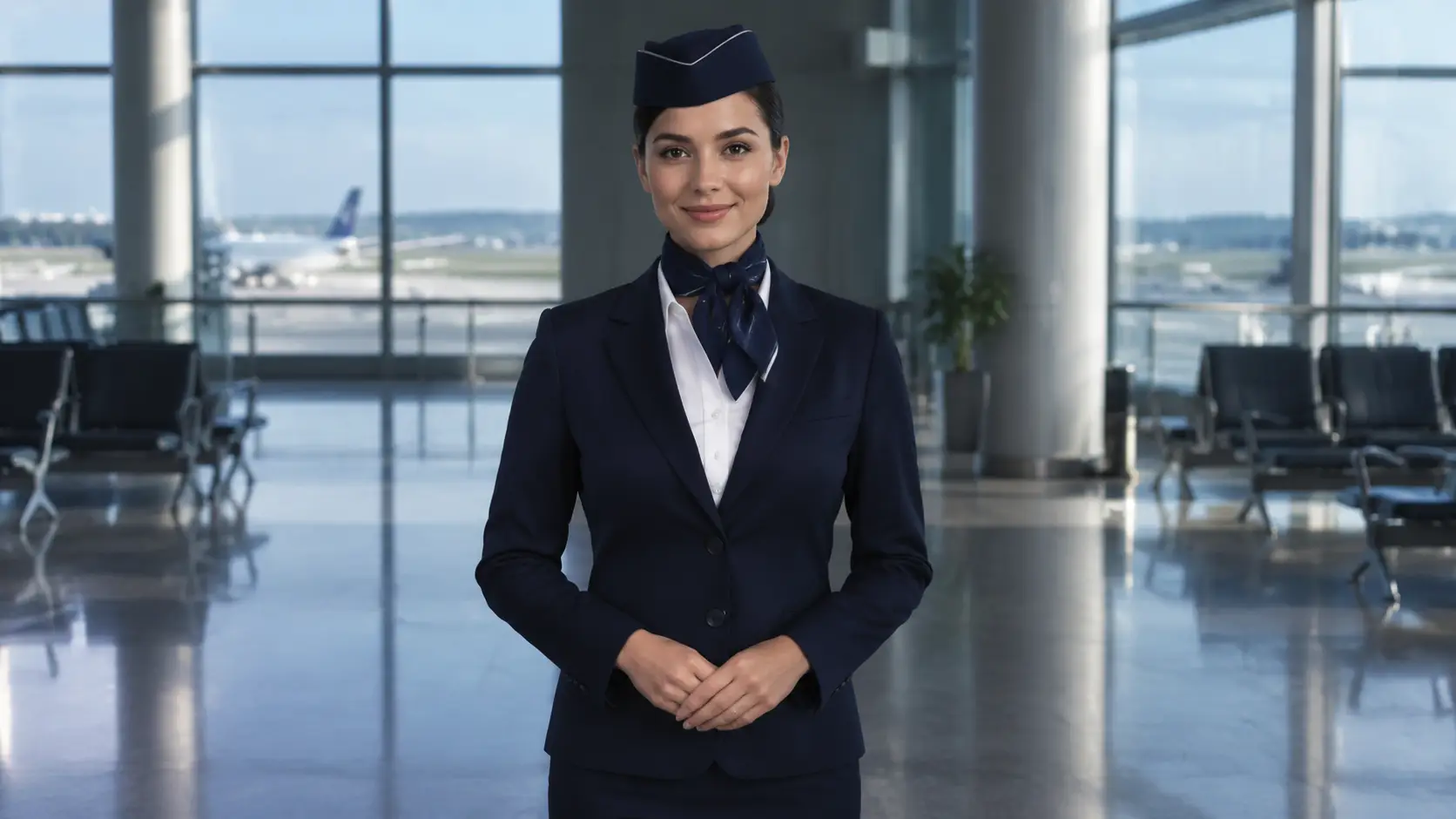
Get more generations, faster creation, and priority access to new features.
First-time creators exploring AI image tools
$0/ month
Daily hobbyists and enthusiasts
$10.9$11.9/ month
Everyday creators who need more output
$25.9$31.9/ month
Ambitious projects and heavy image & video workflows
$84.9$129.9/ month
Model names and capabilities on this page refer to third-party AI systems available through YOMIOO. Official specs and policies live with each provider; YOMIOO terms cover how we operate the workspace.
Availability and behavior depend on the models offered in-product. Always check the linked docs before commercial or sensitive use.