PROMPT
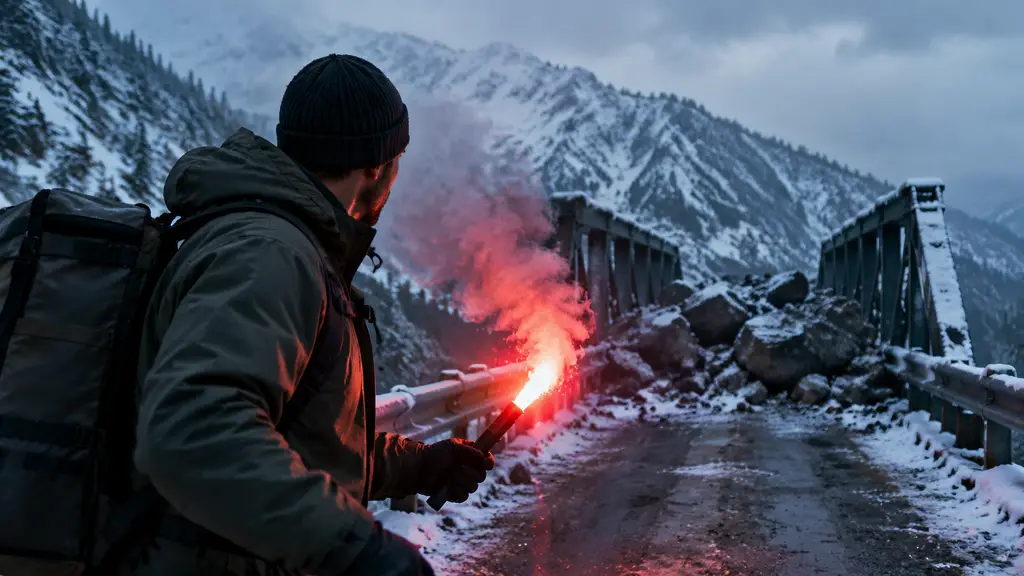
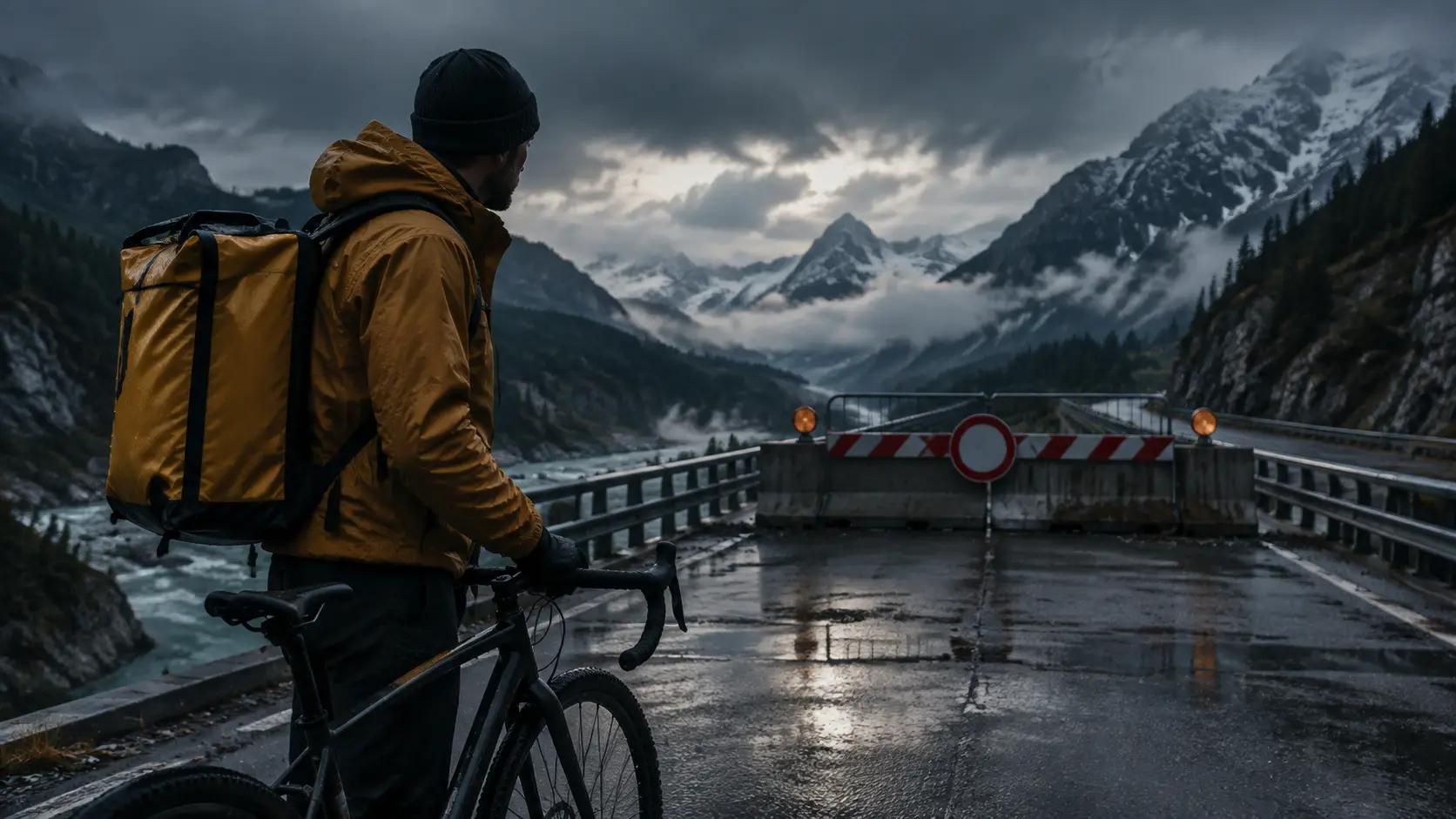
Adult bicycle courier reaches a blocked alpine bridge, notices an emergency flare near an abandoned station, turns toward it, continuous cinematic shot, opaque weather jacket, no logos or text
Payment upgrade in progress — Email support@yomioo.com with your registered email for free credits to try first

Shape longer stories one beat at a time—establish the goal, introduce pressure, turn the scene, and land the next clue. Direct duration, camera, and continuity with Wan 3.0, Seedance 2.5, and other video models while keeping every subject adult, fully clothed, and free of logos.
Write one beat per clip: goal, pressure, turn, or clue. A long AI video generator stays coherent when each prompt owns a single change instead of an entire film.
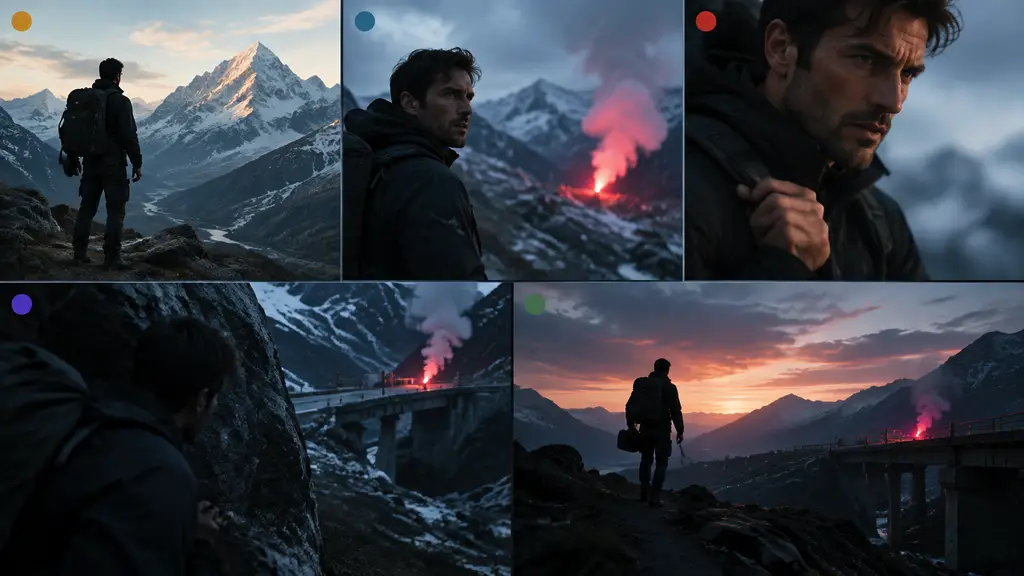
Write one beat per clip: goal, pressure, turn, or clue. A long AI video generator stays coherent when each prompt owns a single change instead of an entire film.
Reuse wardrobe, locations, and props across scenes. Prefer Wan 3.0 and Seedance 2.5 when you need longer duration, multi-reference control, and steadier staging.

Reuse wardrobe, locations, and props across scenes. Prefer Wan 3.0 and Seedance 2.5 when you need longer duration, multi-reference control, and steadier staging.
Review motion, identity, and ending hooks after each generate. Sequence finished beats into a longer narrative arc for trailers, lessons, and story pilots.
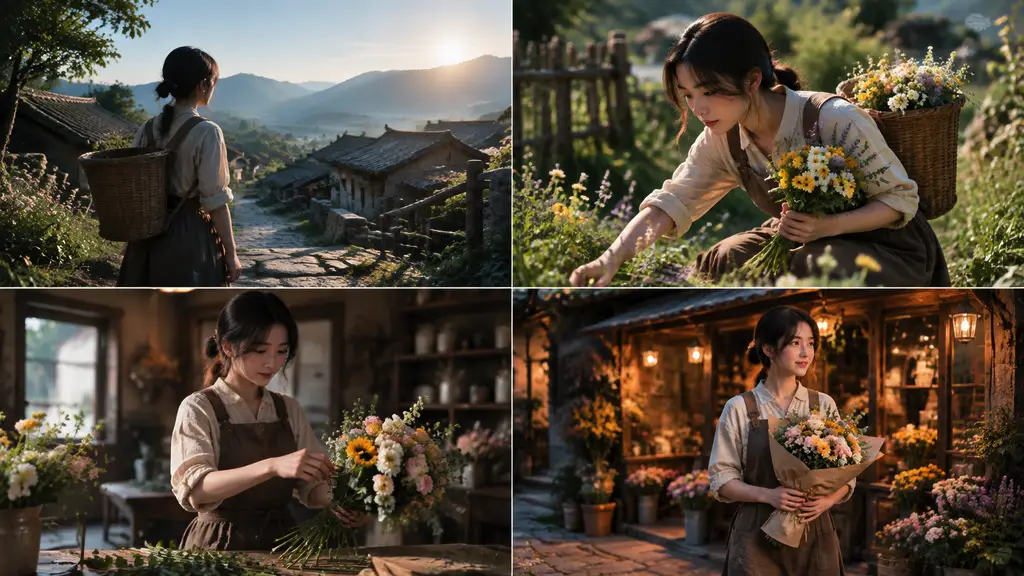
Review motion, identity, and ending hooks after each generate. Sequence finished beats into a longer narrative arc for trailers, lessons, and story pilots.
Direct narrative beats, longer clips, and continuity without hopping tools. Keep identity stable while you explore plot turns and camera language.
Describe who acts, what changes, and how the camera moves, then generate one focused narrative clip.
Use Wan 3.0 and Seedance 2.5 when the beat needs more seconds and multi-reference staging.
Lock face, wardrobe, or location with references so later scenes still match the opener.
Reuse goal, discovery, decision, and concealment patterns as starting points for new stories.
Keep each clip readable: one subject action, one camera move, one clear ending hook.
Choose 16:9 for cinematic arcs or 9:16 when the same beat must play in social feeds.
Check wardrobe, props, and geography before you chain the next scene.
Export scene clips ready to sequence into a longer narrative cut.
Compare flagship video models on motion quality and duration for the same beat.
Keep subjects clearly adult, fully clothed, and non-explicit—no logos or readable brand marks.
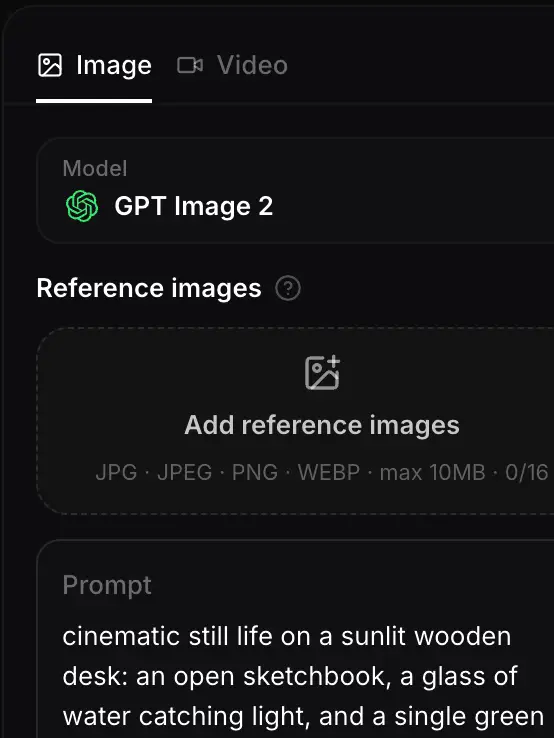
List goal, pressure, turn, and clue as separate clips. Write one focused prompt per beat.
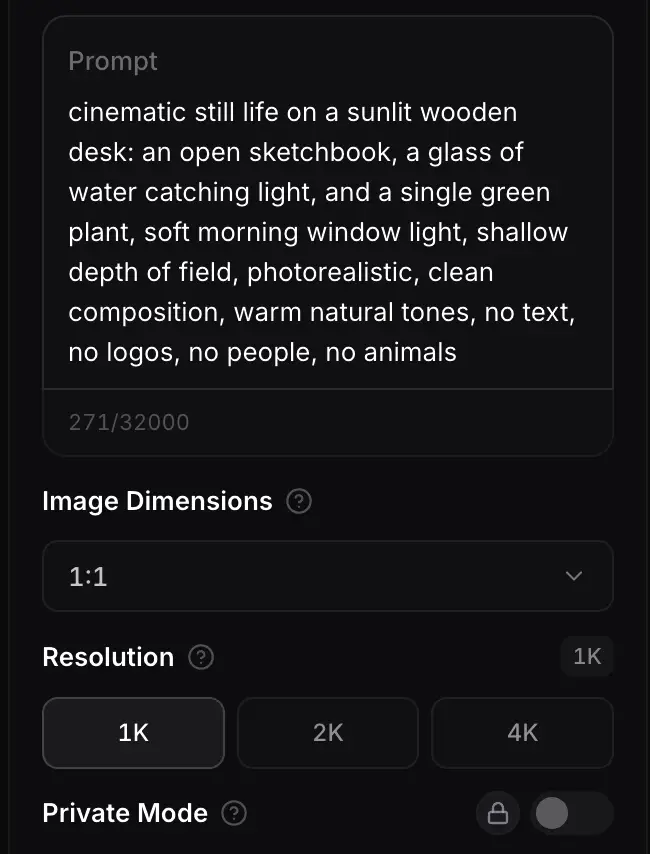
Pick Wan 3.0, Seedance 2.5, or another model. Set length, ratio, and references that must stay consistent.
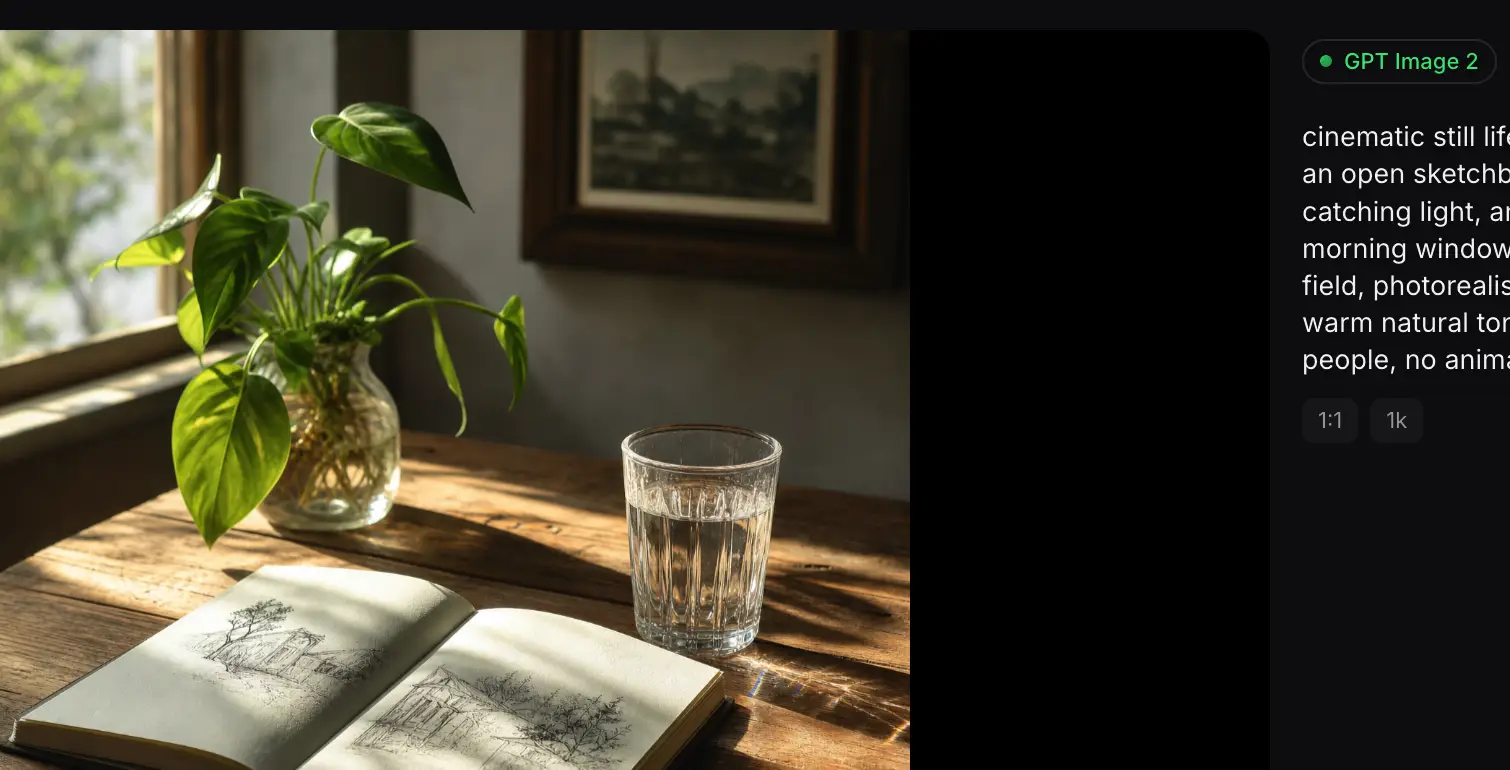
Generate each beat, check continuity, refine one weak moment at a time, then assemble the longer story.
Different video models handle duration, multi-reference control, and cinematic staging differently. Start with Wan 3.0 or Seedance 2.5 for longer story beats, then compare finishes in one workspace.
Flagship video with longer clips and multi-reference control for cinematic motion and staging.
Generate
Gemini 3.1 Flash stills with extreme aspect ratios and up to 4K for fast, flexible image work.
Generate
Sharper edits and cleaner text in layouts—start on Flare for speed, switch to Sunburst when precision matters.
Generate
Reference-led video up to 30s with first/last frames or image, video, and audio references.
Generate
Cinematic video with natural lighting and environmental depth for story-led moments.
Generate
Strong text-in-image and multilingual layouts at 1K/2K, with up to three reference images.
GenerateUse a long AI video generator when you need story-driven scenes, continuity across beats, and longer clips for narrative pilots, lessons, and cinematic social arcs.

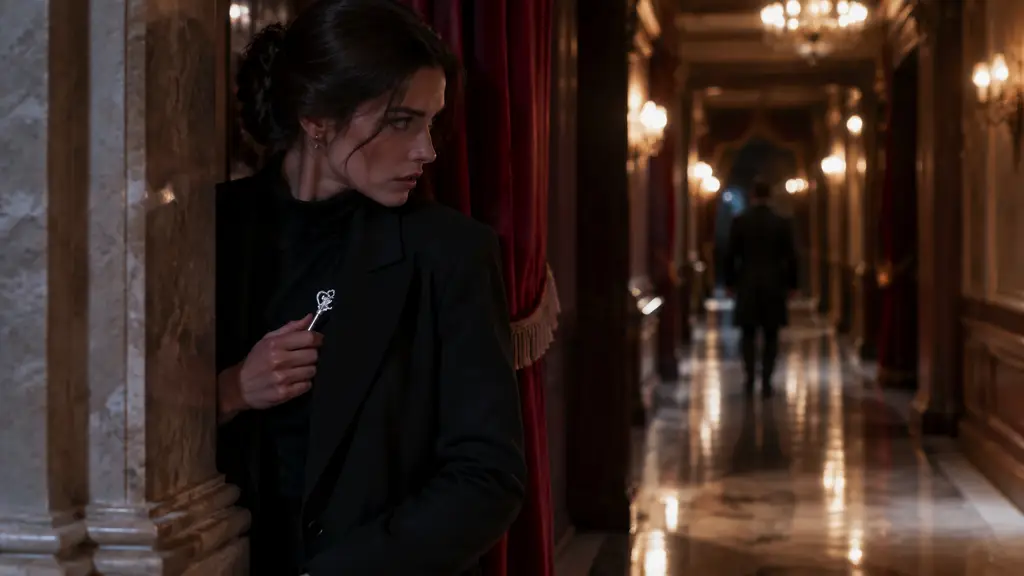
Establish what the character wants before pressure arrives.

Reveal a clue or symbol that redirects the plot.
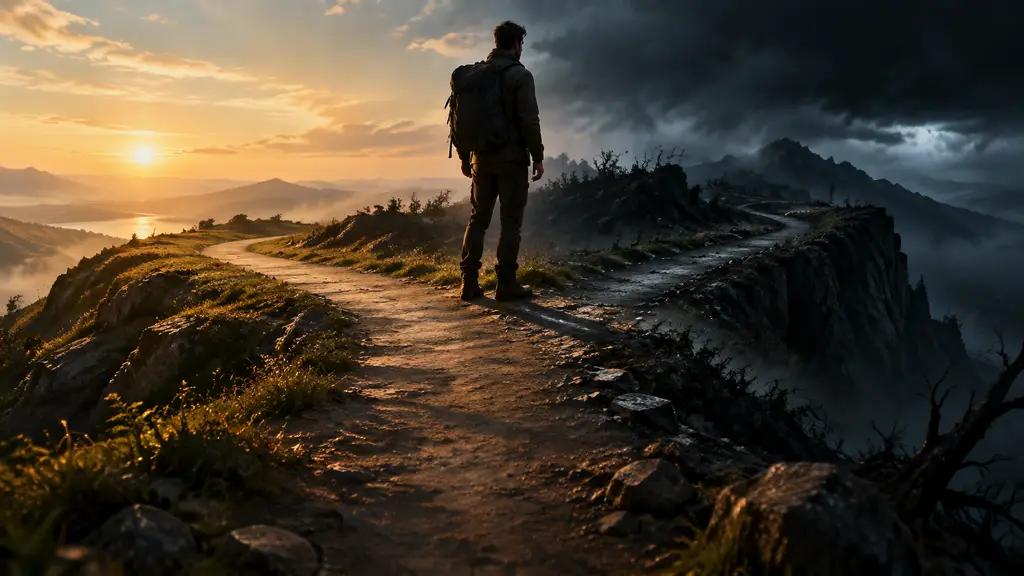
Show a readable choice without dialogue.
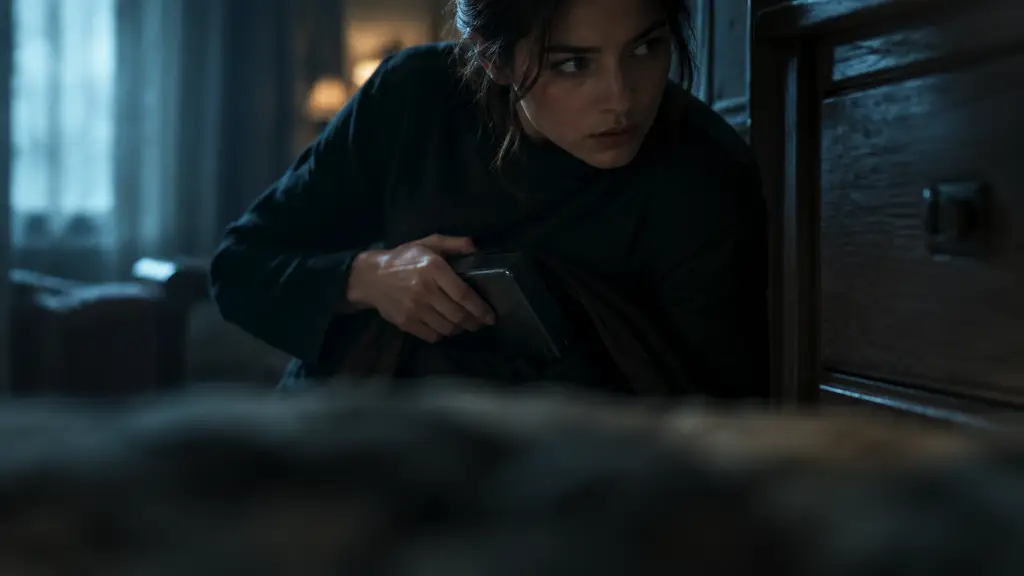
Hide an object or intention before the next door opens.
Join people turning narrative briefs into beat-by-beat clips they actually sequence into longer stories.
Trusted by 5 000+ people worldwide
Want more video workflows? Browse short, realistic, and image-to-video tools in the AI Video hub.
Explore AI Video
Get more generations, faster creation, and priority access to new features.
First-time creators exploring AI image tools
$0/ month
Daily hobbyists and enthusiasts
$10.9$11.9/ month
Everyday creators who need more output
$25.9$31.9/ month
Ambitious projects and heavy image & video workflows
$84.9$129.9/ month
Model names and capabilities on this page refer to third-party AI systems available through YOMIOO. Official specs and policies live with each provider; YOMIOO terms cover how we operate the workspace.
Availability and behavior depend on the models offered in-product. Always check the linked docs before commercial or sensitive use.