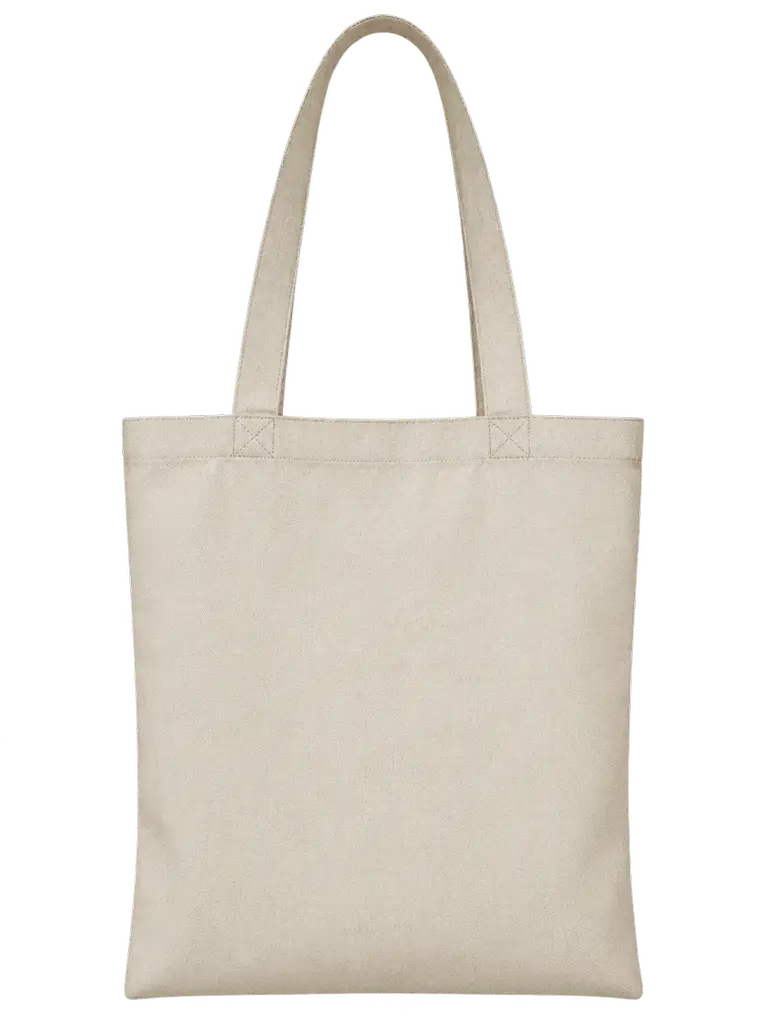
PROMPT
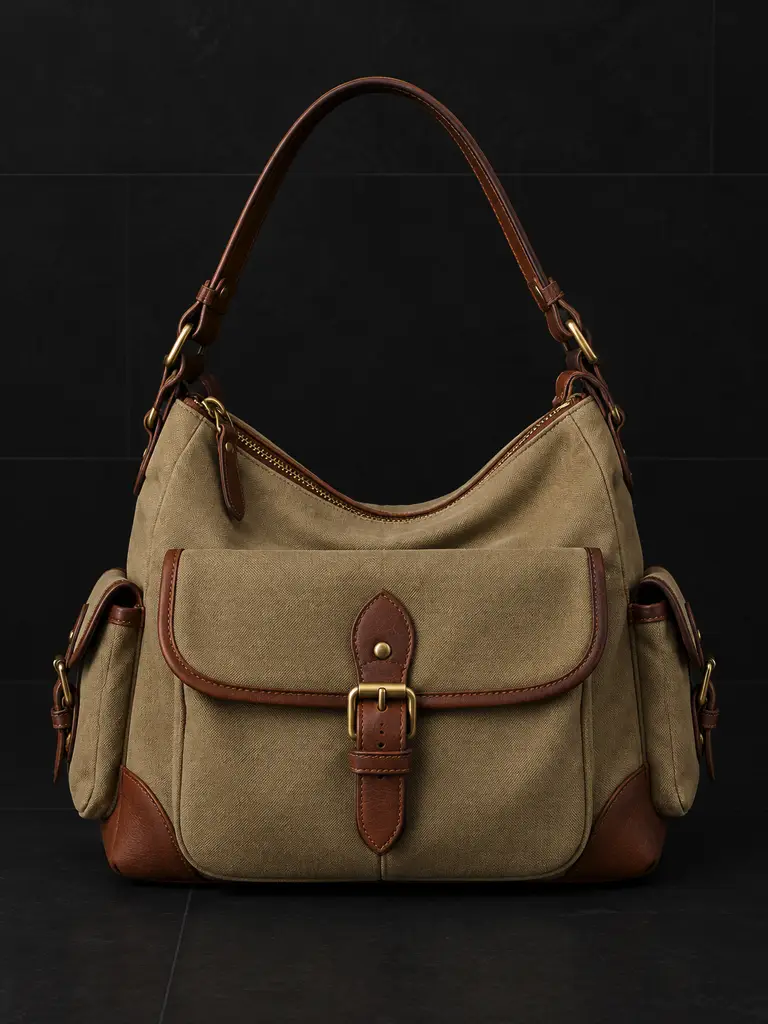
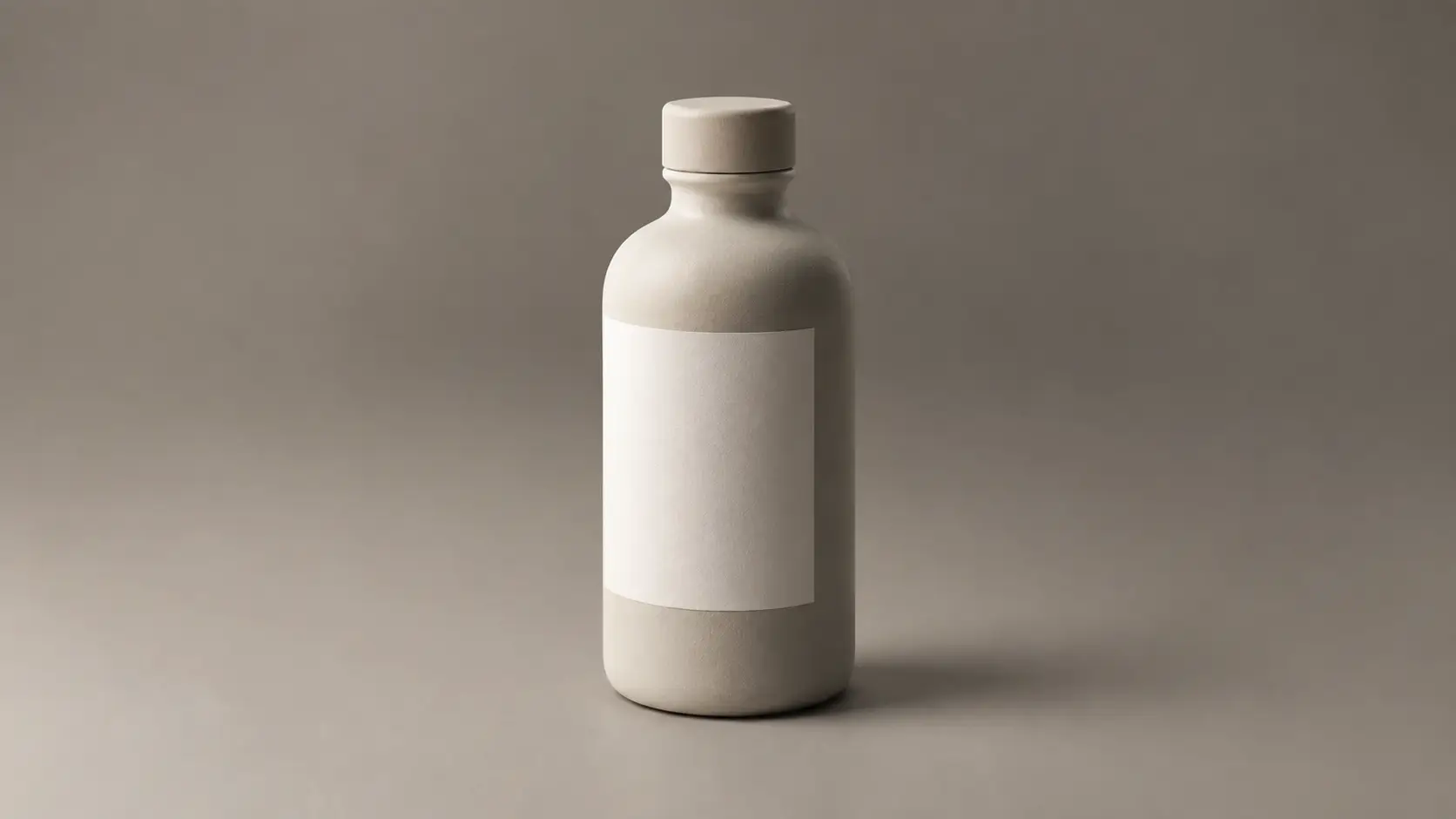
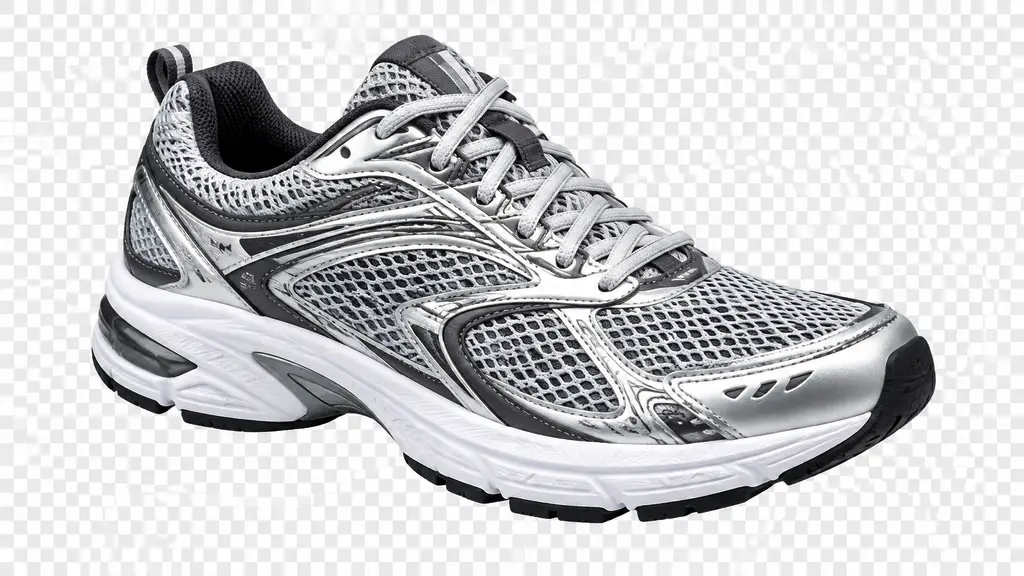
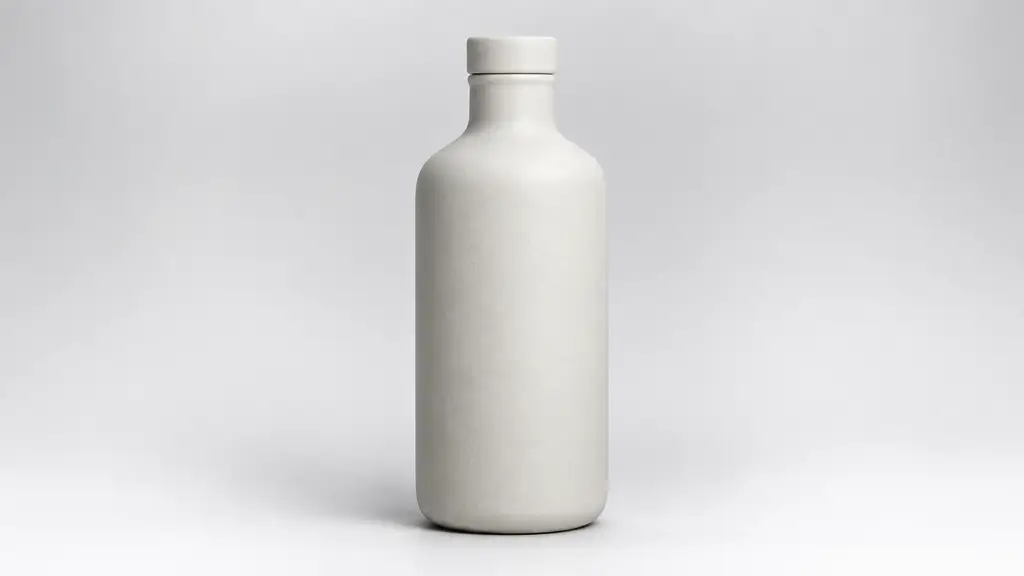
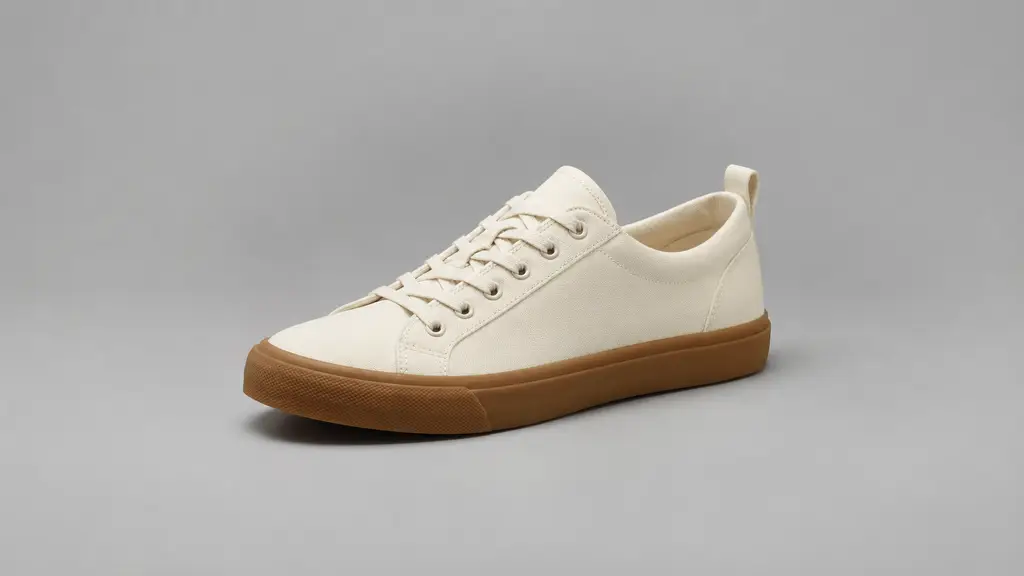
Blank canvas tote as a transparent product asset, real alpha channel, checkerboard visible behind it, clean handle edges, no baked shadow, no logos or text
Payment upgrade in progress — Email support@yomioo.com with your registered email for free credits to try first

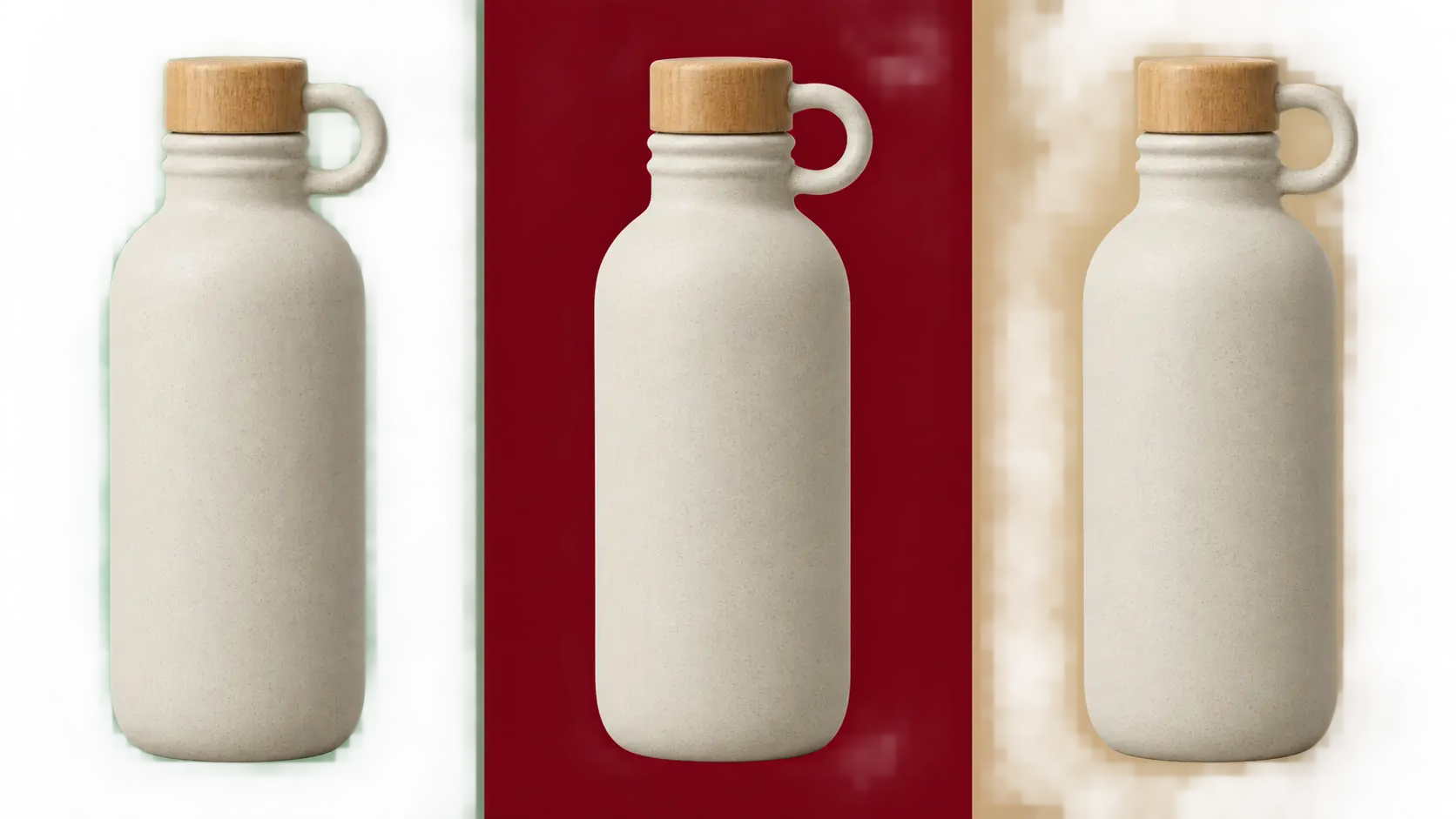
Make one product asset and reuse it all season—drop it on a red promo banner today and a mint storefront tile next month. Ask for real alpha, not a white square. Skip the baked shadow when the asset will be stacked, and check edges on a dark tile before it ships.
Upload the packshot you already have, or describe shape, material, and color. Ask for a transparent asset instead of a scene, and say what must not change: color, cap, or proportions.
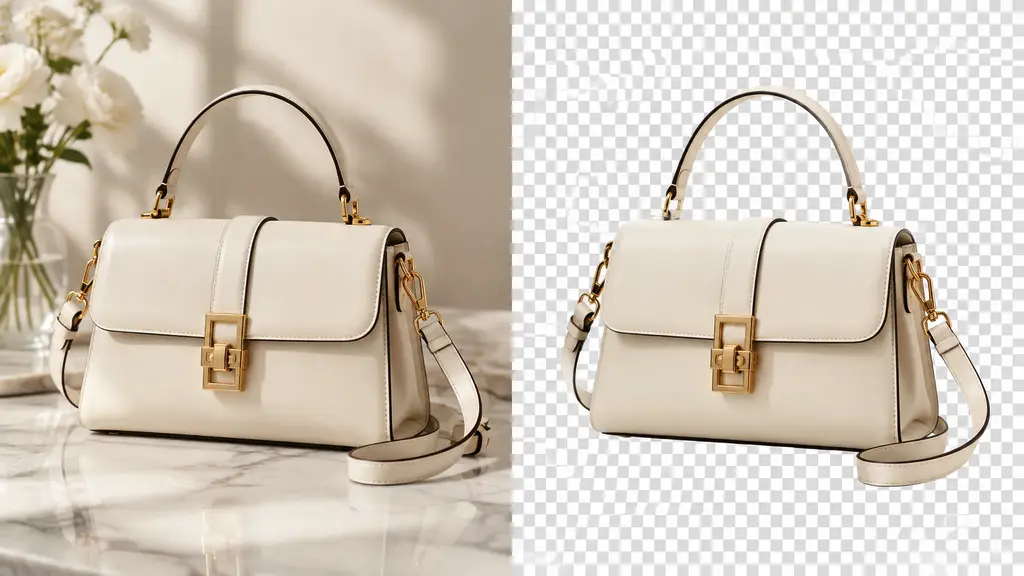
Upload the packshot you already have, or describe shape, material, and color. Ask for a transparent asset instead of a scene, and say what must not change: color, cap, or proportions.
The same asset should survive a spring mint tile, a summer coral banner, and a winter navy panel. Keep the object identical between placements—change the background, not the product.
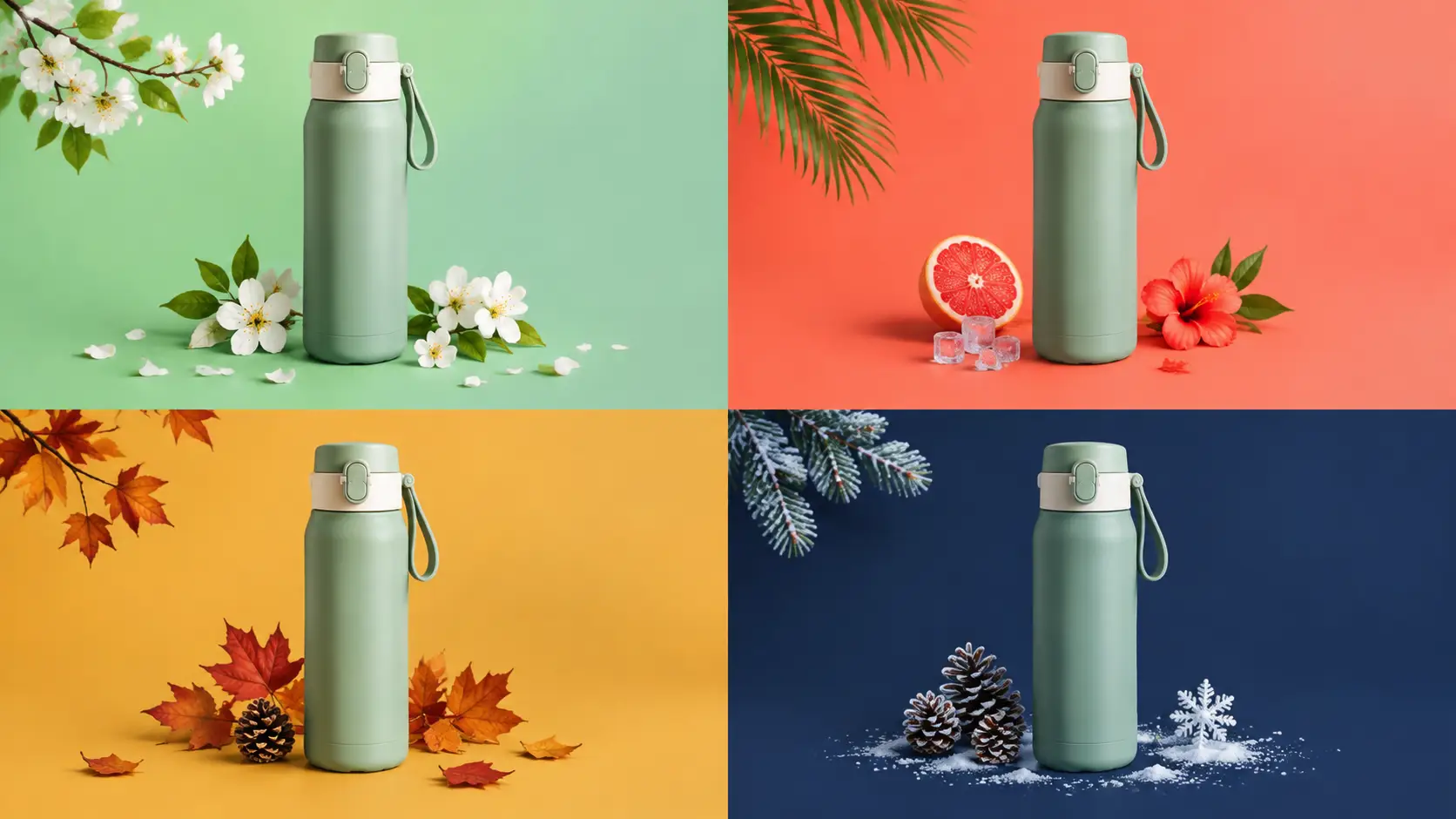
The same asset should survive a spring mint tile, a summer coral banner, and a winter navy panel. Keep the object identical between placements—change the background, not the product.
Preview the asset over near-black before export. Look for white halos, leftover fringe, and shadows baked into the pixels. A baked shadow breaks the moment you stack the asset on a colored panel.

Preview the asset over near-black before export. Look for white halos, leftover fringe, and shadows baked into the pixels. A baked shadow breaks the moment you stack the asset on a colored panel.
Ship a campaign without re-rendering the product for every background. Keep the alpha real and the placement flexible.
Transparent pixels, not a white square.
Drop one asset onto promo panels and banners.
Same product, new background every month.
Skip the shadow when the asset gets stacked.
Check halos and fringe over near-black.
Sit the asset on tees, totes, and mugs.
Lock one view so placements stay aligned.
Leave labels empty unless you supply exact copy.
Do not copy packaging from real companies.
Square, vertical, and banner-safe crops.
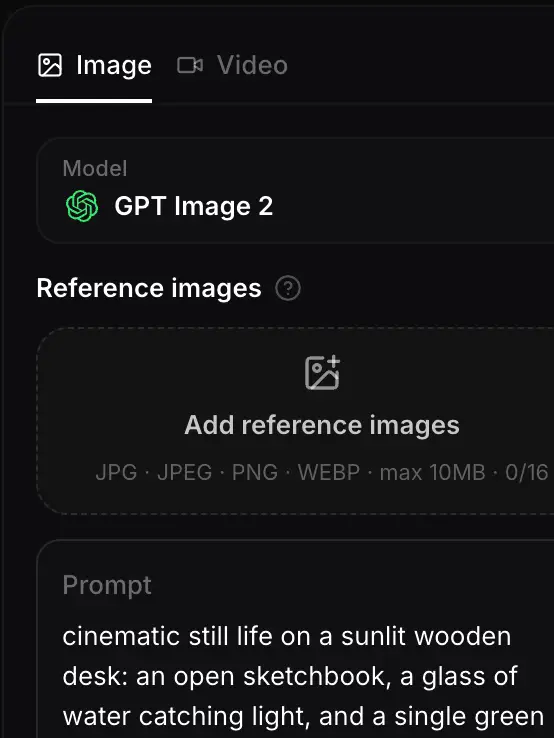
Name shape, material, and color, and ask for a transparent asset. Upload a packshot if the product already exists.
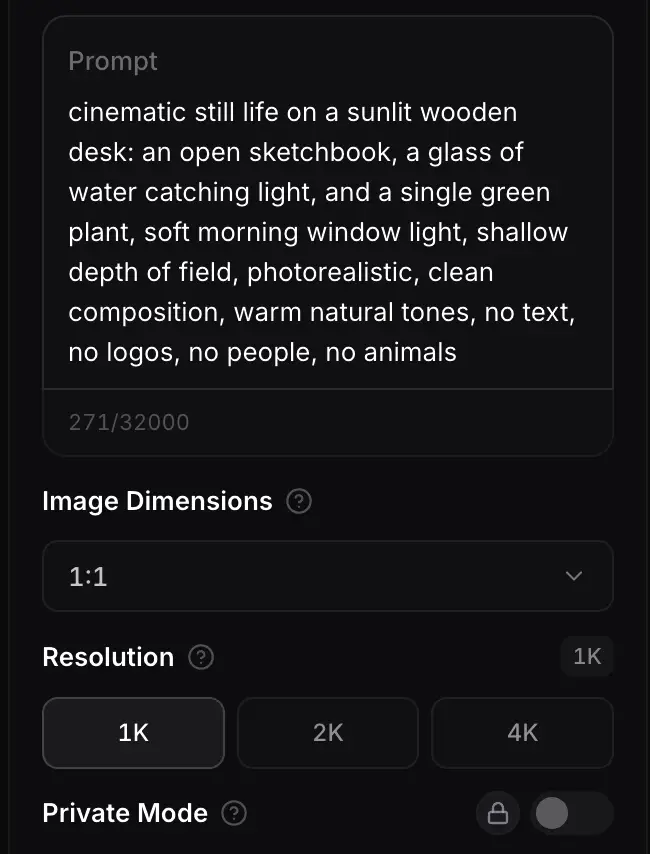
Say where the asset will land—seasonal banner, storefront tile, or merch mockup. Drop the baked shadow if it will be stacked, and keep labels blank unless you provide the words.
Preview over a near-black tile, clear halos and invented text, then export the sizes your campaign needs.
GPT Image 2.5 is useful for clean asset edges and follow-up edits. Nano Banana Pro and Seedream 5.0 are worth a compare when the product material or color needs to sit differently against a background.
Flagship video with longer clips and multi-reference control for cinematic motion and staging.
Generate
Gemini 3.1 Flash stills with extreme aspect ratios and up to 4K for fast, flexible image work.
Generate
Sharper edits and cleaner text in layouts—start on Flare for speed, switch to Sunburst when precision matters.
Generate
Reference-led video up to 30s with first/last frames or image, video, and audio references.
Generate
Cinematic video with natural lighting and environmental depth for story-led moments.
Generate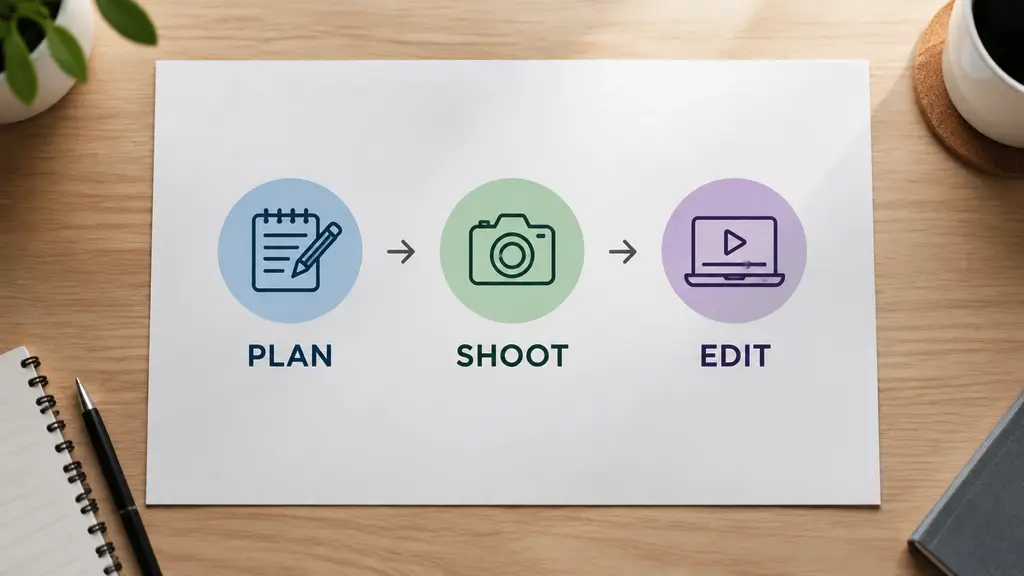
Strong text-in-image and multilingual layouts at 1K/2K, with up to three reference images.
GenerateUse transparent product assets for promo banners, seasonal storefronts, merch mockups, and any layout where the background changes more often than the product.
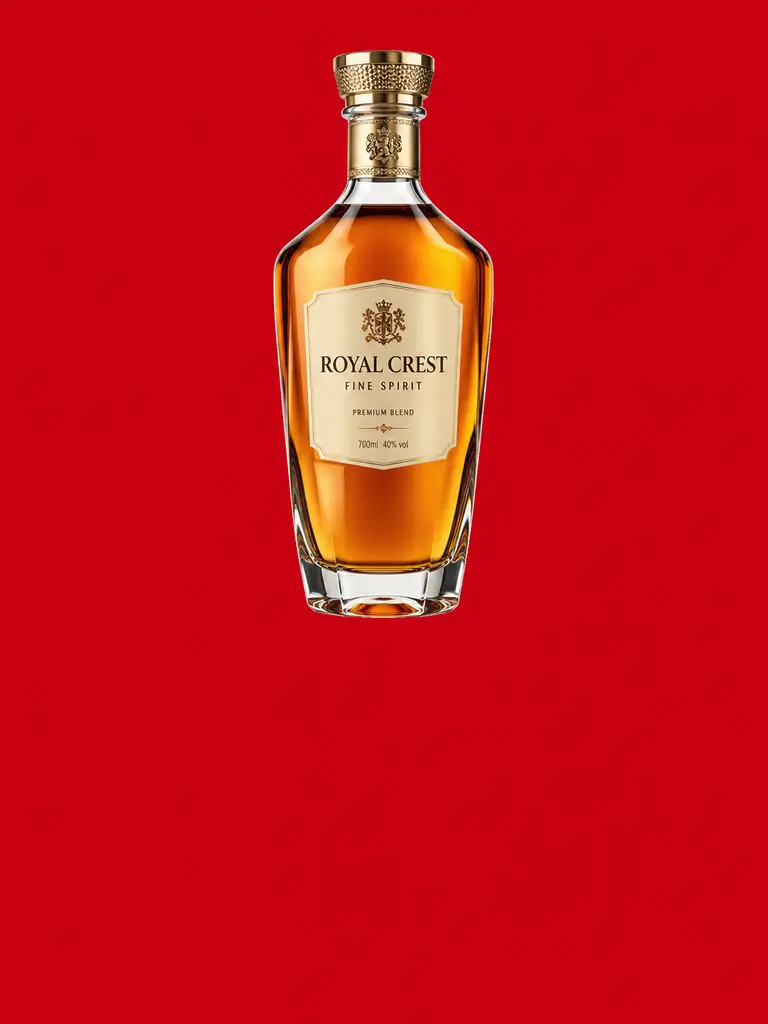
One asset over any campaign color.
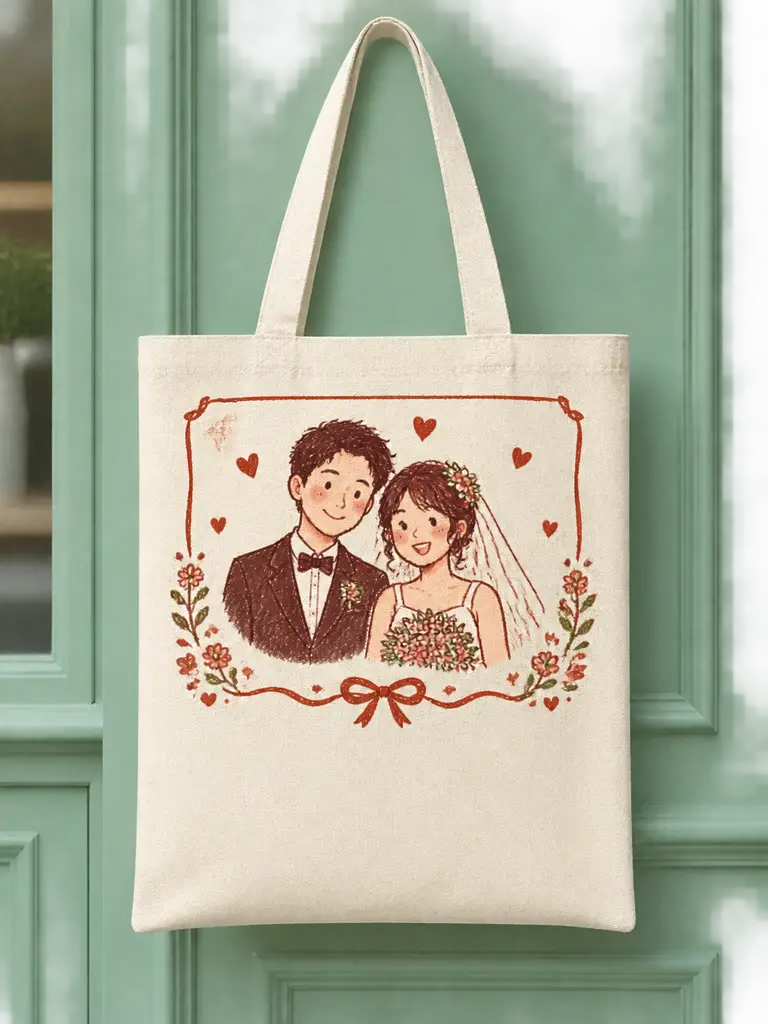
Swap the tile, keep the product.
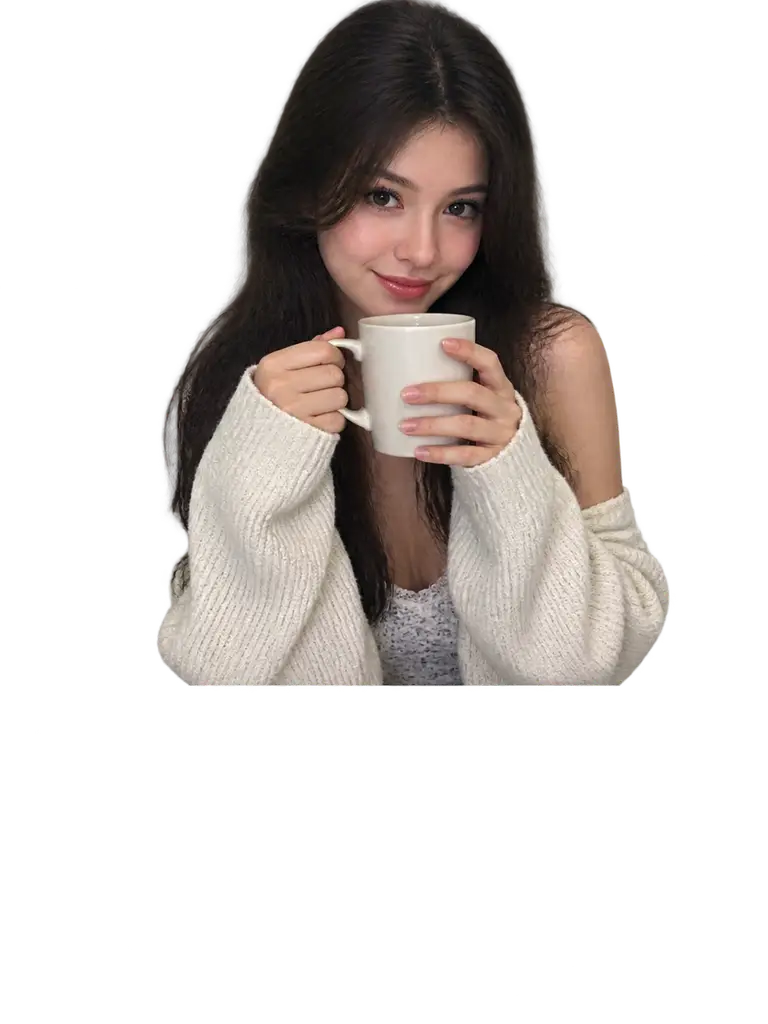
Place the asset on tees, totes, and mugs.

Small cutouts that stay sharp when resized.
Join people building one product asset and shipping it across a whole season of backgrounds.
Trusted by 5 000+ people worldwide
Need more product-shot ideas? Browse packshots, listings, and cutouts in the AI Product Photo hub.
Explore AI Product Photo
Get more generations, faster creation, and priority access to new features.
First-time creators exploring AI image tools
$0/ month
Daily hobbyists and enthusiasts
$10.9$11.9/ month
Everyday creators who need more output
$25.9$31.9/ month
Ambitious projects and heavy image & video workflows
$84.9$129.9/ month
Model names and capabilities on this page refer to third-party AI systems available through YOMIOO. Official specs and policies live with each provider; YOMIOO terms cover how we operate the workspace.
Availability and behavior depend on the models offered in-product. Always check the linked docs before commercial or sensitive use.