Skip to content

Payment upgrade in progress — Email support@yomioo.com with your registered email for free credits to try first

Pricing
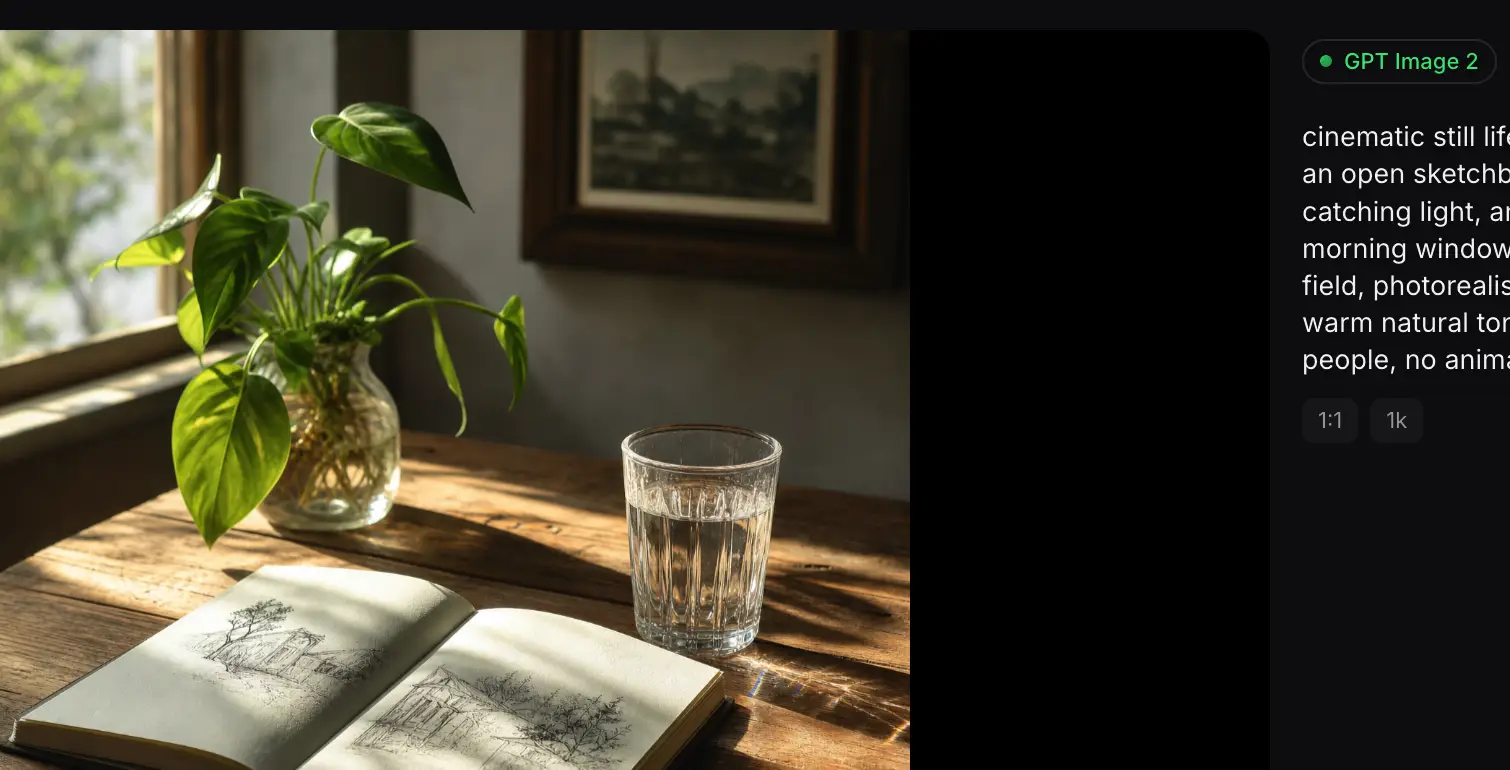
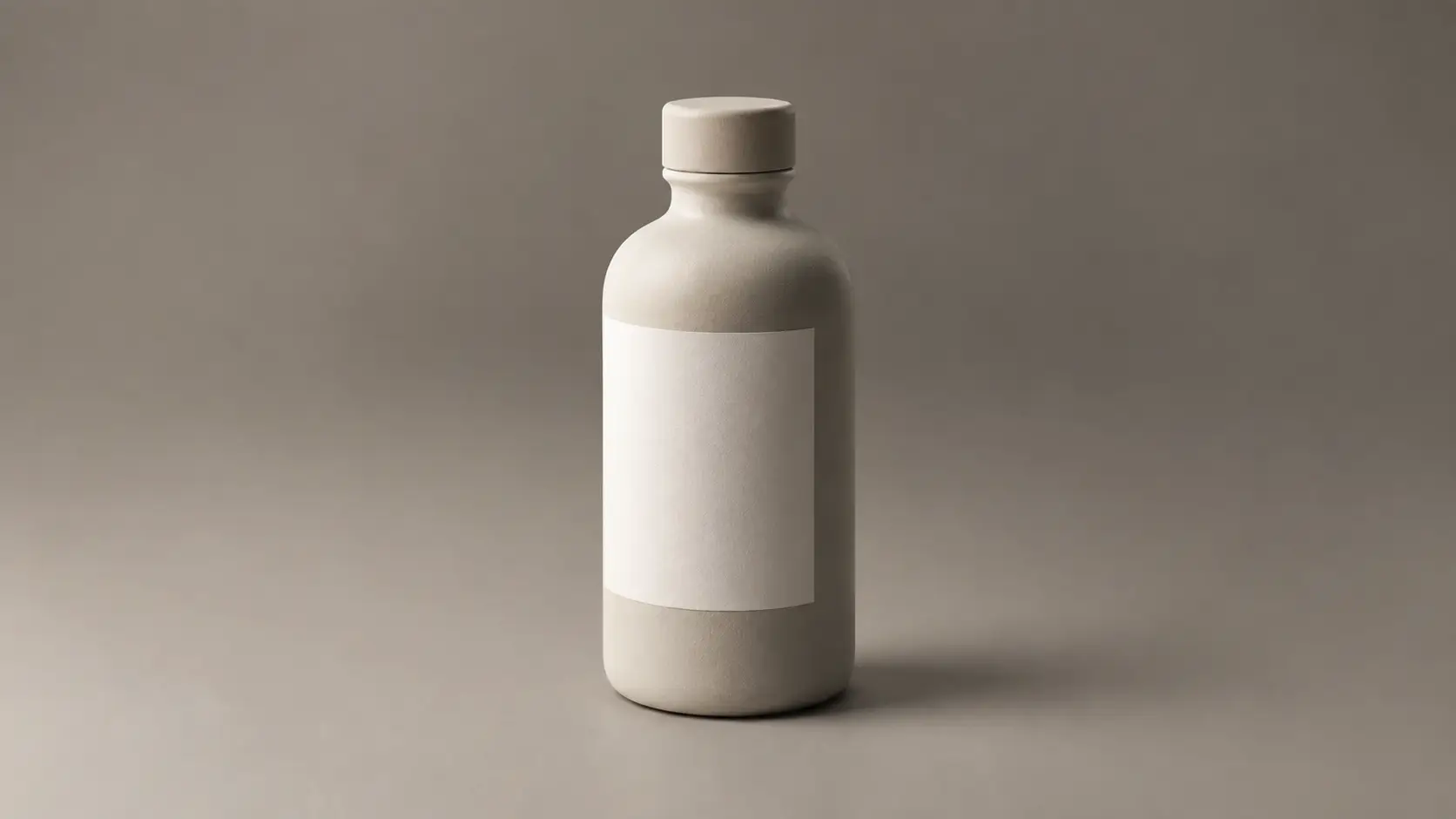
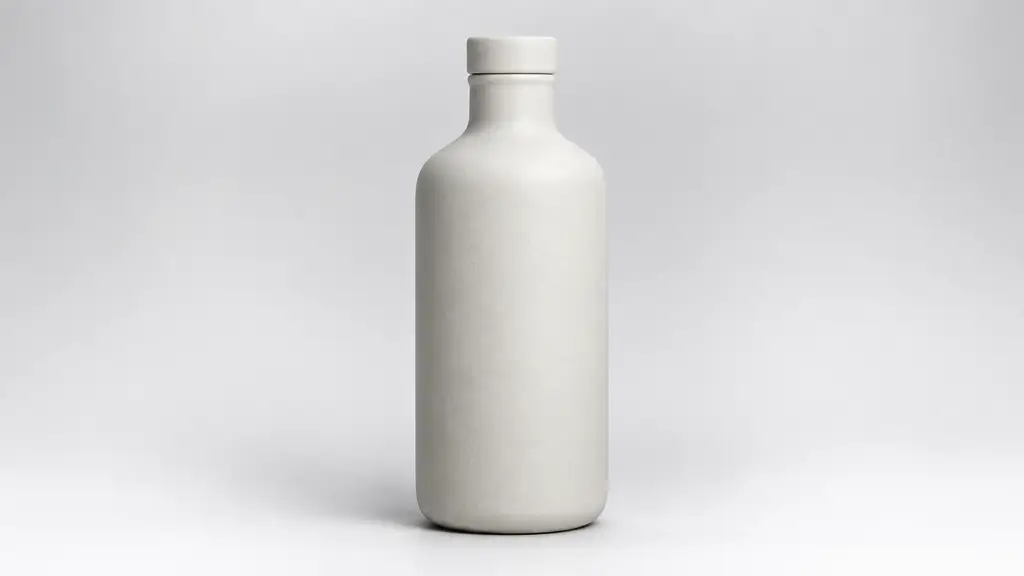
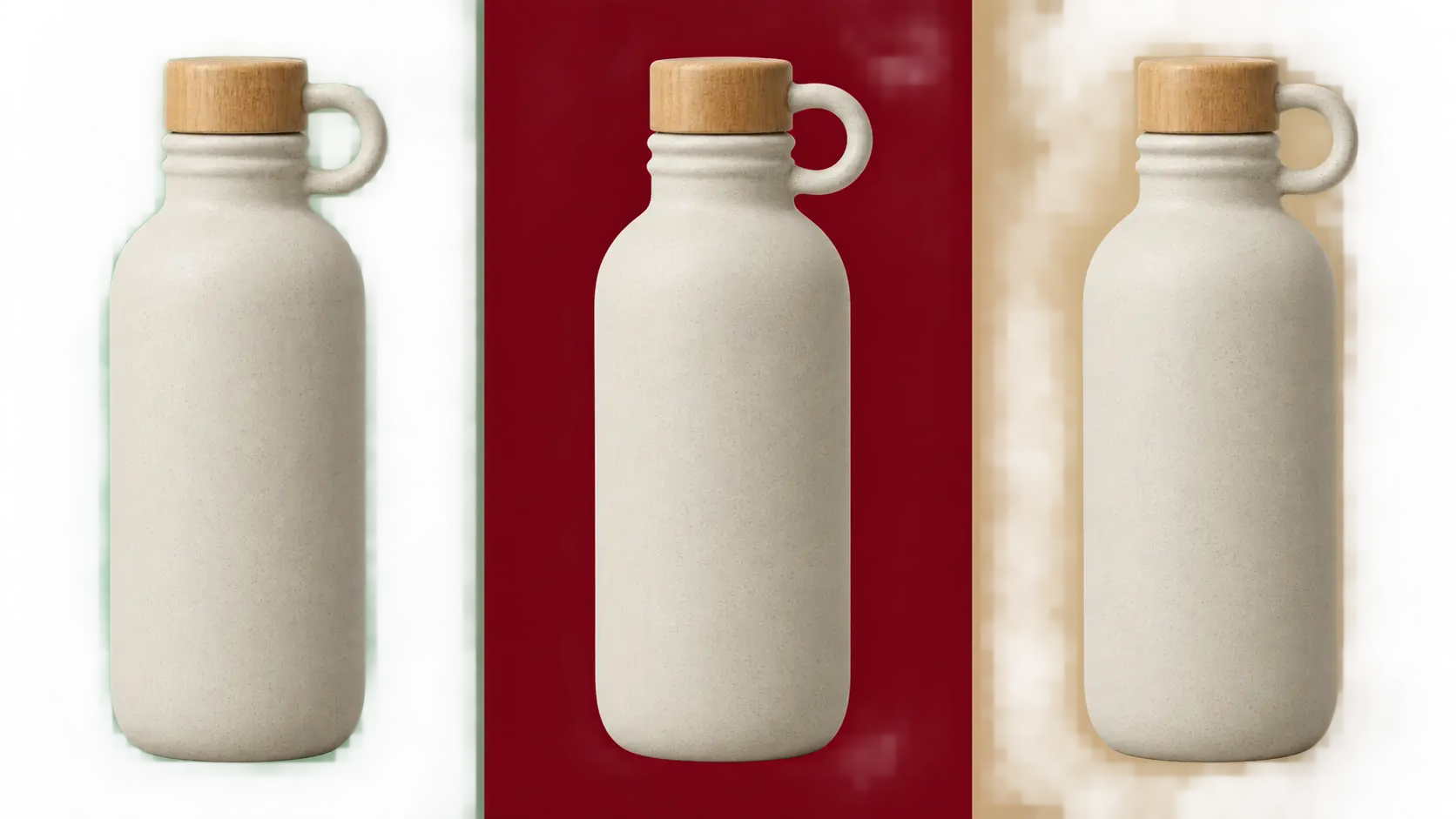
Flux Kontext Max still of a ceramic vase with crisp detail and soft window light

Flux Kontext Max

Create or refine stills with Flux Kontext Max—higher-detail text-to-image when you start from words, or a single-image edit when one reference has to hold. Name what must stay the same, then describe one change. Keep subjects adult, fully clothed, and free of logos.

Start Now

Created by the Community

Community pour-over still with a short headline

PROMPT

Matte ceramic pour-over set on linen, morning window light, headline text exactly "MORNING RITUAL", fine glaze texture, no logos, no watermark

Community portrait edit that keeps the same person

PROMPT

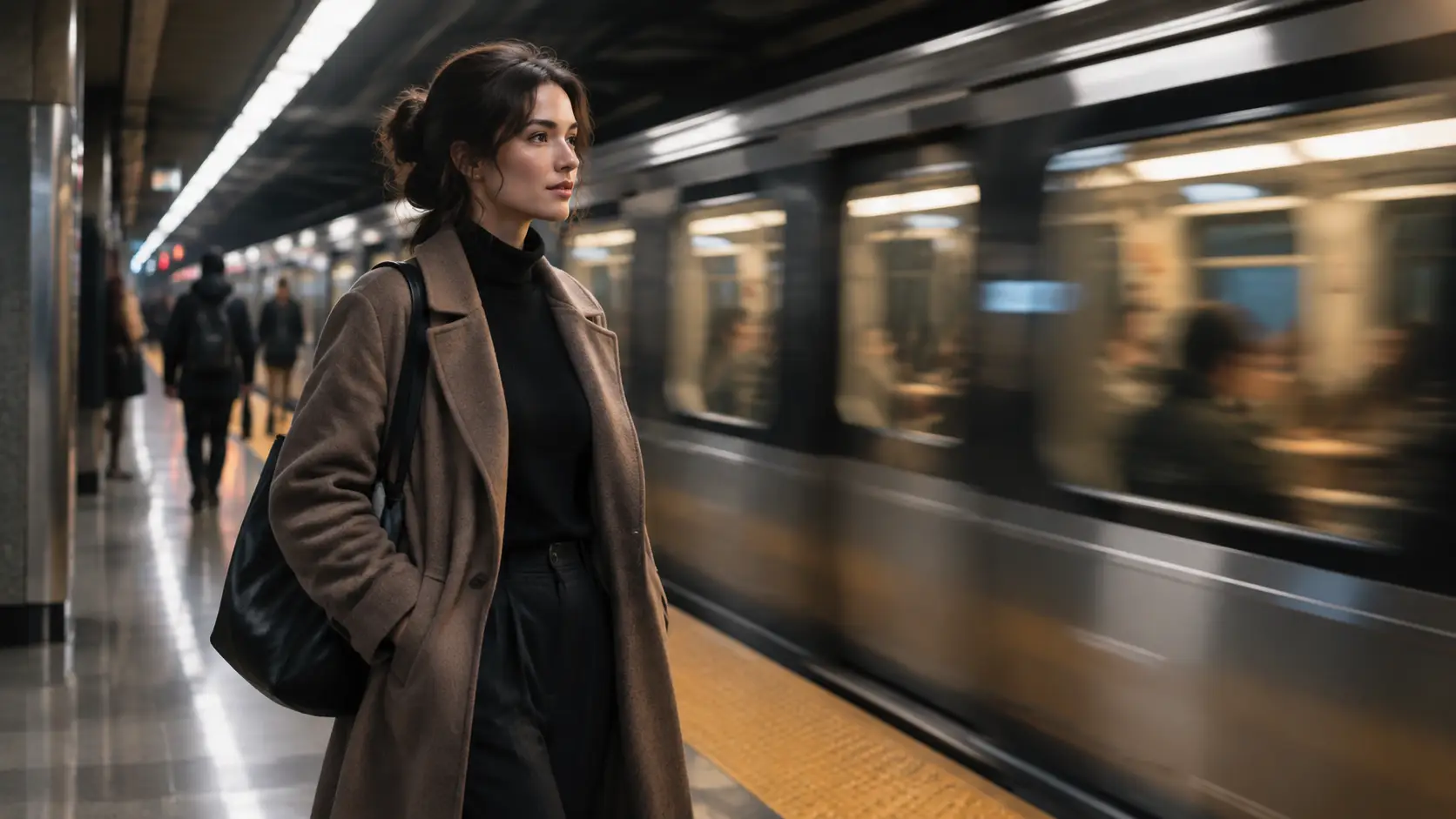
Keep this adult subject recognizable, change only the background to a mossy garden path, natural skin texture, no beauty filter, no text

Community campaign still with readable type

PROMPT

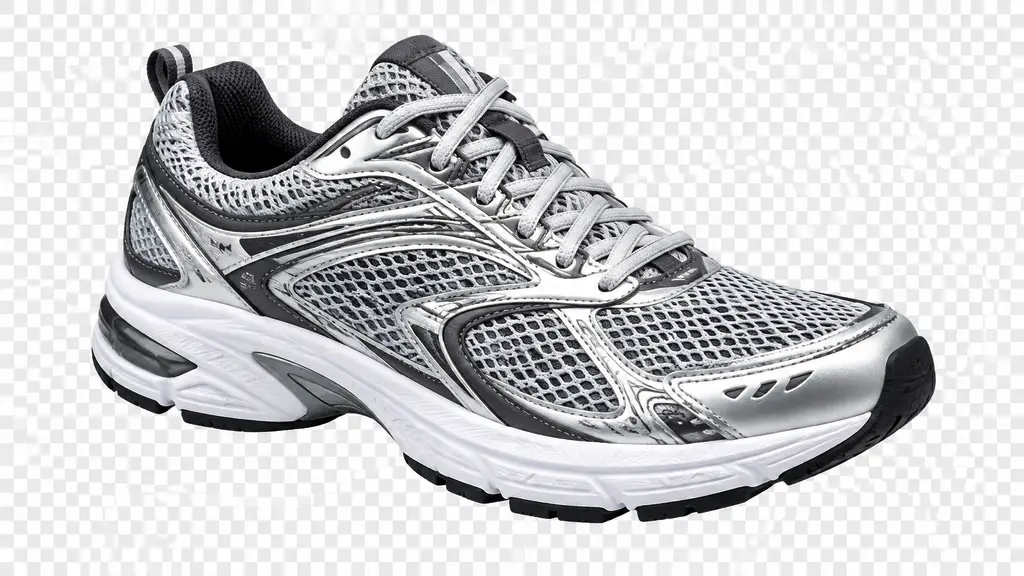
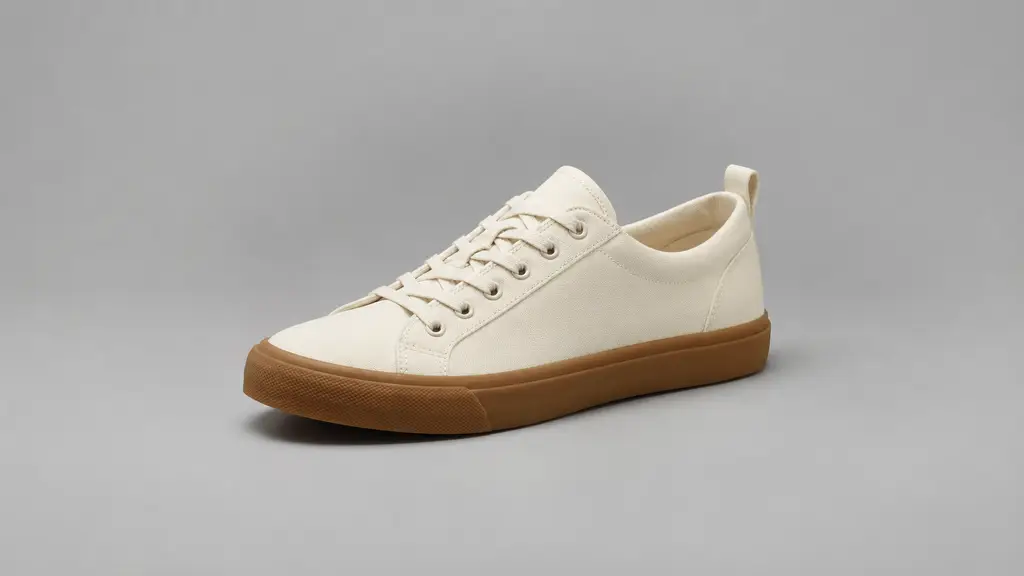
Photographic still, unbranded running shoe on concrete, short line of text exactly "MOVE LIGHT", bold sans type, no brand marks

Community coat cutout on a transparent field

PROMPT

Isolated wool coat on a hanger, three-quarter view, clean edges, soft shadow, checkerboard indicates transparent background, no logos or text

Text to Image, Sharper Detail

Start from text when you need a high-detail first frame. Flux Kontext Max rewards specific materials, light, and crop. Keep the prompt tight, then refine one instruction at a time.

Compare a draft and a sharper final still

Single-Image Edits

Upload a single reference and name the change: background, wardrobe color, or one line of type. Ask the model to leave the subject, pose, and earlier decisions alone.

Edit one detail without rebuilding the portrait

Lock Type, Then Export

Lock the exact words, the aspect ratio, and whether the background should be transparent. Proof small text before you export for a poster, product cutout, or social crop.

Export a layout-ready still with proof type

What Flux Kontext Max Is Better At

Use it when the last model softened texture, drifted on a face, or rebuilt the whole frame on a small edit.

Higher-Detail Generation

Richer texture and cleaner edges from text prompts.

Single-Image Edits

Change one thing while the reference stays in charge.

Subject Retention

Keep a person or product recognizable across new settings.

Product and Still Life

Ceramic, fabric, and glass with believable micro-detail.

Portrait Background Swaps

New scene, same face and wardrobe when you ask for it.

Short Headlines in Quotes

Put exact words in quotes so type stays readable.

Transparent Backgrounds

Ask for a cutout when the asset sits on another layout.

One Change per Pass

Stacked edits drift. Fix background, then type, then crop.

Custom Crops

Match square, story, and wide frames before export.

Proof Before Publish

Check names, numbers, and small labels on the final still.
Explore Models Beside Flux Kontext Max

Flux Kontext Max fits high-detail stills and controlled single-image edits. Compare GPT Image 2.5, Nano Banana Pro, and Seedream 5.0 when you want a different texture or speed.
Seedance 2.5

Seedance 2.5

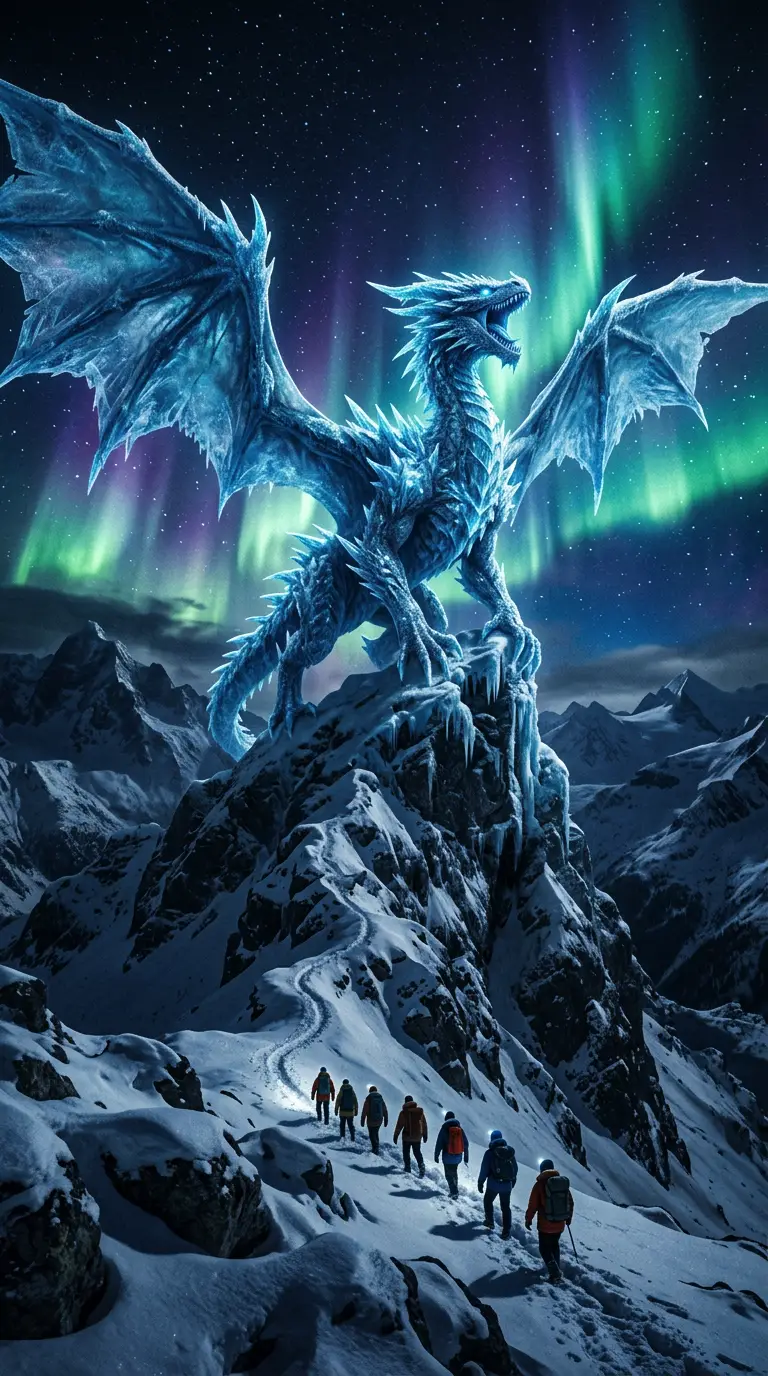
Flagship video with longer clips and multi-reference control for cinematic motion and staging.

Generate
Nano Banana 2

Nano Banana 2

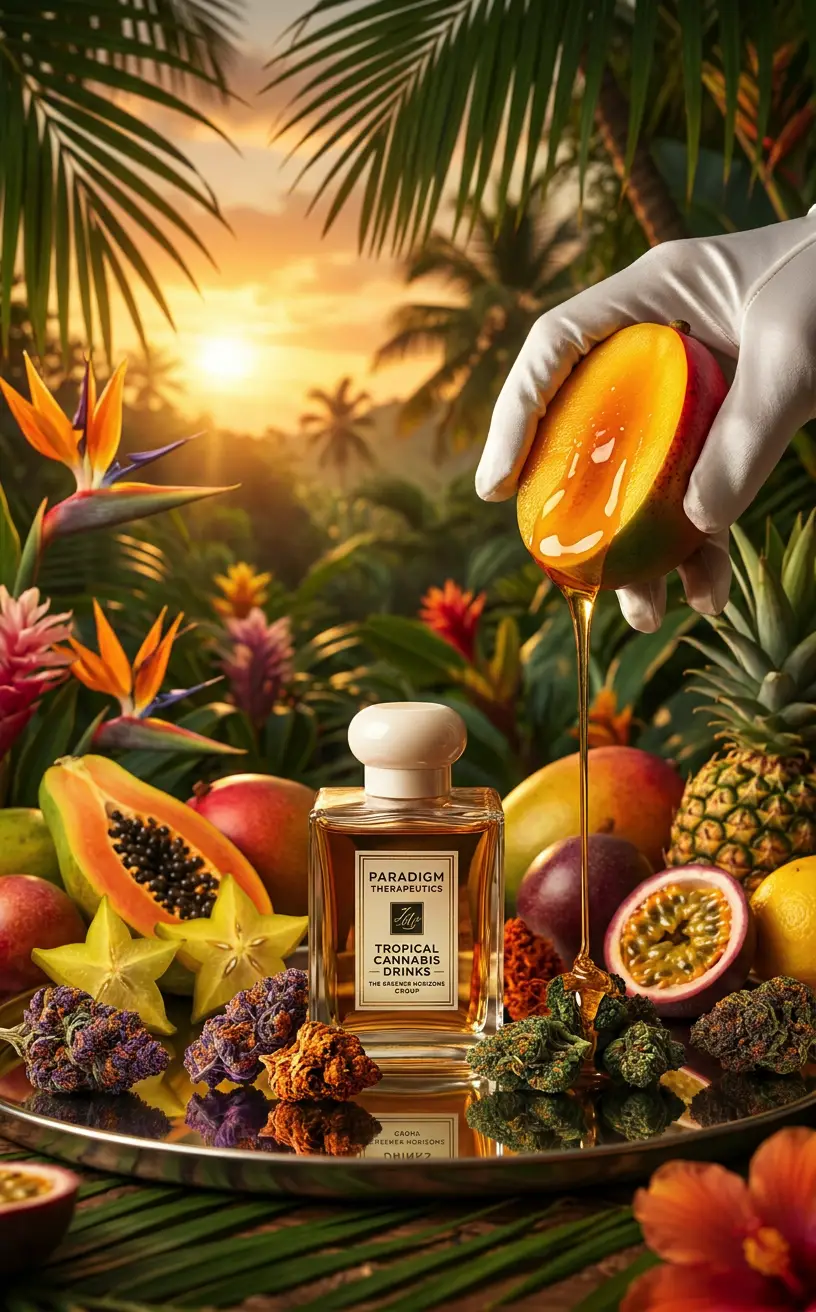
Gemini 3.1 Flash stills with extreme aspect ratios and up to 4K for fast, flexible image work.

Generate
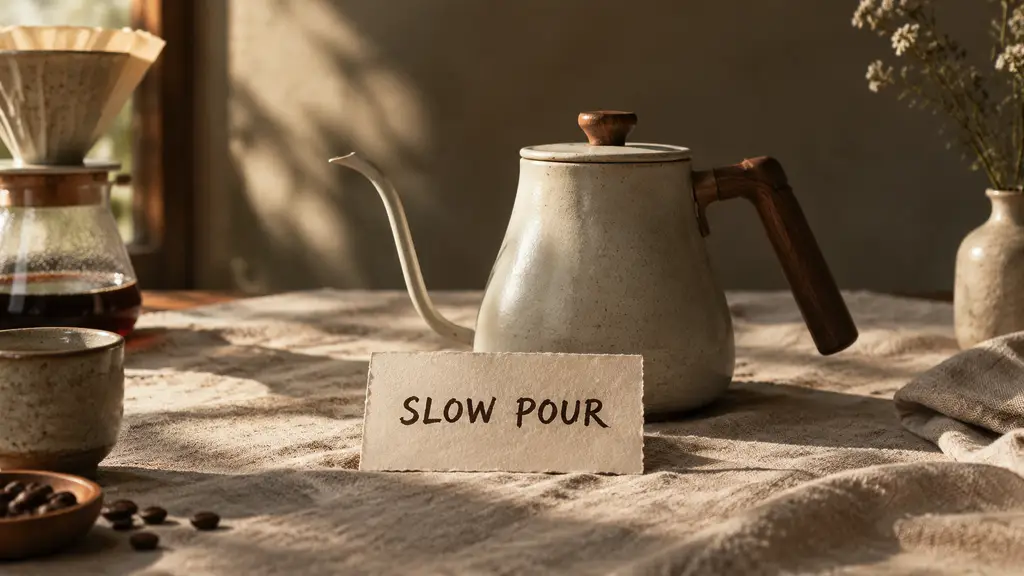
GPT Image 2.5

GPT Image 2.5

Sharper edits and cleaner text in layouts—start on Flare for speed, switch to Sunburst when precision matters.

Generate

Wan 3.0

Wan 3.0

Reference-led video up to 30s with first/last frames or image, video, and audio references.

Generate
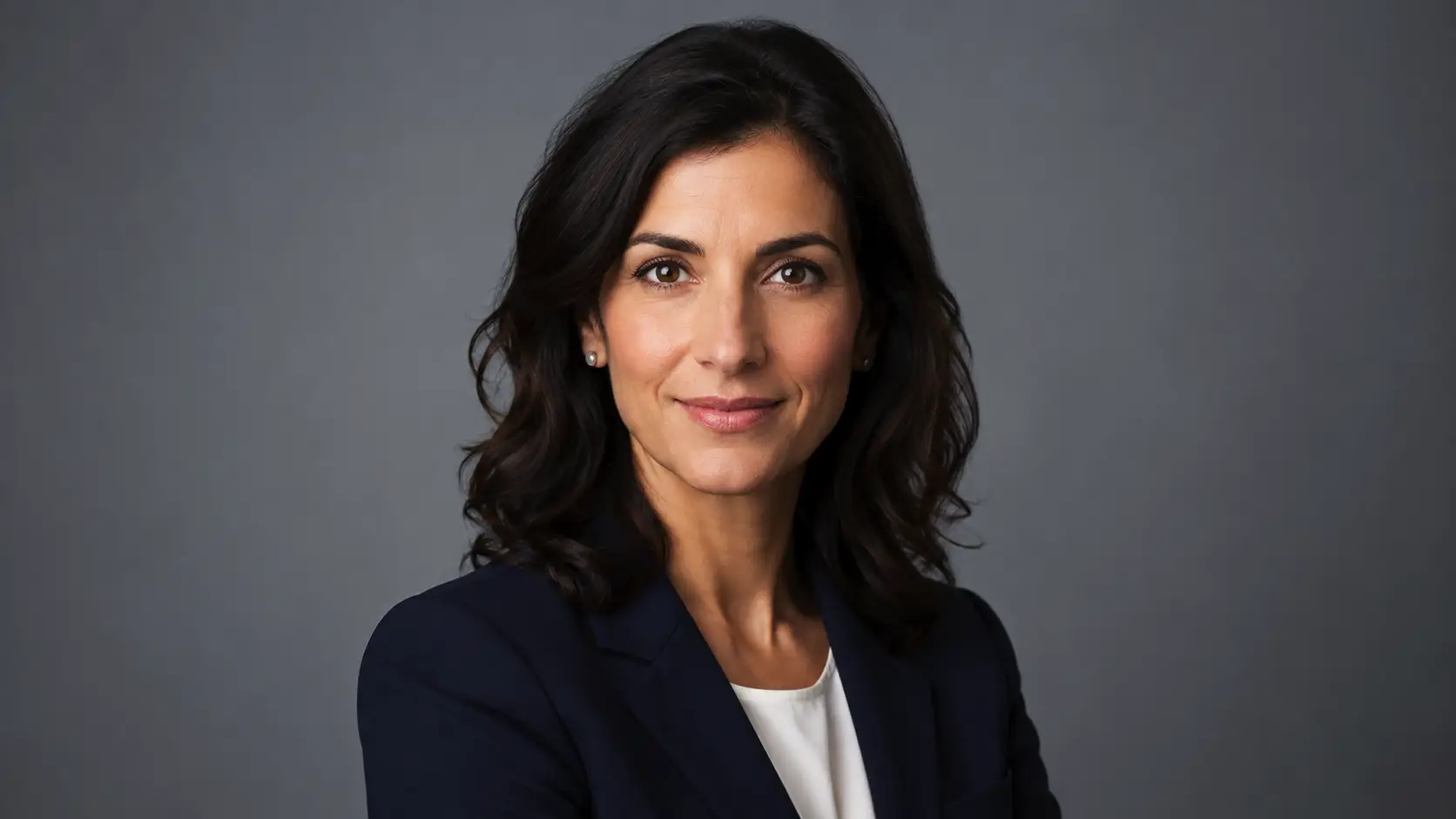
Sora 2

Sora 2

Cinematic video with natural lighting and environmental depth for story-led moments.

Generate
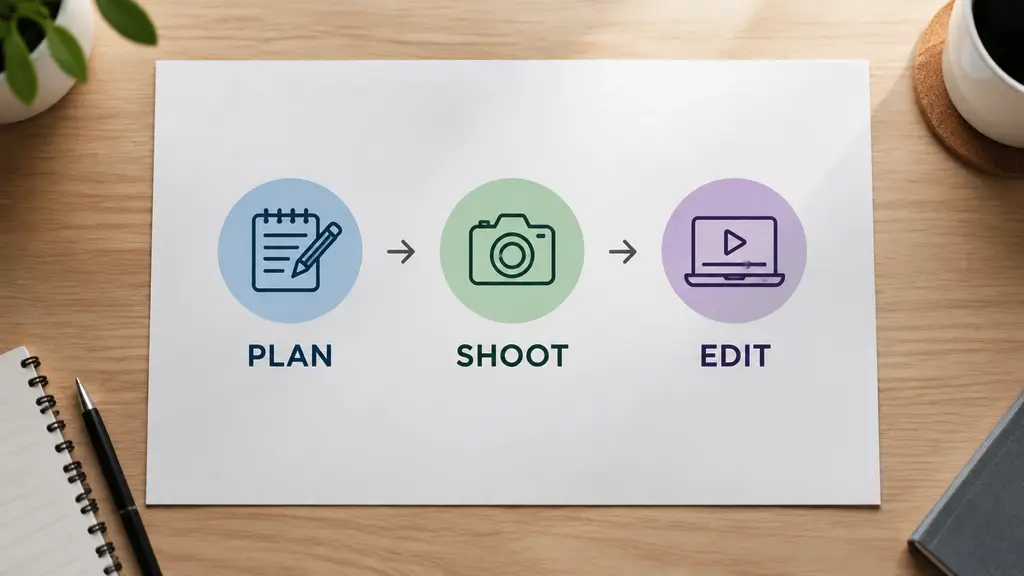
Qwen Image 3

Qwen Image 3

Strong text-in-image and multilingual layouts at 1K/2K, with up to three reference images.

Generate
Explore More Models

Where Flux Kontext Max Fits Best

Use Flux Kontext Max for stills that need sharper detail, a stable subject, or one precise edit without rebuilding the frame.

Product Hero Shots

Product Hero Shots

Texture-forward objects in natural light.

Portrait Edits

Portrait Edits

Change the setting, keep the person.

Campaign Stills

Campaign Stills

Short headlines on photographic scenes.

Layout Cutouts

Layout Cutouts

Clean edges for banners and merch.

Made for Detail and Controlled Edits

Join people using Flux Kontext Max when a still needs sharper texture, a stable face, or one edit that does not undo the last pass.

The vase glaze finally looked real. Previous model smoothed it flat.

LV
Lena Vogt

Background swap kept the face. I only changed the garden path.

DM
Diego Morales

Headline matched the words in quotes on the second pass.

SP
Sienna Park

Coat cutout needed one edge cleanup, then it sat on the banner.

OH
Omar Haddad

One change per edit stopped the portrait from morphing each time.

CW
Clara Weiss

Square crop from the same brief saved a redesign for the story slot.

JI
Jamal Irving

Good for product drafts before a designer tightens the file.

NL
Nora Lindstrom

Text-to-image was strong. Edits work best when I name what must not move.

VC
Victor Chen

Trusted by 5 000+ people worldwide

More features

GPT Image 2.5

GPT Image 2.5

Generate and edit images with GPT Image 2.5 on YOMIOO. Compare Flare for speed and Sunburst for tighter edits, with cleaner text and transparent backgrounds.

ChatGPT Image Generator

ChatGPT Image Generator

Create AI images from text or a reference photo with GPT Image 2.5, Nano Banana 2, and more—portraits, posters, product stills, and illustrations on YOMIOO.

All-in-One AI Image Generator

All-in-One AI Image Generator

Create portraits, fashion motion, fantasy worlds, and cinematic stills in one all-in-one AI image generator—multiple models, one prompt workspace on YOMIOO.

AI Poster Generator

AI Poster Generator

Design event posters and flyers with AI on YOMIOO. Set the headline, date, and hierarchy, then export a print-minded layout.

AI Thumbnail Generator

AI Thumbnail Generator

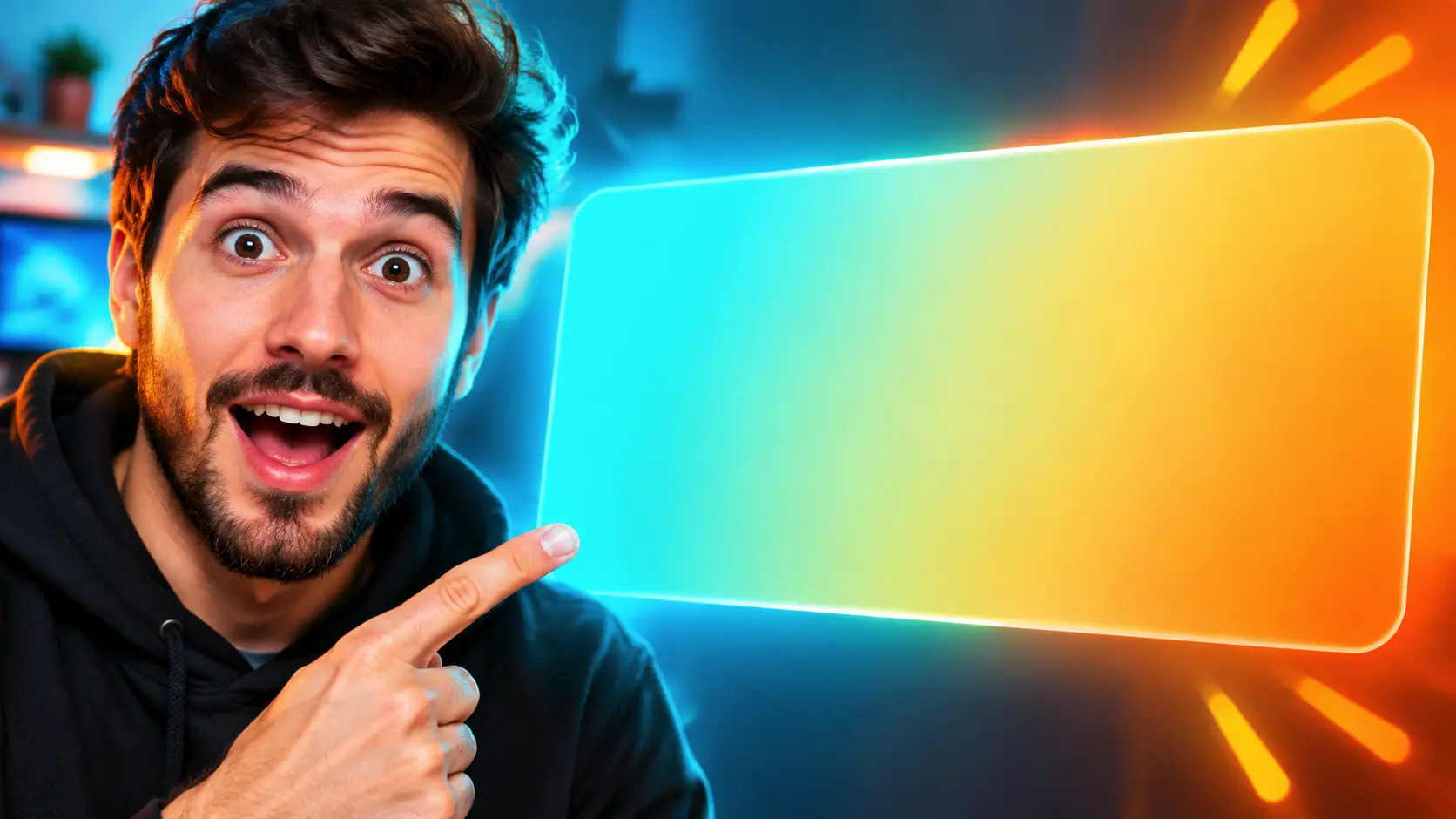
Create high-CTR YouTube thumbnails and Xiaohongshu covers with AI on YOMIOO. Design 16:9, 3:4, and 9:16 covers with clear title space.

AI Sticker Generator

AI Sticker Generator

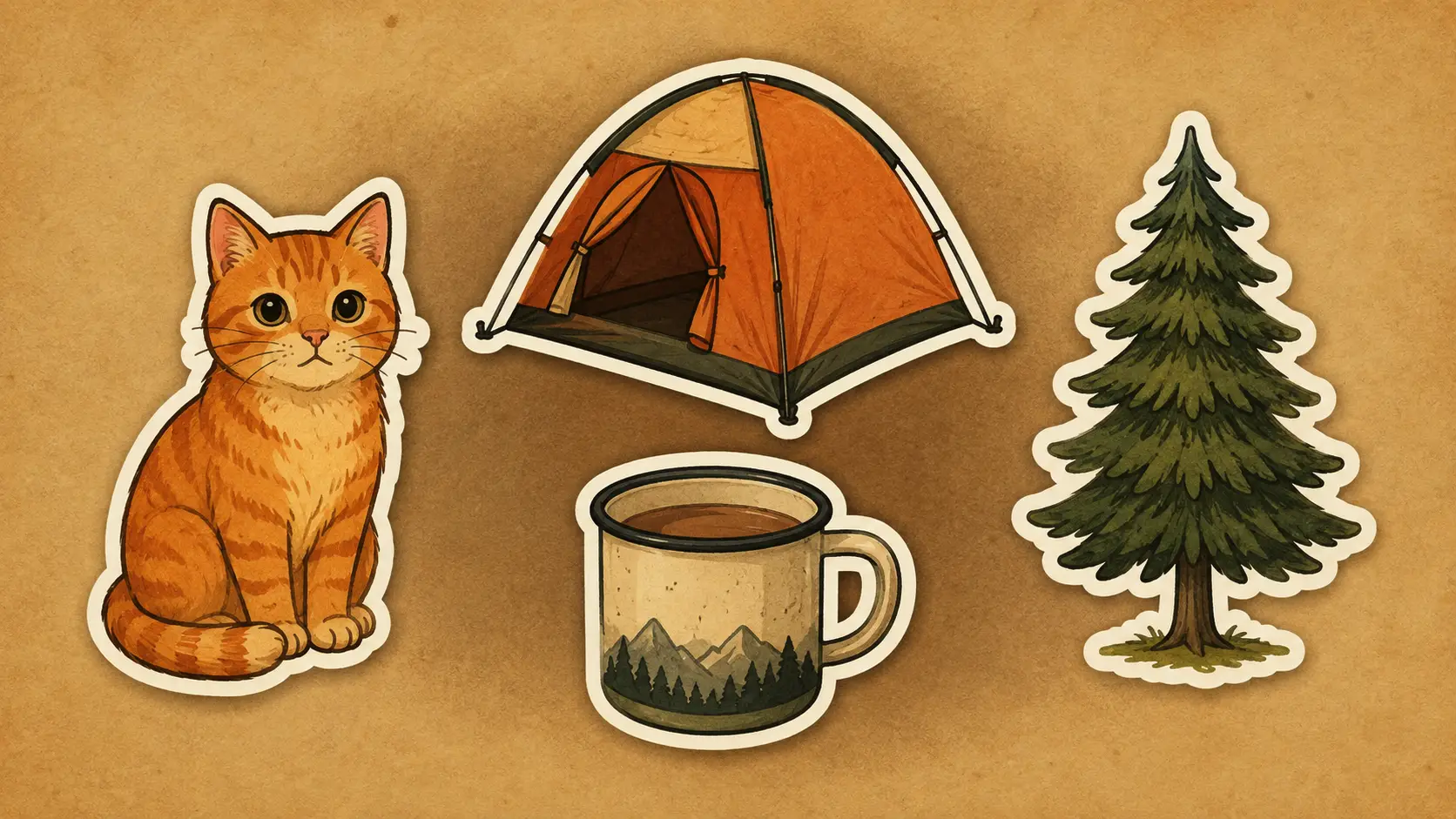
Make original die-cut stickers and sticker sheets with AI on YOMIOO. Keep a clean outline and a background you can cut out.

AI Logo Generator

AI Logo Generator

Generate original logo concepts with AI on YOMIOO. Design simple wordmarks and icon marks, then proof the name before you use it.

AI Avatar Generator

AI Avatar Generator

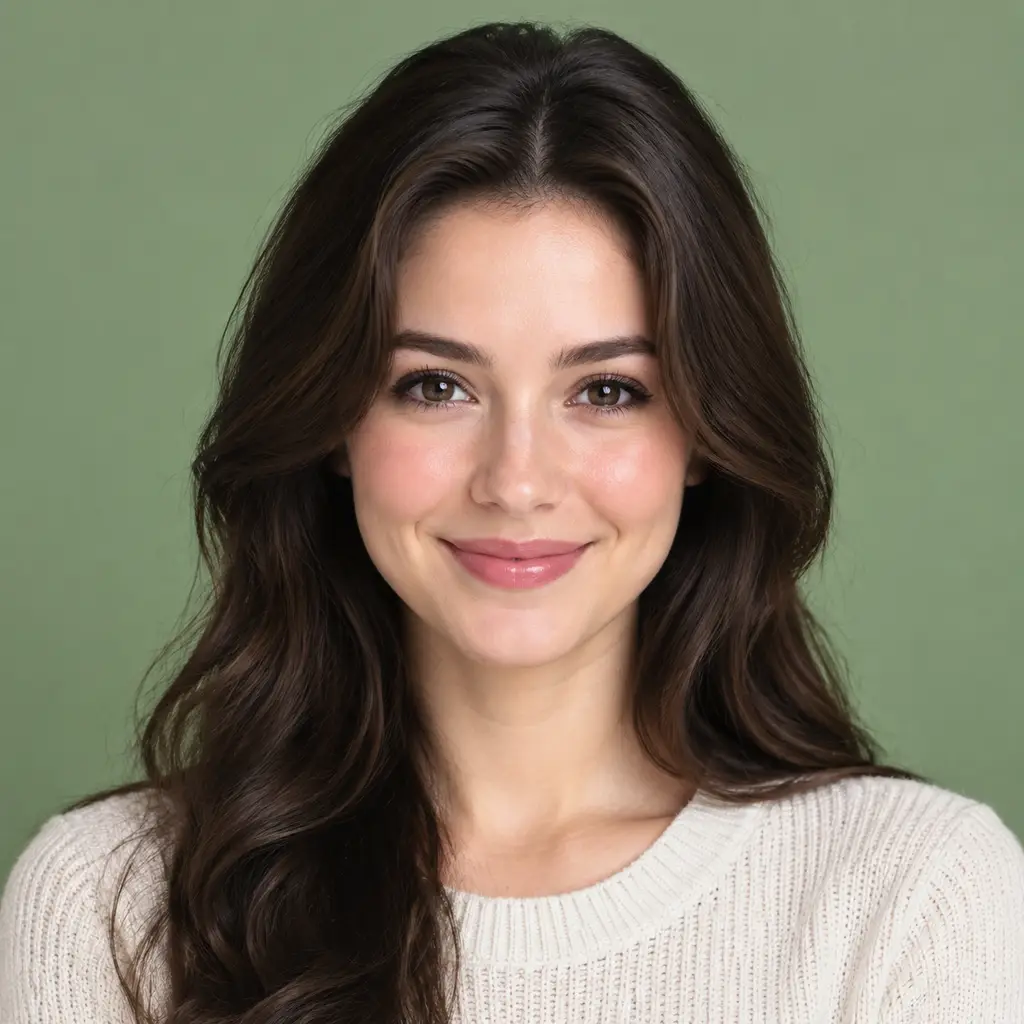
Create square social avatars and creator profile pictures with AI on YOMIOO. Generate clean female and unisex PFPs for Discord, YouTube, LinkedIn, and more.

AI Product Photo Generator

AI Product Photo Generator

Create catalog packshots and lifestyle product photos with AI on YOMIOO. Keep materials realistic and labels unreadable unless you supply the copy.

AI Product Cutout Generator

AI Product Cutout Generator

Cut products out with AI on YOMIOO. Export real transparent PNGs with clean edges and no halo. The checkerboard is a preview, not a painted background.

AI Packshot Generator

AI Packshot Generator

Generate catalog packshots with AI on YOMIOO. Centered product, white or soft-gray seamless, soft contact shadow, and labels left blank unless you supply the exact copy.

AI Ecommerce Listing Images

AI Ecommerce Listing Images

Build a full listing gallery with AI on YOMIOO—hero packshot, lifestyle, macro detail, and benefit slides from one brief, with the same SKU in every frame.

AI Transparent Product Assets

AI Transparent Product Assets

Build reusable transparent product assets with AI on YOMIOO. One cutout drops onto seasonal banners, storefronts, and merch mockups with real alpha and clean edges.

Qwen Image 3

Qwen Image 3

Create dense layouts with Qwen Image 3 on YOMIOO—infographics, multilingual posters, and storyboard frames. Proof small text before you publish.

Pick your plan

Get more generations, faster creation, and priority access to new features.

FREE

First-time creators exploring AI image tools

$0/ month

  • 1 free GPT Image 2.5 generation for new accounts
  • Access to selected image models
  • Basic quality settings
  • Public creations by default

PRO

Save 8%

Daily hobbyists and enthusiasts

$10.9$11.9/ month

  • 890 credits / month · standard usage
  • Up to ~222 AI images (Nano Banana)
  • Up to ~27 AI videos
  • Up to ~4 Seedance 2.0 videos
  • 1 free GPT Image 2.5 for new accounts
  • Private creations — you decide who sees your work
  • Access to paid image & video models
  • Higher quality generation settings

PLUS

Save 19%Best value

Everyday creators who need more output

$25.9$31.9/ month

  • 2,670 credits / month · 3× Pro usage
  • Up to ~667 AI images (Nano Banana)
  • Up to ~83 AI videos
  • Up to ~12 Seedance 2.0 videos
  • Everything in Pro
  • More concurrent generations
  • Priority access to new models

ULTRA

Save 35%Most popular

Ambitious projects and heavy image & video workflows

$84.9$129.9/ month

  • 8,900 credits / month · 10× Pro usage
  • Up to ~2,225 AI images (Nano Banana)
  • Up to ~278 AI videos
  • Up to ~41 Seedance 2.0 videos
  • Everything in Plus
  • Highest concurrency & queue limits
  • Best for flagship models and long videos

Model names and capabilities on this page refer to third-party AI systems available through YOMIOO. Official specs and policies live with each provider; YOMIOO terms cover how we operate the workspace.

Availability and behavior depend on the models offered in-product. Always check the linked docs before commercial or sensitive use.