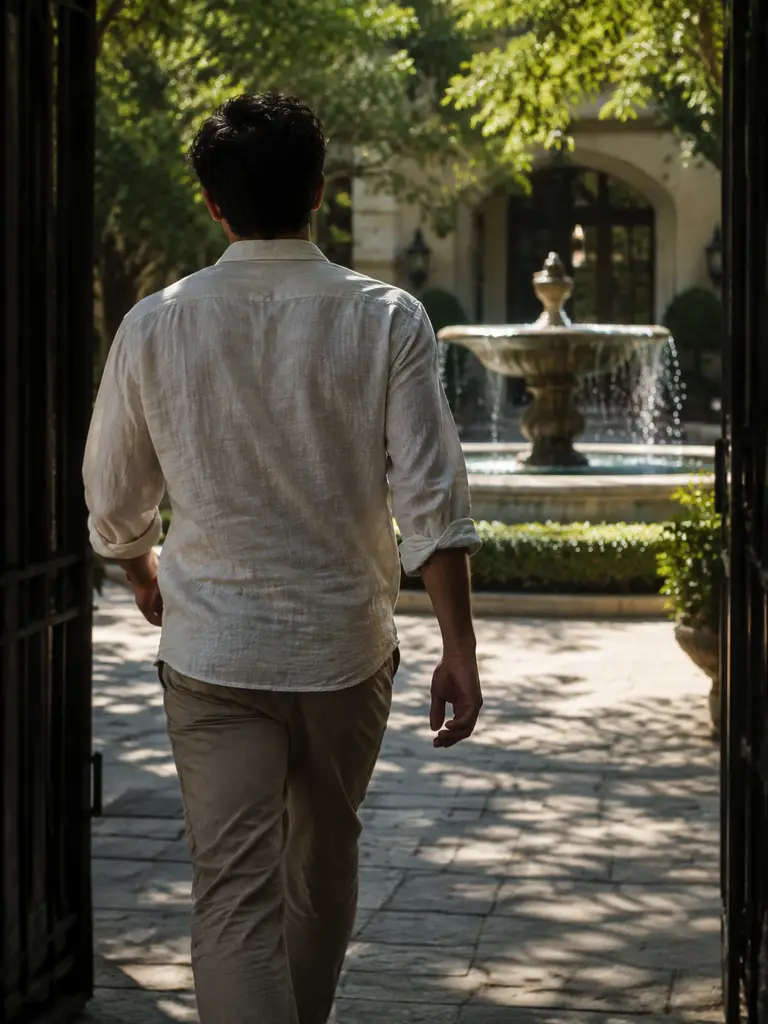
PROMPT
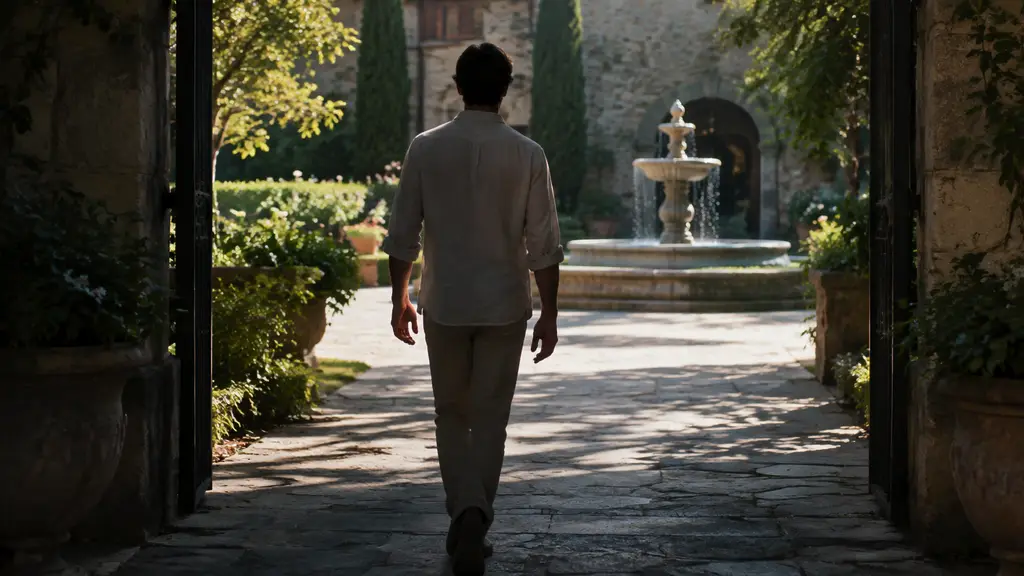
Adult in a linen shirt walks from a shaded gate toward a sunlit courtyard fountain, one steady tracking shot, natural gait, fully clothed, no logos or text
Payment upgrade in progress — Email support@yomioo.com with your registered email for free credits to try first

Generate Wan 3.0 clips from a prompt, a first and last frame, or reference images, video, and audio. Direct one action, one camera move, and how long the shot should run. First and last frames cannot be combined with reference files in the same generation. Keep subjects adult, fully clothed, and free of logos.
Set the opening frame and the ending frame when the path matters. Wan 3.0 fills the motion between them. Do not also attach reference files in that pass—frames and references are separate modes.
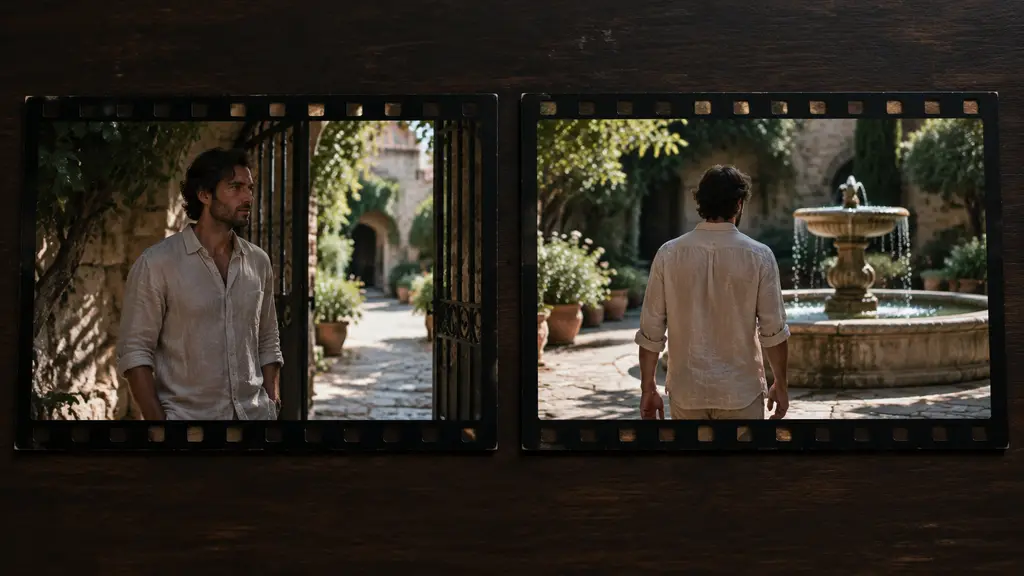
Set the opening frame and the ending frame when the path matters. Wan 3.0 fills the motion between them. Do not also attach reference files in that pass—frames and references are separate modes.
Upload images, a short video, or audio when the subject, wardrobe, or sound should carry through. Say what must stay the same, then describe one action. Use this mode instead of first and last frames.
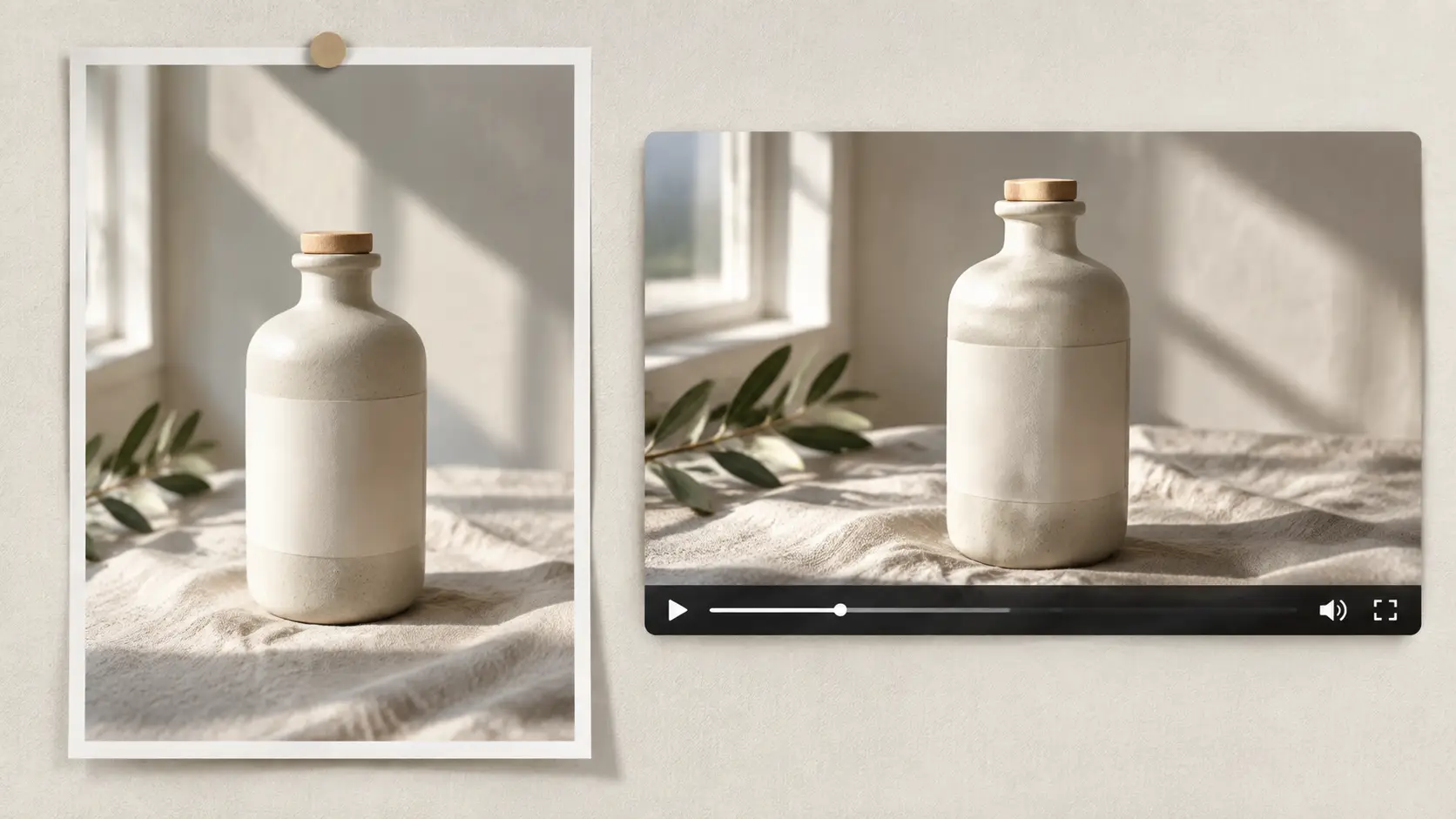
Upload images, a short video, or audio when the subject, wardrobe, or sound should carry through. Say what must stay the same, then describe one action. Use this mode instead of first and last frames.
Clips can run up to 30 seconds. Shorter shots are easier to control. If you need more time, write the beats in order and keep the camera move simple.
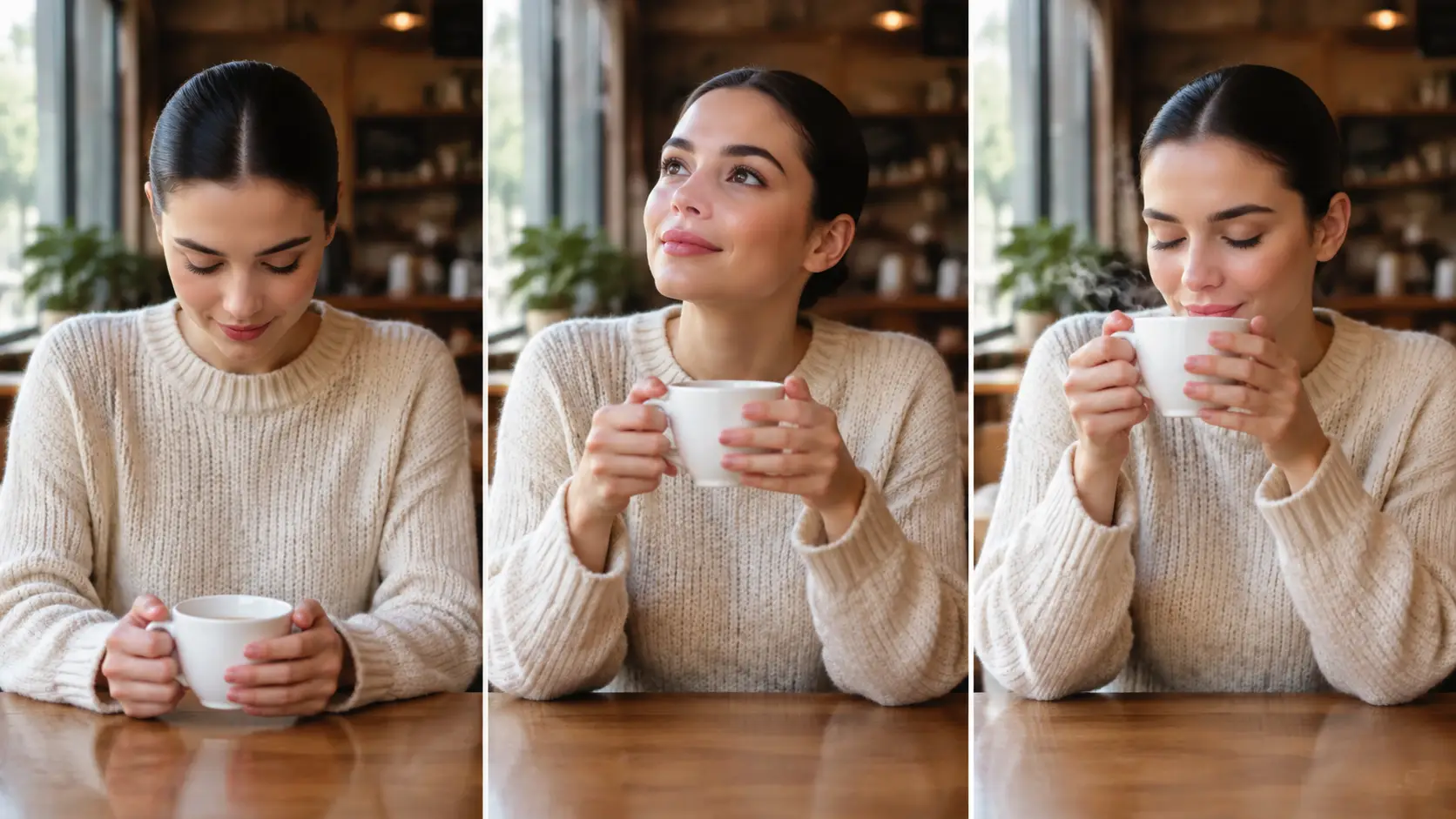
Clips can run up to 30 seconds. Shorter shots are easier to control. If you need more time, write the beats in order and keep the camera move simple.
Use it when the shot needs a defined start and end, a reference that has to hold, or more than a few seconds of motion.
Start from a shot description when you have no files yet.
Lock where the clip begins and where it must land.
Keep a person, product, or wardrobe closer to your stills.
Borrow motion or staging from a clip you already have.
Bring sound in when the clip should follow a track or voice.
Run past a short loop, up to 30 seconds when the brief is simple.
Draft at a lower resolution, then raise it when the shot holds.
Match 9:16, 16:9, square, and 3:4 or 4:3 crops.
Name the subject first, then one camera move.
Do not mix first and last frames with reference files.
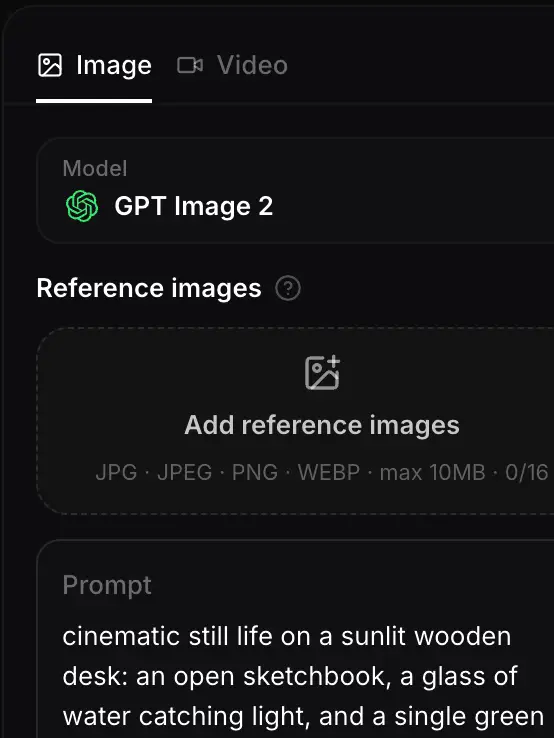
Text only, first and last frame, or references. Do not combine frames with reference files.
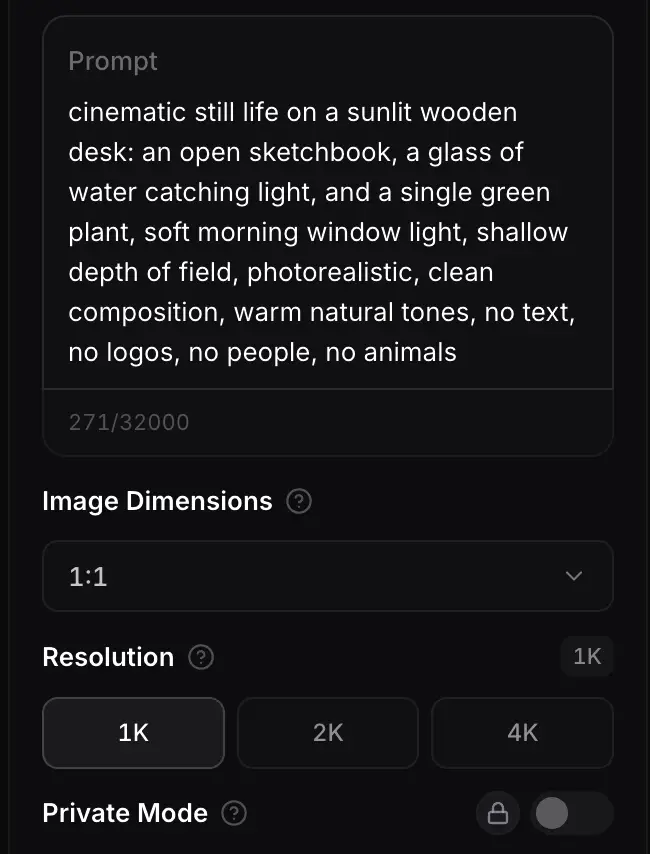
Name the subject, the move, the camera, and the length. Shorter is easier to control.
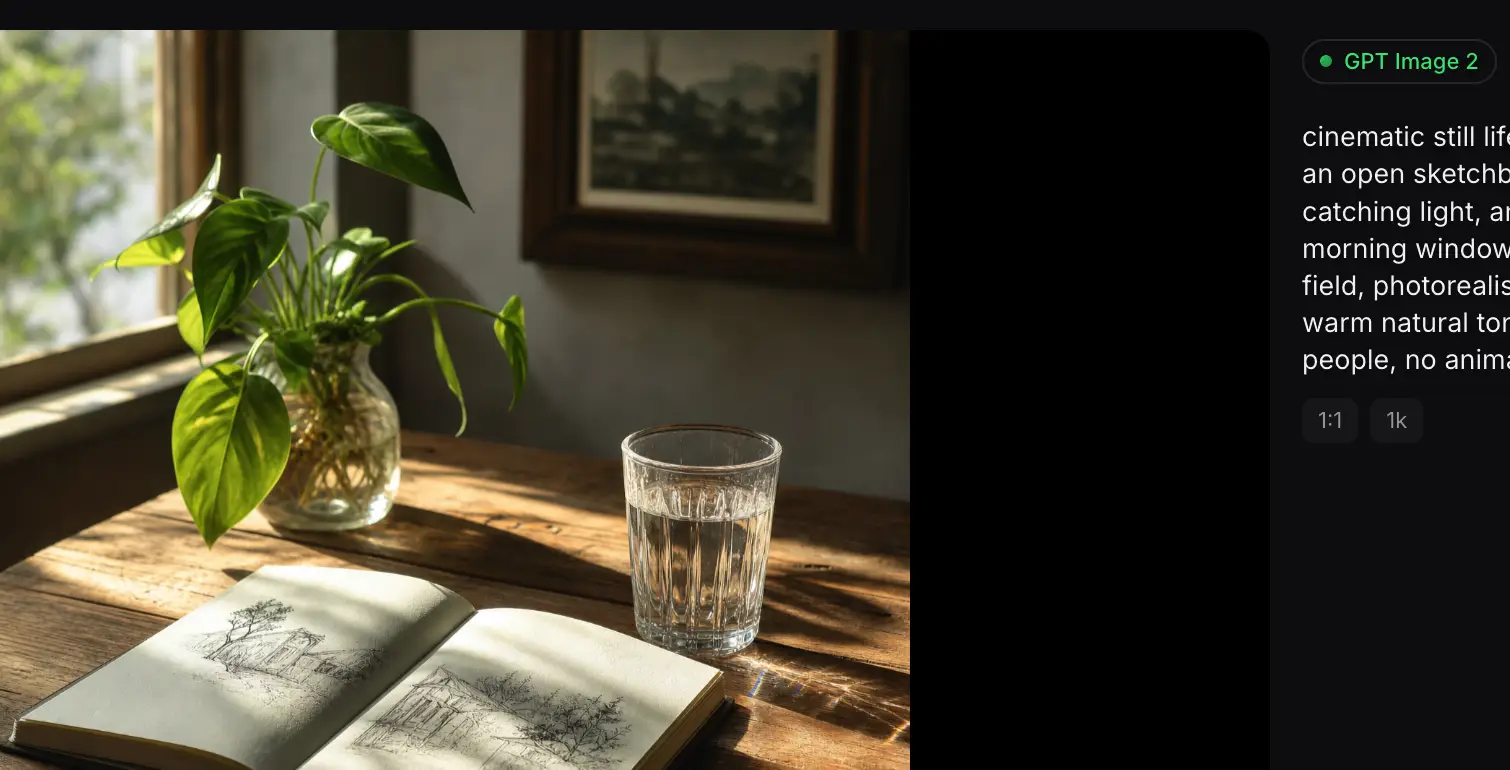
Review identity and timing, fix one cue, then export the crop you need.
Wan 3.0 fits reference-led shots and longer clips. Compare Kling 3.0, Seedance 2.5, and Sora 2 when you want a different camera feel on the same brief.
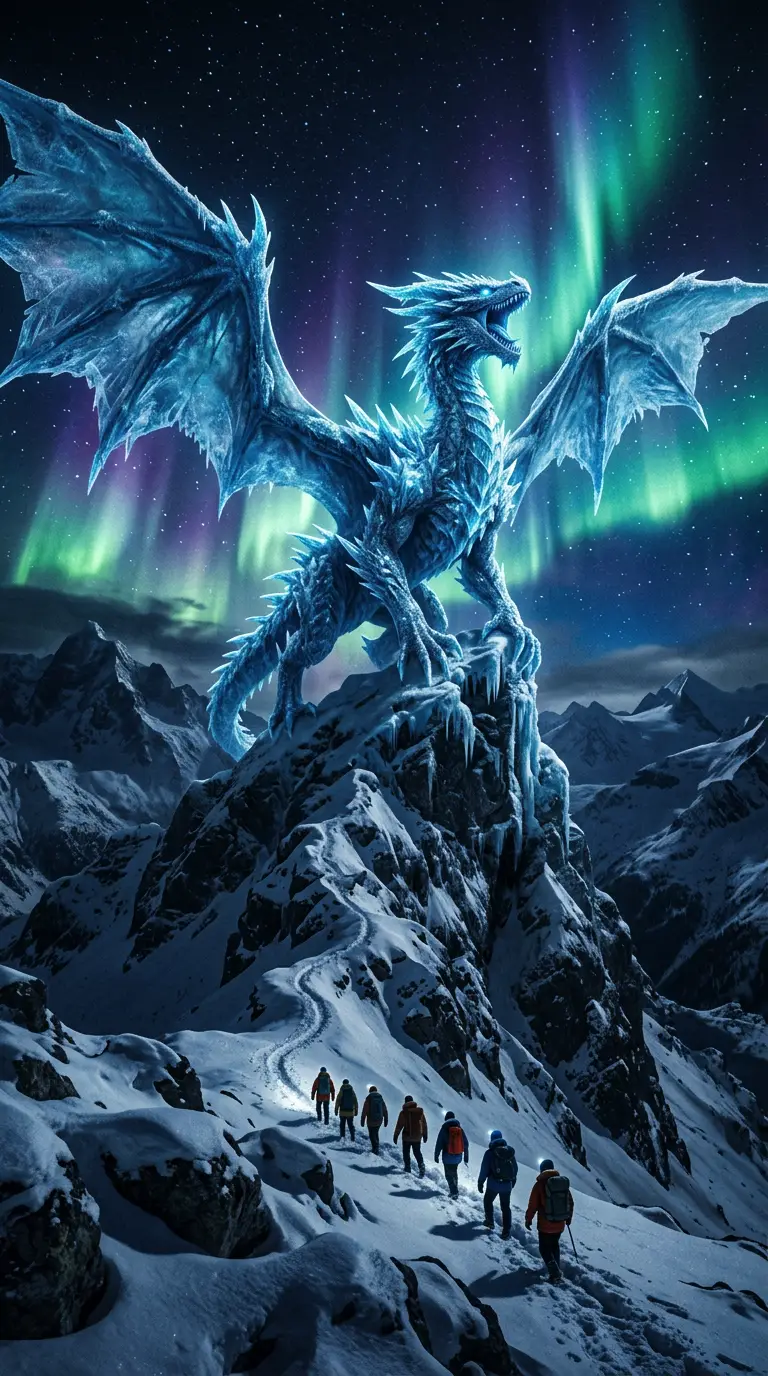
Flagship video with longer clips and multi-reference control for cinematic motion and staging.
Generate
Gemini 3.1 Flash stills with extreme aspect ratios and up to 4K for fast, flexible image work.
Generate
Sharper edits and cleaner text in layouts—start on Flare for speed, switch to Sunburst when precision matters.
GenerateReference-led video up to 30s with first/last frames or image, video, and audio references.
Generate
Cinematic video with natural lighting and environmental depth for story-led moments.
Generate
Strong text-in-image and multilingual layouts at 1K/2K, with up to three reference images.
GenerateUse Wan 3.0 when the clip has to start and end on specific frames, follow a reference, or run longer than a short loop.
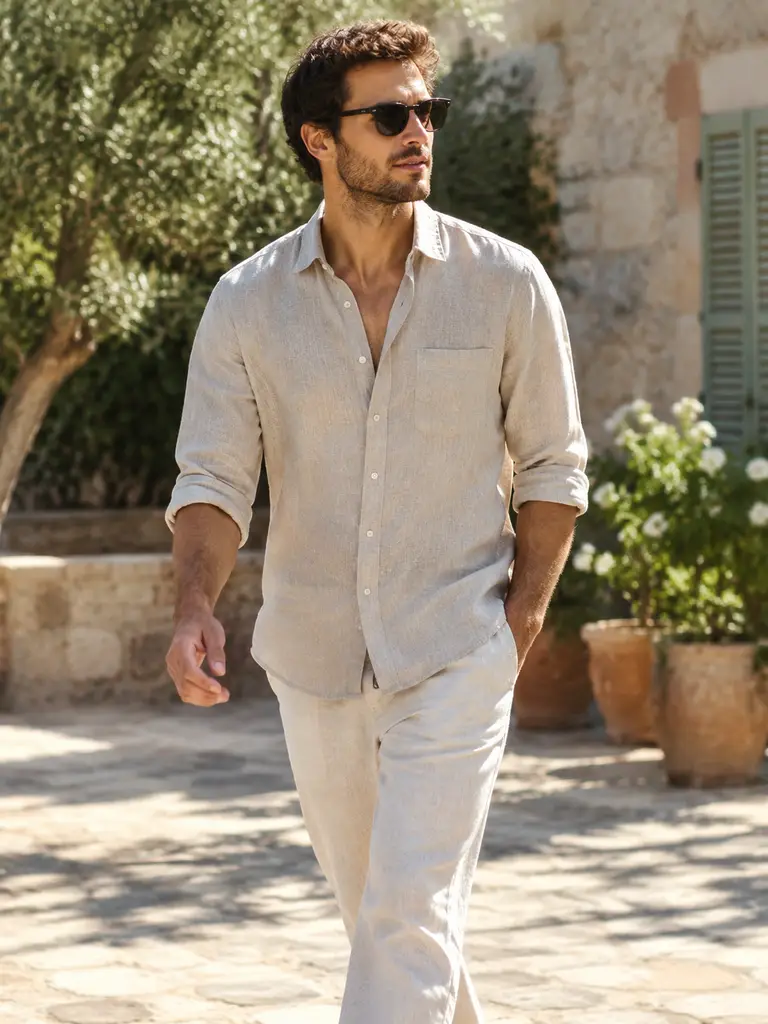
A clear start pose and end pose.
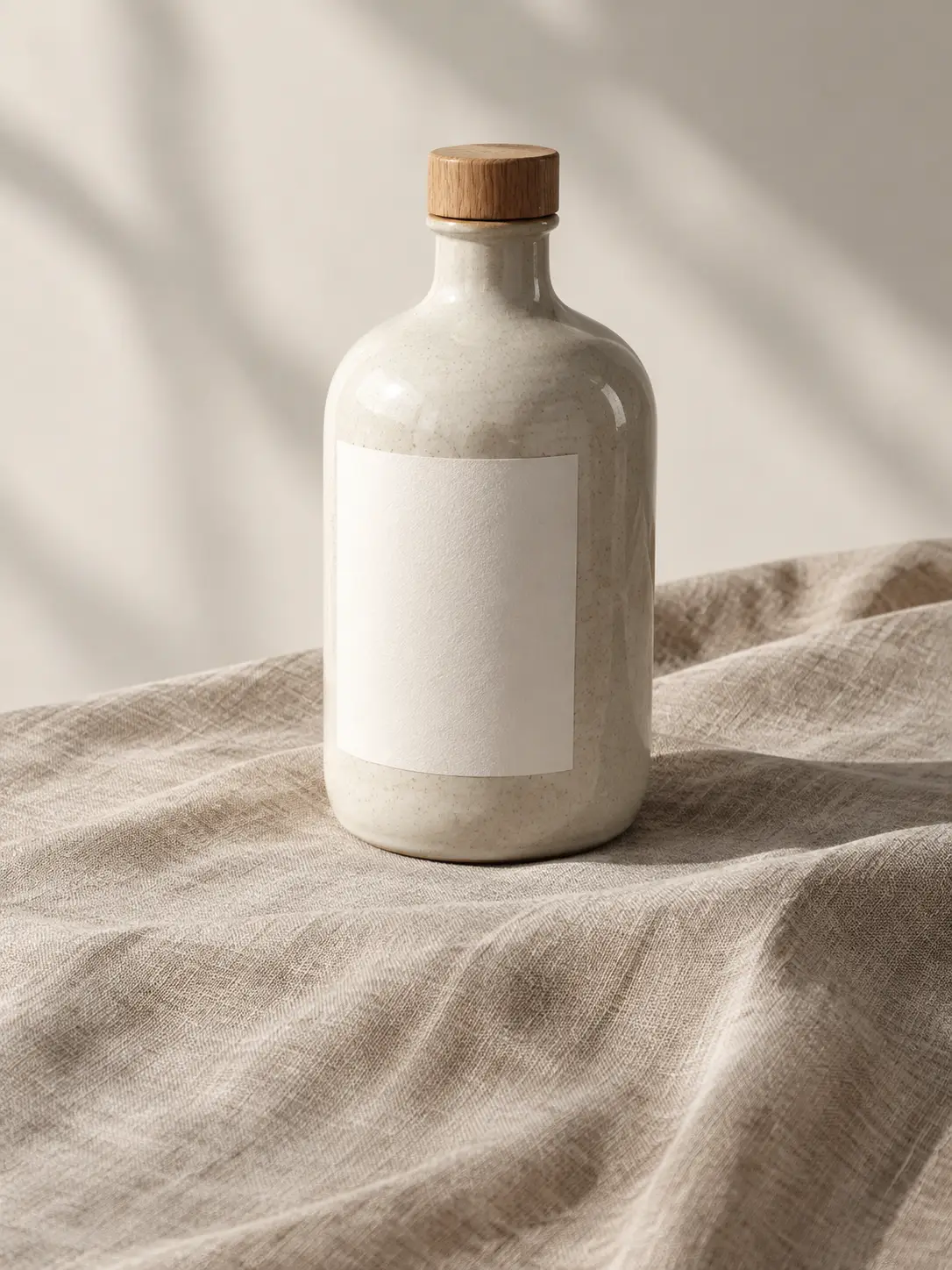
The same object, held from a still.
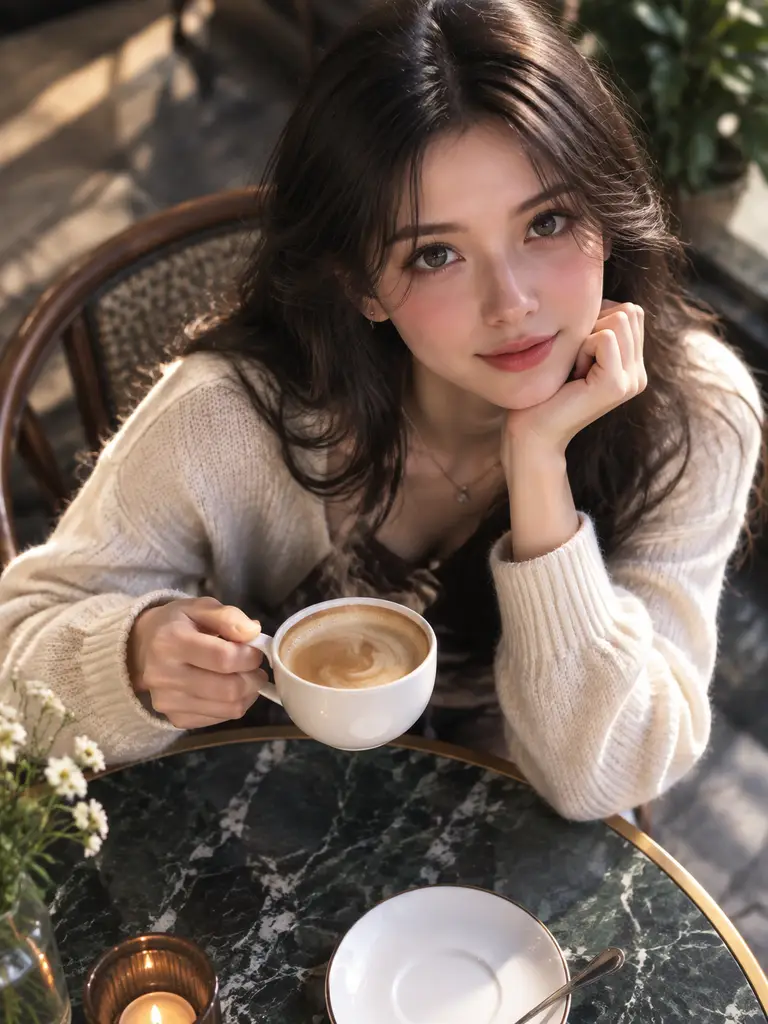
One simple action with room to play out.
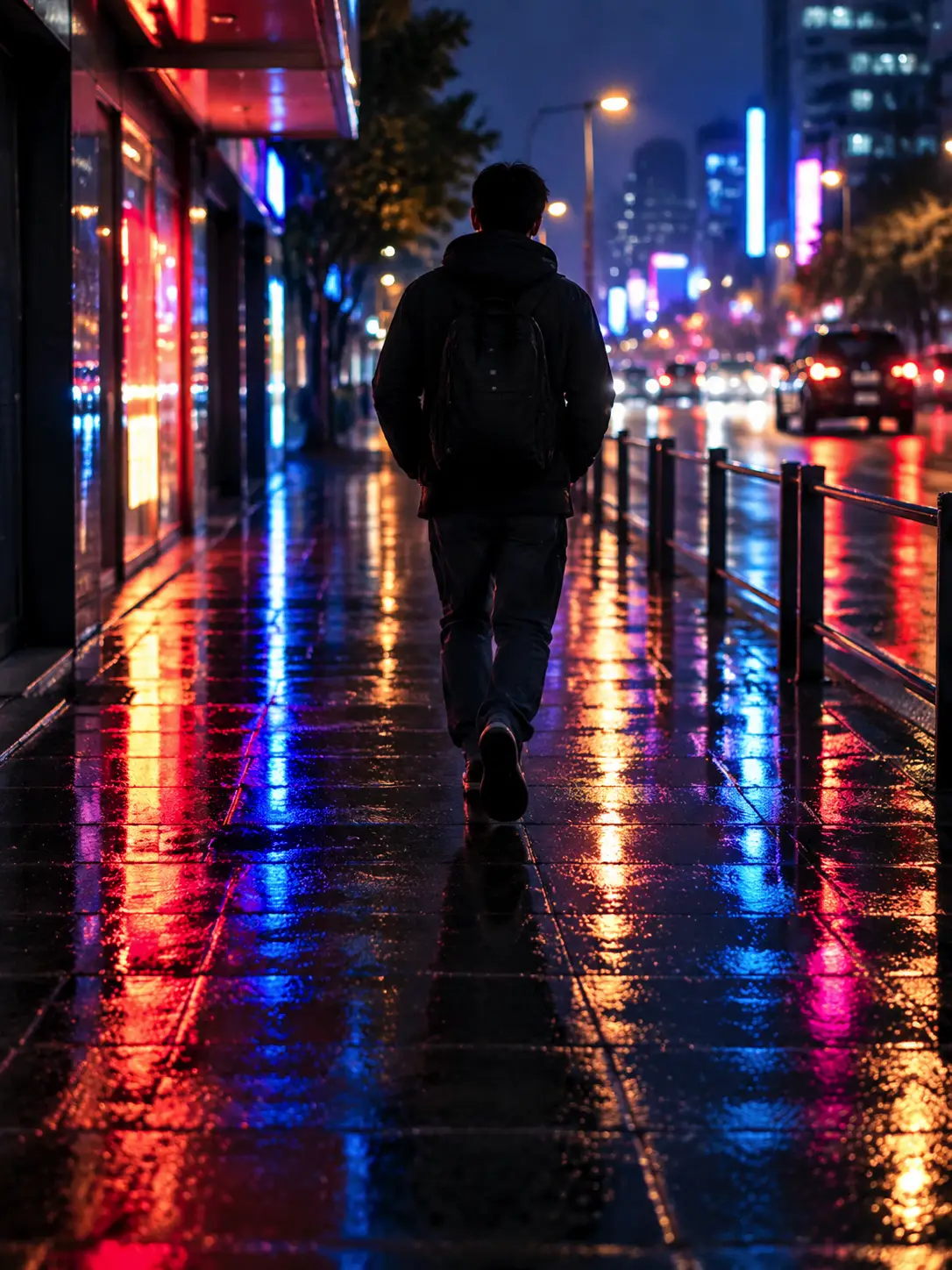
A follow shot built for 9:16.
Join people using Wan 3.0 when a clip has to start somewhere specific, follow a still, or run longer than a loop.
Trusted by 5 000+ people worldwide
Want more video workflows? Browse short, realistic, and image-to-video tools in the AI Video hub.
Explore AI Video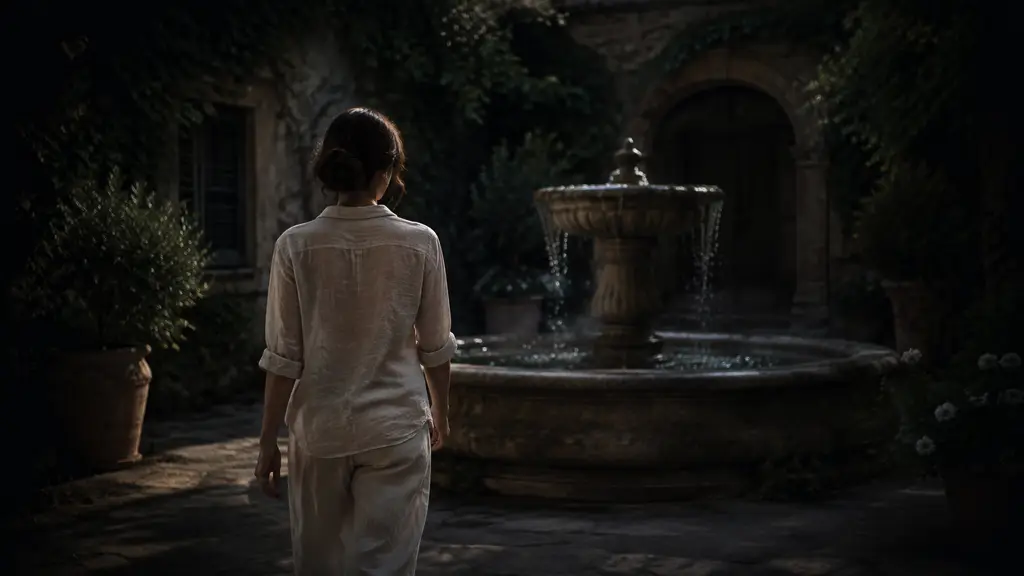
Get more generations, faster creation, and priority access to new features.
First-time creators exploring AI image tools
$0/ month
Daily hobbyists and enthusiasts
$10.9$11.9/ month
Everyday creators who need more output
$25.9$31.9/ month
Ambitious projects and heavy image & video workflows
$84.9$129.9/ month
Model names and capabilities on this page refer to third-party AI systems available through YOMIOO. Official specs and policies live with each provider; YOMIOO terms cover how we operate the workspace.
Availability and behavior depend on the models offered in-product. Always check the linked docs before commercial or sensitive use.